50
BM-170 Manual
If APs list is not displayed, set the connection
manually.
1 On the Wireless Network Configuration
window, select [Add].
2 Enter the AP name on the [Network Name]
field, and select [Next].
3 After selecting [Next], check [Provide key
automatically], and select [Next].
4 Select [Finish], and the selected AP is displayed
in the wireless networks list.
5 Select the [Connect] button to connect the
wireless LAN.
▶
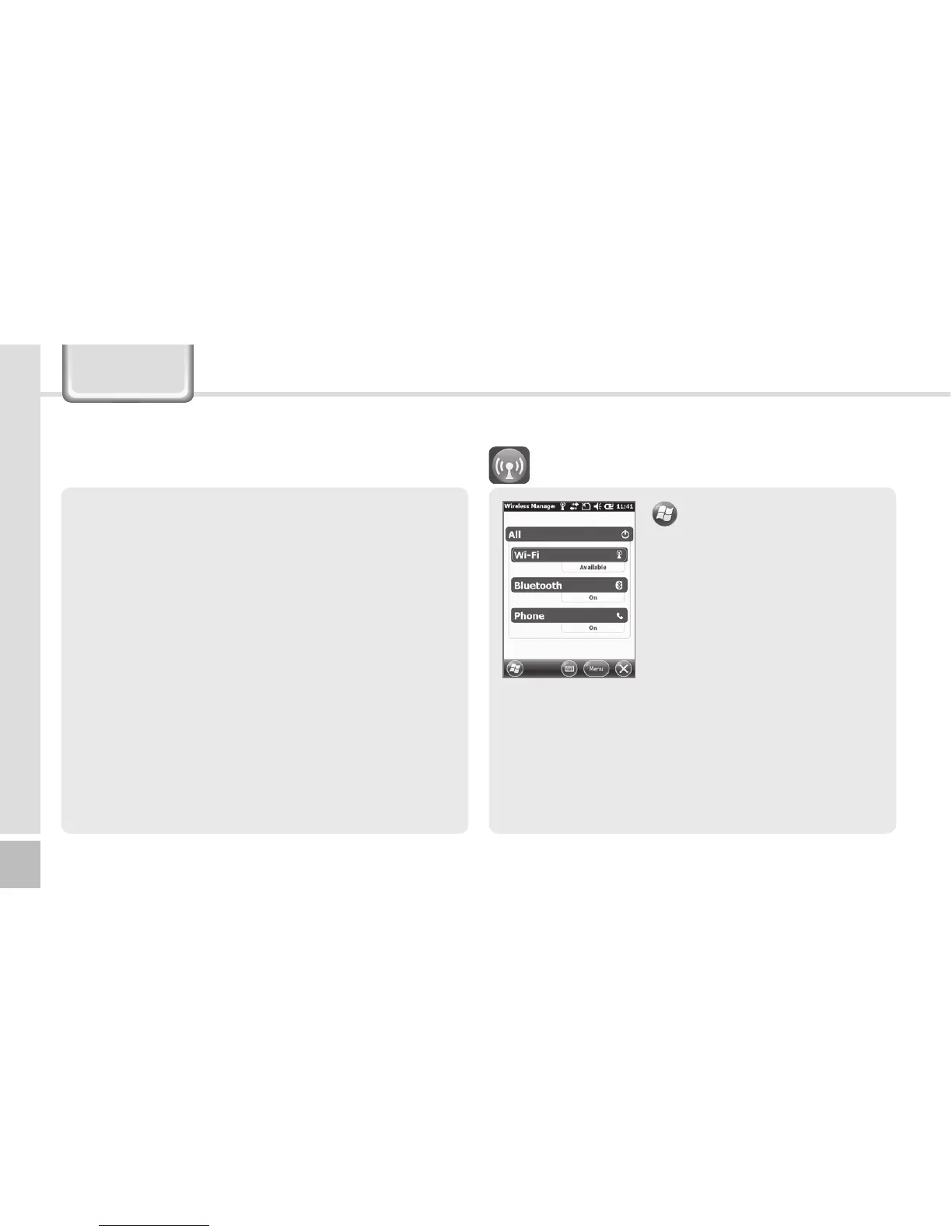
Settings
▶
Connection
▶
Wireless Manager
You can select [All] to enable/
disable three functions at
the same time, or select
[Wi-Fi] / [Bluetooth] / [Phone]
for independent enabling/
disabling.
When you enable this function, you can set the
details of this function.
When you disable this function, you can set the
function independently by selecting the [Menu]
button in the bottom right of the screen.
Wireless Manager
Settings



 To Next Page