Page 25 Page 26
Gallery
On PinGo Watch, you can store, see or delete your photos in the Gallery app.
View photos on PinGo Watch
1. Open the Gallery app on your PinGo Watch.
2. Tap a photo to view it.
3. Swipe le or right to see other photos.
4. If you want to delete a photo, tap on icon.
5. Tap Back buon to exit.
Phone
Answer a call on PinGo Watch
When you hear or feel the call noficaon, raise your wrist to see who’s
calling.
• Answer a call: Tap the Answer buon to talk using the built-in microphone
and speaker on your PinGo Watch.
• Decline a call: Tap the red Decline buon in the incoming call noficaon.
Make phone calls on PinGo Watch
There are two ways to make phone calls on PinGo Watch.
• Contact app
1. Open the Contact app on your PinGo Watch.
2. Scroll down and tap on the contact you want to call.
Heart Rate and Blood Pressure
This app is only available on the PinGo Watch W4S model.
Your heart rate is an important way to monitor how the PinGo Watch user’s
health is doing. You can check your heart rate and take a new reading at any
me.
See your heart rate and blood pressure
There are two ways to take a reading of your heart rate:
- Remotely from the PinGo GPS app.
- On your PinGo Watch:
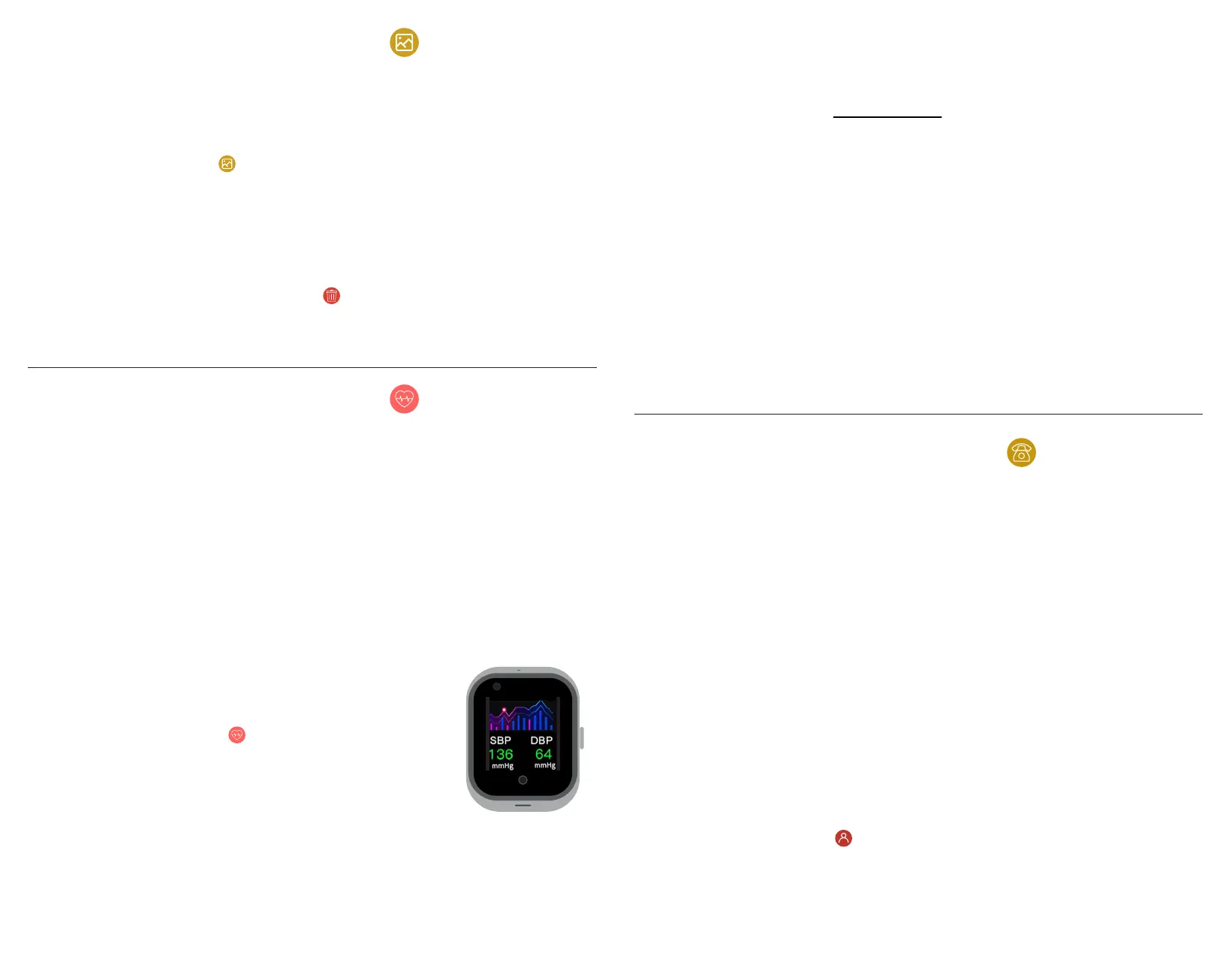
1. Open the HR & BP app on your PinGo Watch.
2. Tap Start to take a new reading.
3. Tap Back buon to exit.
NOTE: Heart rate and bood pressure measurements are NOT INTENDED FOR
MEDICAL USE.
See a historical of your heart rate data
You can see your heart rate over the last weeks on the PinGo GPS app. To
learn how to do it, see the PinGo GPS app secon.
Blood Oxygen
You can measure the percentage of oxygen your red blood cells carry from
your lungs to the rest of the body. Knowing how well oxygenated your blood
is can help you understand your overall health and wellness.
Blood oxygen measurements use a bright light that shines against your wrist,
which may be more visible in dark places.
NOTE: The Blood Oxygen feature is not available in all models. Blood Oxygen
measurements are NOT INTENDED FOR MEDICAL USE.



 To Next Page