Page 15 Page 16
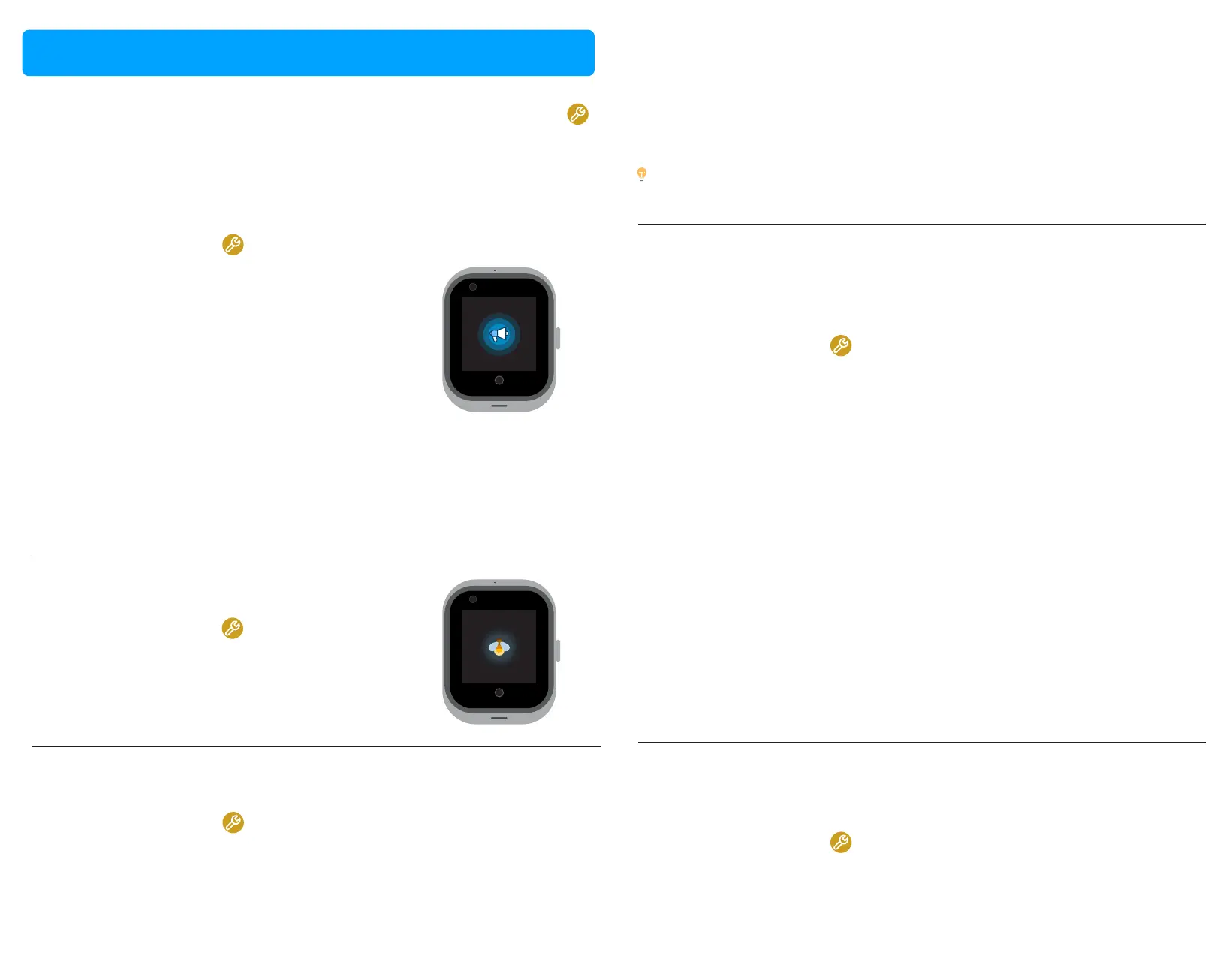
Adjust volume
< Click to adjust
1. Open the Sengs app on your PinGo Watch.
2. Tap Volume.
3. Tap on the volume that you want to adjust:
- Media volume
- Alarm volume
- Ring volume
4. Tap on the icon to adjust the volume.
Adjust brightness
NOTE: You will not be able to adjust the turning on volume. If the volume is
to loud, we recommend to press your finger over the speaker to reduce its
loudness.
1. Open the Sengs app on your PinGo Watch.
2. Tap Brightness.
3. Tap on the icon to adjust the brightness.
< Click to adjust
Adjust sleep mode
1. Open the Sengs app on your PinGo Watch.
2. Tap Sleep.
Sengs
3. Tap the me you want the screen to last:
- 15 seconds
- 30 seconds
- 1 minute
- 2 minutes
- 5 minutes
- 10 minutes
- 30 minutes
Connect PinGo Watch to a Wi-Fi network
1. Open the Sengs app on your PinGo Watch.
2. Scroll down and tap on the More opon.
3. Tap on Wifi.
4. To see available network, turn Wi-Fi on.
5. Tap the name of an available Wi-Fi network.
6. If the network requires a password, type the password characters on the
screen.
7. Tap connect.
NOTE: If you don’t want to connect your PinGo Watch to any Wi-Fi network,
turn Wi-Fi opon off. Turning the WiFi off will have a posive impact on
baery duraon.
By connecng your PinGo Watch to a Wi-Fi network, you will be able to use
some of the features that require Internet connecon.
Connect PinGo Watch to Bluetooth device
1. Open the Sengs app on your PinGo Watch.
2. Scroll down and tap on the More opon.
Your PinGo Watch can communicate with other nearby Bluetooth devices.
Tip: Consider that this seng will have an impact on baery duraon
because it will maintain the touch screen on for the selected period of me.
To configure the rest of the sengs on your PinGo Watch, with the screen on,
slide the screen to the le with your finger unl you find the Sengs app ,
select it, scroll down unl you find and select the opon that you want to
adjust.



 To Next Page