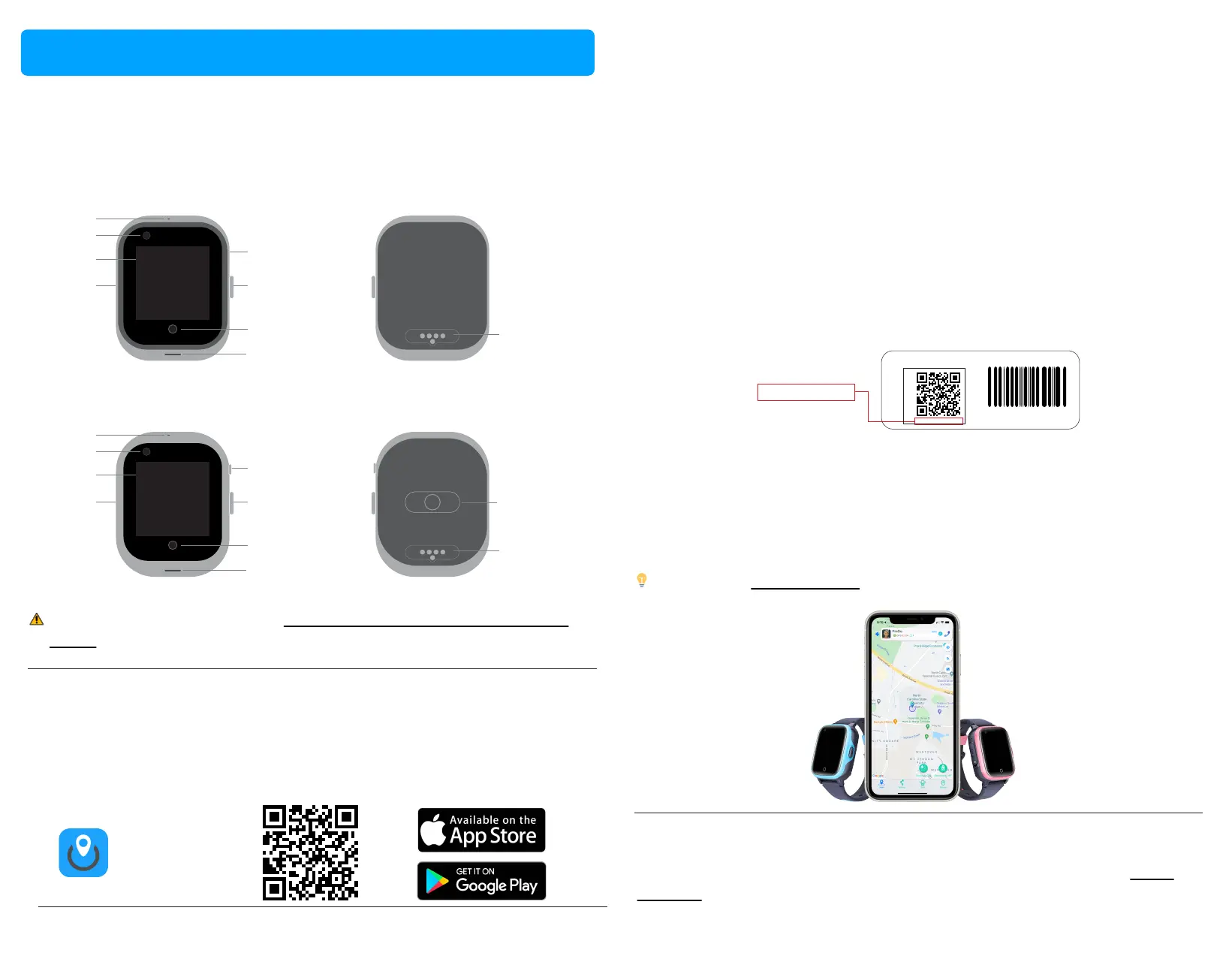
Your PinGo Watch
This guide describes PinGo Watch W3 and later.
PinGo Watch W3 and W4
Microphone
Camera
Screen
SIM card
Flashlight
Power/SOS
buon
Back buon
Speaker
Magnec port
Register and set up your PinGo Watch in the PinGo GPS app
with a smartphone (available for iOS and Android)
To use your PinGo Watch W3 or later, you need to install the PinGo GPS app
in your smartphone and register your PinGo Watch. Follow the steps described
in the App.
WARNING: To avoid injury, read Important safety informaon for PinGo
Watch before using your PinGo Watch.
Turn on, register and set up your PinGo Watch
The PinGo Watch comes with a SIM card installed and ready to use if you
subscribed to the PinGo Service Plan when you purchased your PinGo Watch.
If you didn’t purchase the PinGo Service Plan, make sure your PinGo Watch
has an acve SIM card inserted before turning it on.
1. To turn on your PinGo Watch, press and hold the side buon unl you
hear a sound and the screen is on. It’s recommended to do it outdoors or
close to a window to enable a faster connecon to the cellular network.
2. Open the PinGo GPS app, and create a User account. Aerwards,
register your PinGo Watch by scanning the QR code or typing the numbers
under the QR code that is aached to the watch or in the box.
3. Follow the instrucons in the PinGo GPS app unl you finish the
registraon process. In a few minutes, you will be able to track your PinGo
Watch in the app.
PinGo GPS
Trouble registering?
If your PinGo Watch is not registered in the PinGo GPS app, see the PinGo
GPS app secon.
Page 9 Page 10
Tip: Read the PinGo GPS app secon in this manual to get familiar with its
funcons.
You are ready to enjoy the PinGo tracking and communicaon experience.
Set up and get started
Example
123456789098765
123456789098765
Reg Code/ID Code
REG CODE
IMEI: 098765432123456
IMEI
PinGo Watch W4S
Microphone
Camera
Screen
SIM card
Flashlight
Power/SOS
buon
Back buon
Speaker
Magnec port
Heart rate and
blood pressure sensor



 To Next Page