Page 27 Page 28
• Enter a phone number on PinGo Watch
You can enable or disable the keypad opon from the PinGo GPS app.
When the keypad is enabled.
1. Open the Phone app on your PinGo Watch.
2. Tap Keypad, enter the number, then tap .
Make an emergency phone call on PinGo Watch
In case of emergency, use your PinGo Watch to quickly call for help.
On the PinGo GPS app, you can add emergency contacts, in addion to the
main contact.
• Press and hold the side buon unl your PinGo Watch starts to call.
While it’s calling, your PinGo Watch alerts your emergency contacts that you
made an emergency call and sends them your current locaon (if available).
Your PinGo Watch follows an emergency process to ensure that someone can
be nofied:
• If the first emergency contact answers, your PinGo Watch won’t call the
other contacts.
• If the first emergency contact doesn’t answer, your PinGo Watch will
call the second emergency contact, and so on.
• If nobody answers the call, it will call the three emergency contacts two
mes before hanging up.
NOTE: If a voice mail answers is considered an answered call.
QR Code
Registraon Code
This shows the QR code of your PinGo Watch. This code is needed to register
your PinGo Watch in the PinGo GPS app.
You can scan this code with your smartphone or type the number while
registering your PinGo Watch in the PinGo GPS app.
Applicaon Code
This shows the QR code of the PinGo GPS app. Scan this code to download
the PinGo GPS app from your digital store.
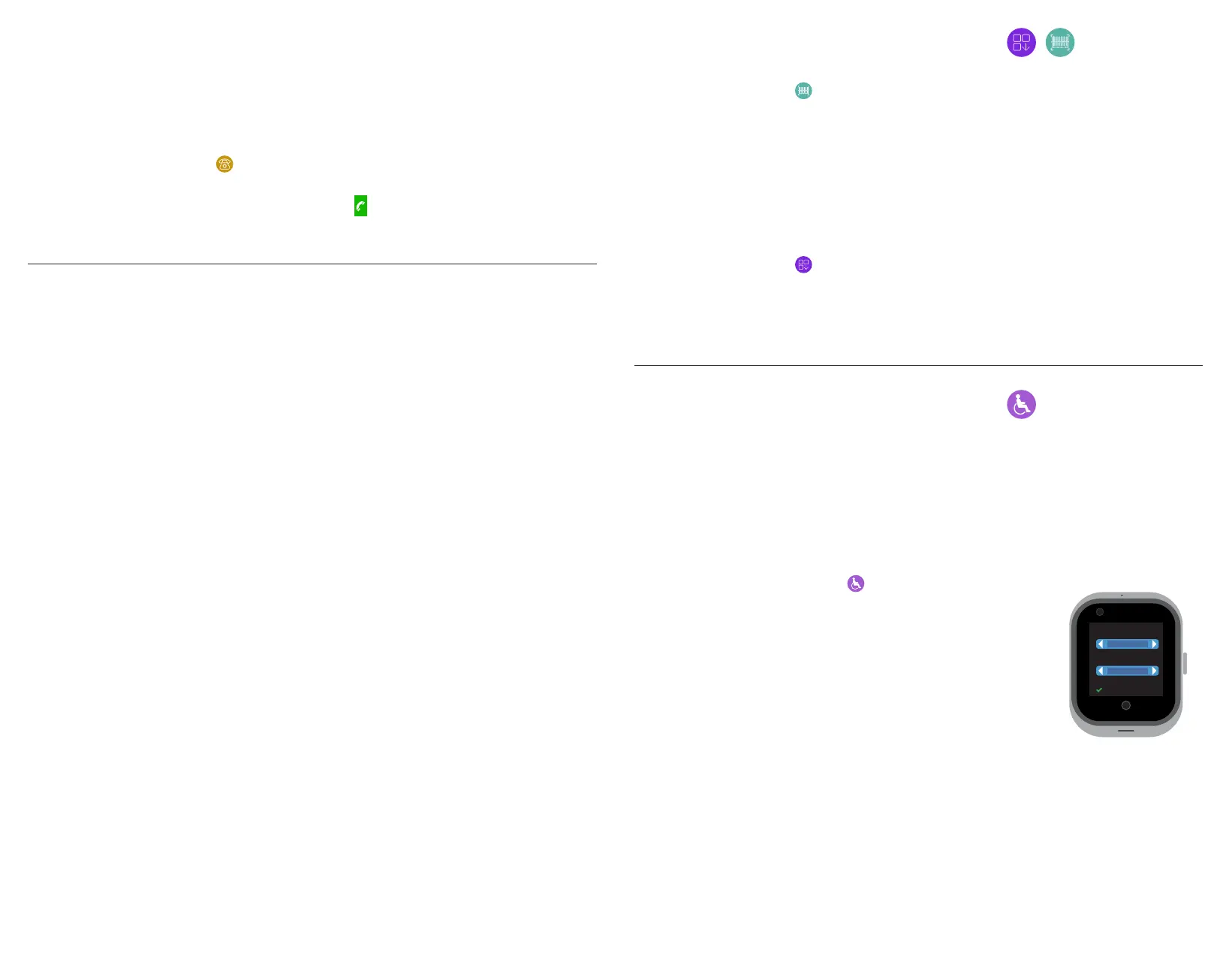
1. Open the Sedentary app on your PinGo Watch.
2. Tap on the bar to Open (On) or Close (Off) it.
3. Tap on the Reminder bar the minutes in which the
clock should remind you if you haven’t moved.
4. Tap OK to accept or back to cancel and exit
5. Tap Back buon to exit.
Sedentary
This app is only available on the PinGo Watch W4S model.
It keeps track of your movement throughout the day and encourages you to
move. The app tracks how oen you move, and how long you are without
moving.
Sedentary
Reminder me
Open
30
OK back
X
If fall detecon is enabled and you have been immobile for some minutes
aer PinGo Watch detects a hard fall, it will make a call to emergency
contacts automacally. See Manage fall detecon on PinGo Watch and PinGo
GPS app. Fall detecon is not available on all models.



 To Next Page