13
Basic Operation
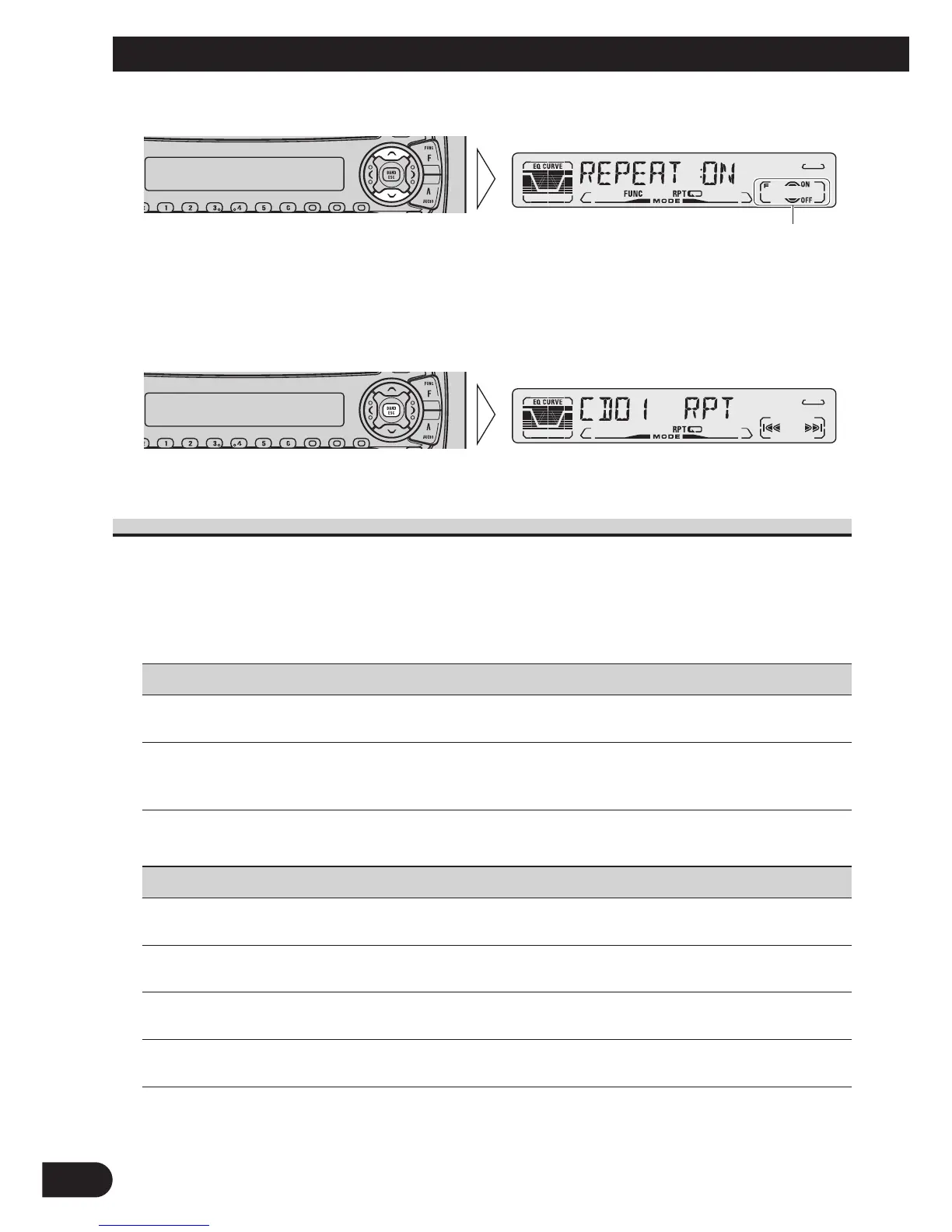
2. Operate a mode. (e.g. Repeat Play)
3. Cancel the Function Menu.
Function Menu Functions
The following chart shows functions for each source in the Function Menu.
The chart also shows indications for each function, operations and buttons used to perform
operations. For more details, or when you want to know about an operation, refer to the
page number indicated in the chart.
7 Tuner
Function name (Display) Button : Operation Page
Best Stations Memory (BSM) 5:ON 16
∞:OFF
Local Seek Tuning (LOCAL) 1 5:ON 16
3 ∞:OFF
2 2 or 3:Select (Sensitivity)
7 Built-in CD Player
Function name (Display) Button : Operation Page
Repeat Play (REPEAT) 5:ON 17
∞:OFF
Random Play (RANDOM) 5:ON 17
∞:OFF
Scan Play (T-SCAN) 5:ON 18
∞:OFF
Pause (PAUSE) 5:ON 18
∞:OFF
The button used and the operation it performs are
indicated by the key guidance indicator. Press the
5 button to switch the key guidance indicator ON,
and the ∞ button to switch it OFF.






 To Next Page