Initial Setting
34
ENGLISH ESPAÑOL DEUTSCH FRANÇAIS ITALIANO NEDERLANDS
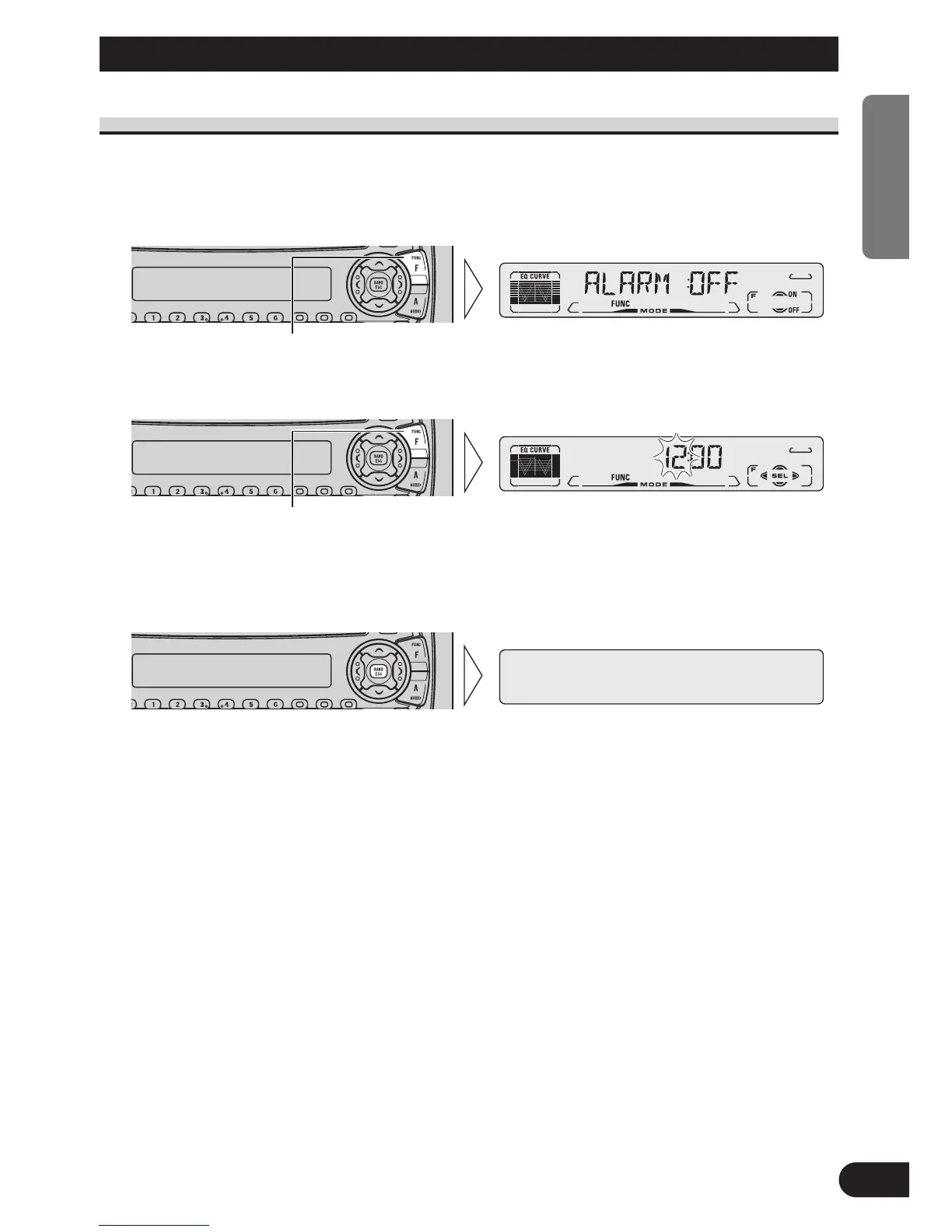
Entering the Initial Setting Menu
With this Menu, you can perform initial settings for this product.
1. Switch the sources OFF.
2. Enter the Initial Setting Menu.
3. Select the desired mode.
4. Operate a mode.
5. Cancel the Initial Setting Menu.
Note:
• ALARM is a new feature of the “Detachable Face Security Alarm”. Refer to “DFS Alarm
Function” for details and instructions on how to use this function.
• Holding down the FUNCTION button for 2 seconds also cancels the Initial Setting Menu.
Each press changes the Mode ...
Hold for 2 seconds






 To Next Page