32
ENGLISH ESPAÑOL DEUTSCH FRANÇAIS ITALIANO NEDERLANDS
Source Level Adjustment (SLA)
The SLA (Source Level Adjustment) function prevents radical leaps in volume when
switching between sources. Settings are based on the FM volume, which remains
unchanged. (Since the FM volume is the control, SLA is not possible in the FM modes.)
The AM, CD, External Unit and AUX levels can all be adjusted.
The Built-in CD player and Multi-CD player are set to the same volume adjustment setting
automatically.
1. Compare the FM volume with the volume of the other source.
(e.g. Built-in CD player)
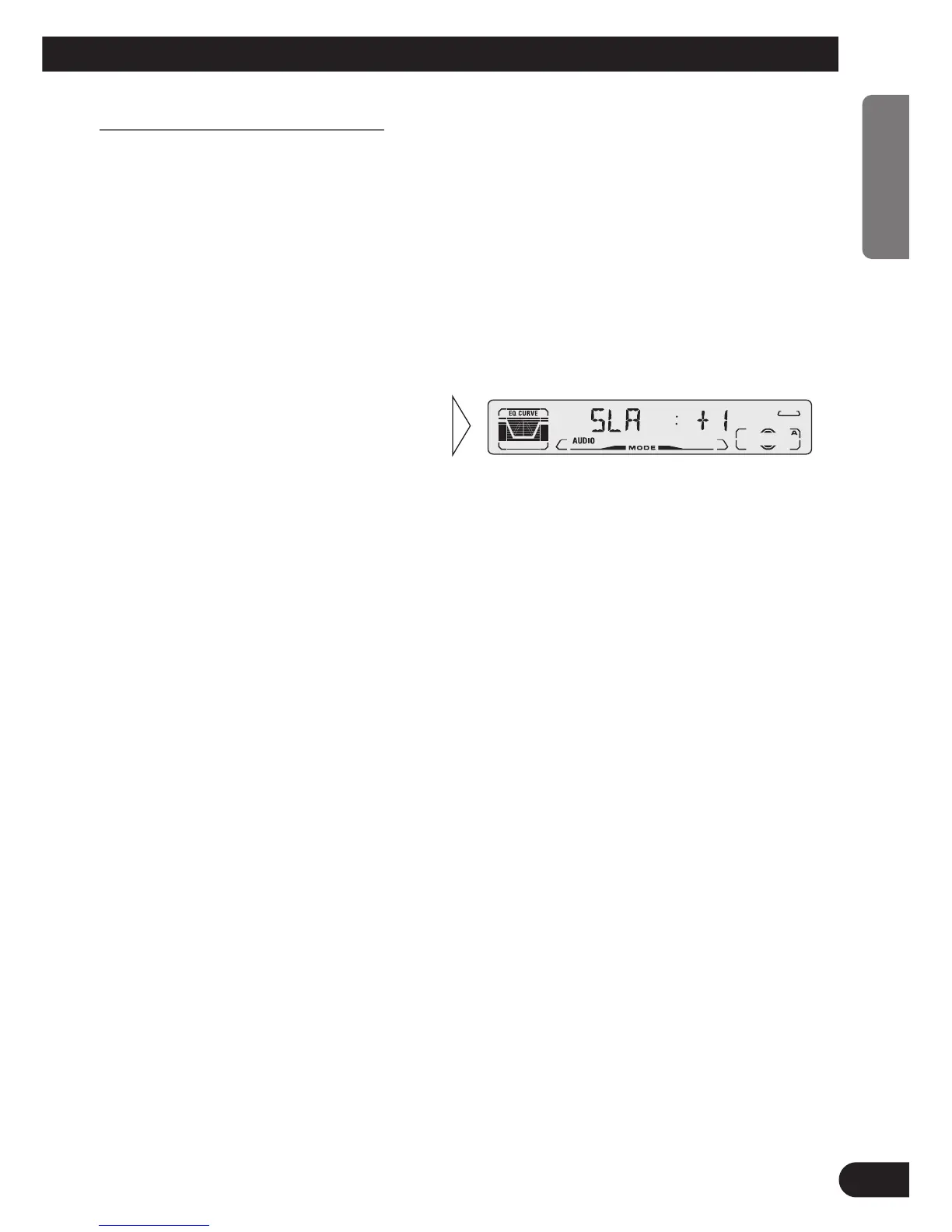
2. Press the AUDIO button and select the SLA mode (SLA) in the Audio Menu.
3. Increase or decrease the level
with the 5/∞ buttons.
The display shows “+4” – “–4”.






 To Next Page