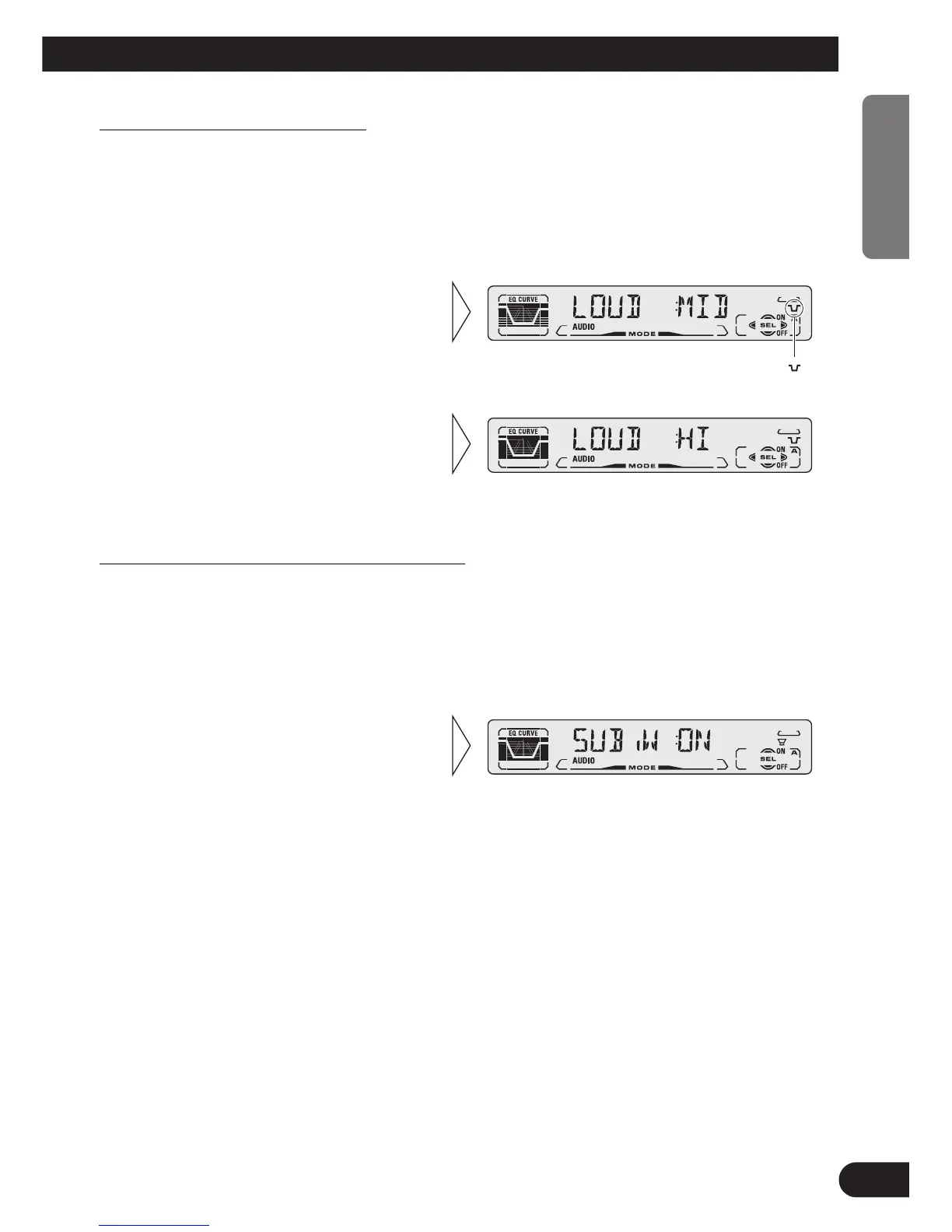
Loudness Adjustment (LOUD)
The Loudness function compensates for deficiencies in the low and high sound ranges at
low volume. You can select a desired Loudness level.
1. Press the AUDIO button and select the Loudness mode (LOUD) in the Audio
Menu.
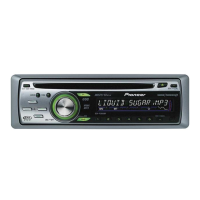
Sub-woofer Output (SUB.W) (DEH-P410)
DEH-P410 is equipped with a Sub-woofer output which can be switched ON or OFF.
Initially, Sub-woofer output is OFF.
Note:
• Select the OFF setting when you do not want the Sub-woofer to operate.
2. Switch the Sub-woofer output
ON/OFF with the 5/∞ but-
tons.
1. Press the AUDIO button and select the Sub-woofer ON/OFF mode
(SUB.W) in the Audio Menu.
3. Select the desired level with the
2/3 buttons.
LOW Ô MID Ô HI
”“
2. Switch the Loudness function
ON/OFF with the 5/∞ buttons.
30
ENGLISH ESPAÑOL DEUTSCH FRANÇAIS ITALIANO NEDERLANDS






 To Next Page