15
Basic Operation
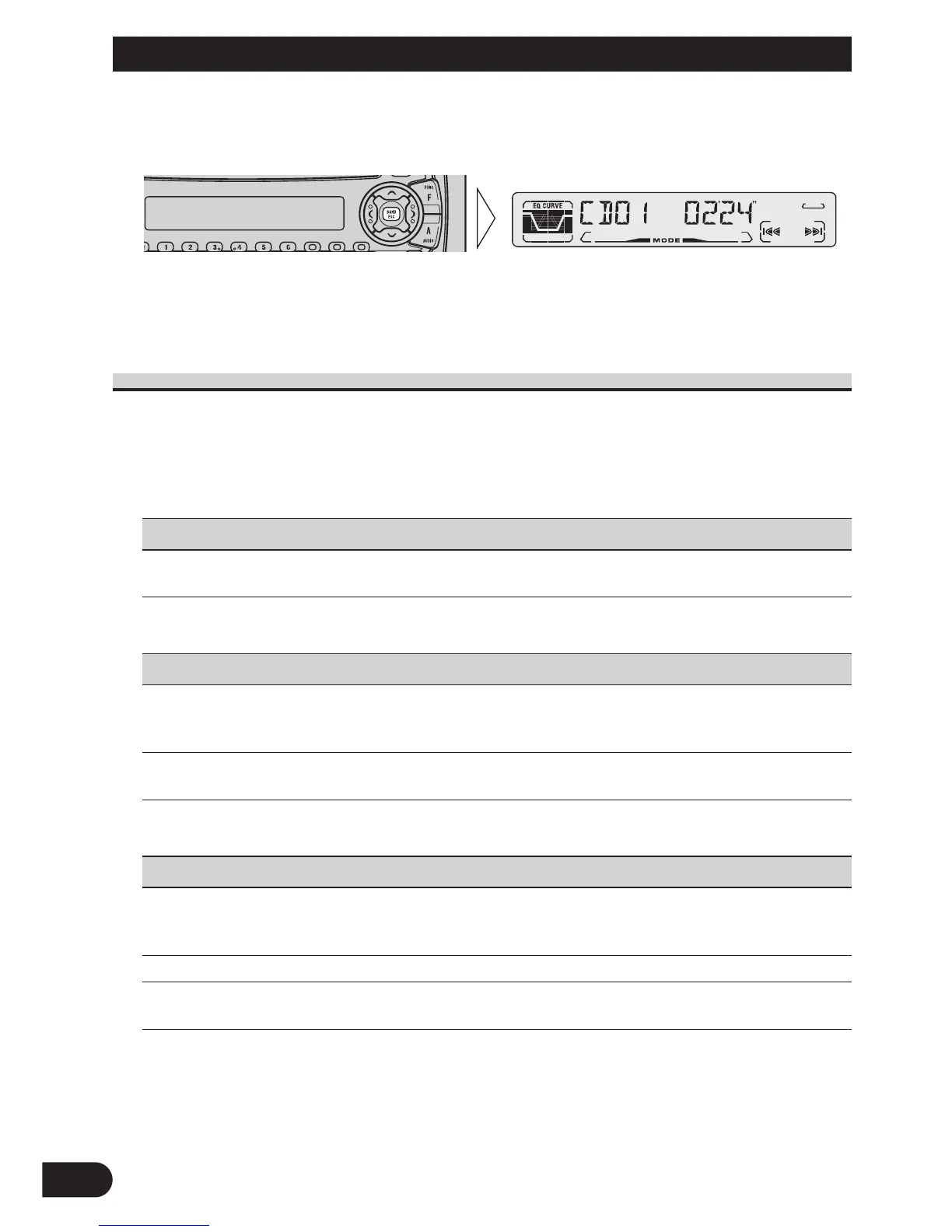
3. Operate a mode.
4. Cancel the Detailed Setting Menu.
Note:
• You can cancel the Detailed Setting Menu by pressing the FUNCTION button again for 2 seconds.
Detailed Setting Menu Functions
The following chart shows functions for each source in the Detailed Setting Menu.
The chart also shows indications for each function, operations and buttons used to perform
operations. For more details, or when you want to know about an operation, refer to the
page number indicated in the chart.
7 Tuner
Function name (Display) Button : Operation Page
Program Function (PGM-FUNC) 1 2 or 3:Select (Function) 40
2 5:Memory
7 Built-in CD Player
Function name (Display) Button : Operation Page
Disc Title Input (TITLE IN) 1 5 or ∞:Select (Letter) 18
2 2 or 3:Select (Position)
3 3:Memory
Program Function (PGM-FUNC) 1 2 or 3:Select (Function) 40
2 5:Memory
7 Multi-CD Player
Function name (Display) Button : Operation Page
Disc Title Input (TITLE IN) 1 5 or ∞:Select (Letter) 23
2 2 or 3:Select (Position)
3 3:Memory
ITS Programming (ITS) 5:Memory 21
Program Function (PGM-FUNC) 1 2 or 3:Select (Function) 40
2 5:Memory






 To Next Page