31
Audio Adjustment
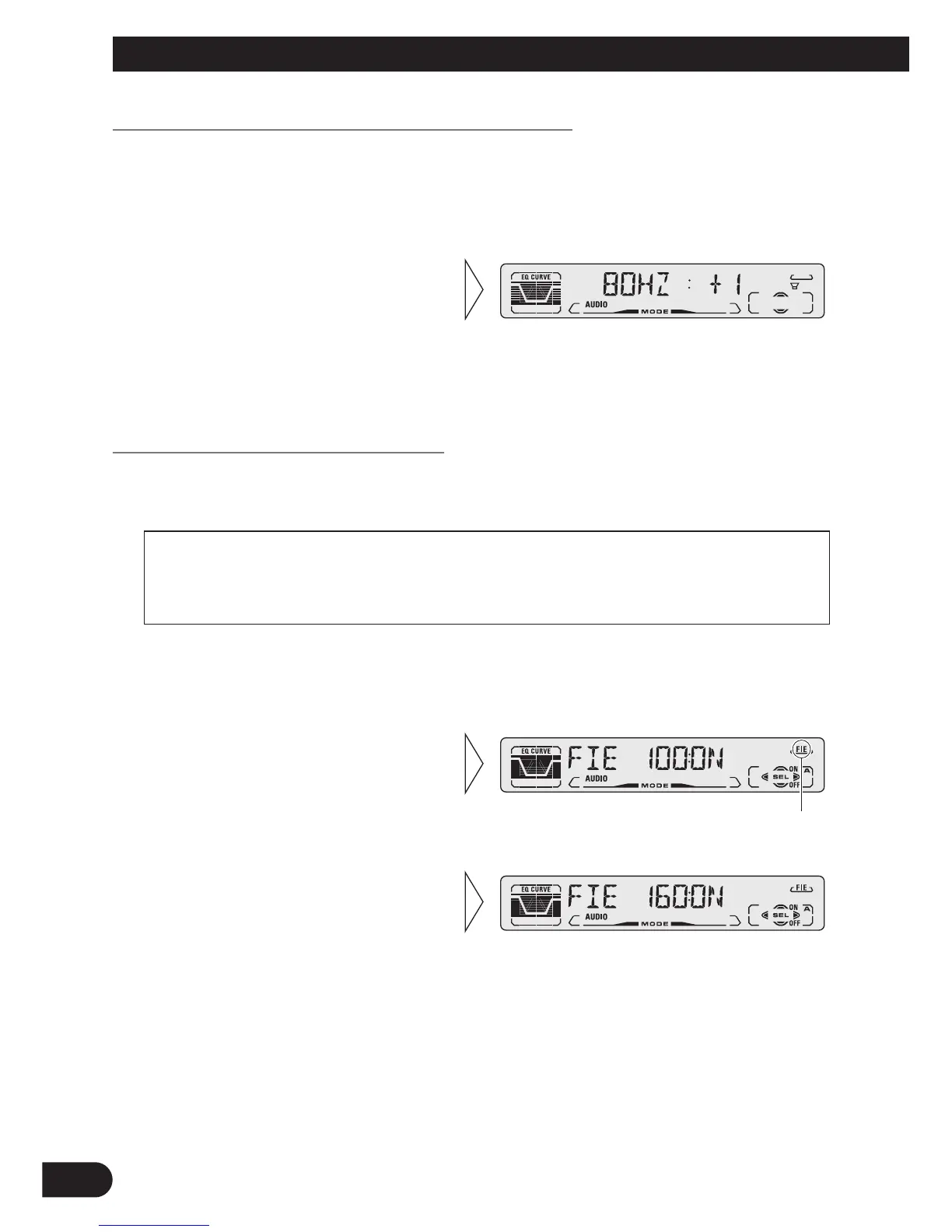
Sub-woofer Setting Adjustment (80HZ) (DEH-P410)
When the Sub-woofer output is ON, you can adjust the output level of Sub-woofer.
Note:
• You can select the Sub-woofer setting mode only when Sub-woofer output is switched ON in the
Sub-woofer ON/OFF mode.
Front Image Enhancer Function (FIE)
The F.I.E. (Front Image Enhancer) function is a simple method of enhancing front imaging
by cutting mid- and high-range frequency output from the rear speakers, limiting their out-
put to low-range frequencies. You can select the frequency you want to cut.
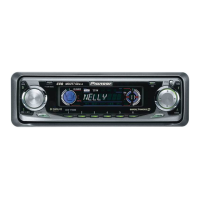
1. Press the AUDIO button and select the F.I.E. mode (FIE) in the Audio
Menu.
Note:
• After switching the F.I.E. function ON, select the Fader/Balance mode in the Audio Menu, and
adjust front and rear speaker volume levels until they are balanced.
• Switch the F.I.E. function OFF when using a 2-speaker system.
3. Select the desired frequency
with the 2/3 buttons.
100 Ô 160 Ô 250 (Hz)
“FIE”
2. Switch the F.I.E. function
ON/OFF with the 5/∞ buttons.
Precaution:
• When the F.I.E. function is deactivated, the rear speakers output sound of all frequencies, not just
bass sounds. Reduce the volume before disengaging F.I.E. to prevent a sudden increase in vol-
ume.
2. Increase or decrease the output
level with the 5/∞ buttons.
The display shows “+ 6” – “– 6”.
1. Press the AUDIO button and select the Sub-woofer setting mode (80HZ)
in the Audio Menu.






 To Next Page