Using Multi-CD Players
Compression and DBE (COMP/DBE)
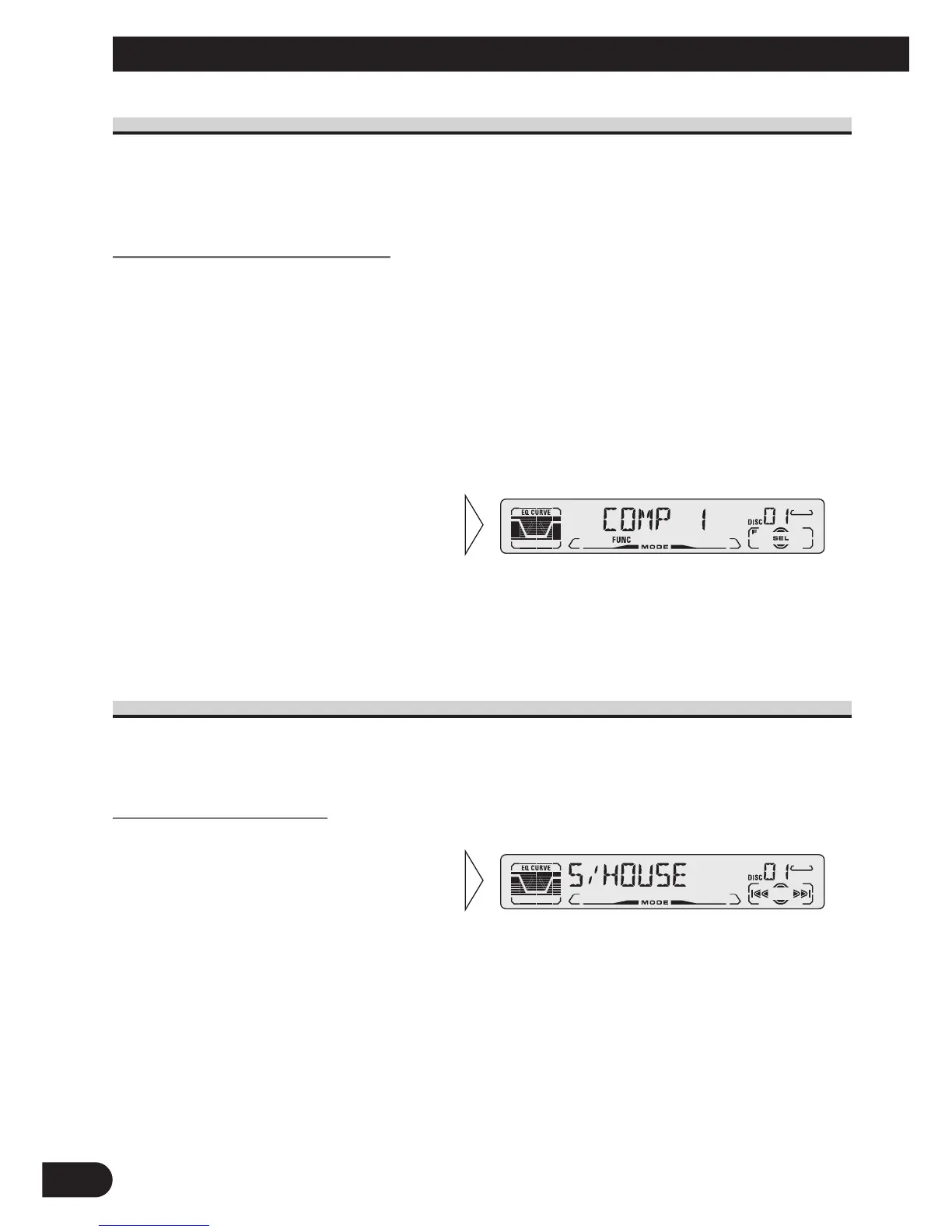
Using the COMP (Compression) and DBE (Dynamic Bass Emphasis) functions enables
Multi-CD player sound quality adjustment. Each of the functions enables two-step adjust-
ment.
COMP/DBE ON/OFF Switching
Note:
• You can use these functions with a Multi-CD player that has them. If the player does not feature the
COMP/DBE functions, “NO COMP” is displayed if you try to use them.
CD TEXT Function (for CD TEXT compatible type)
You can use these functions when playing a CD TEXT disc on a CD TEXT compatible
Multi-CD player.
Title Display Switching
Note:
• If certain text information is not recorded on a CD TEXT disc, “NO ~” (e.g. “NO TRACK TITLE”)
is displayed.
• Select the desired title display
with the DISPLAY button.
Each press of the DISPLAY button
changes the display in the following
order:
Playback mode (Play Time)
= Disc Title = Disc Artist Name
= Track Title = Track Artist Name
2. Select the desired mode with
the 5/∞ buttons.
COMP OFF = COMP 1 = COMP 2
= COMP OFF = DBE 1 = DBE 2
1. Press the FUNCTION button and select the COMP/DBE Switching mode
(COMP/DBE) in the Function Menu.
7 DBE
DBE (Dynamic Bass Emphasis) boosts
bass levels to give a fuller sound.
7 COMP
The COMP (Compression) function
adjusts imbalances between loud and
subdued sounds at higher volumes.
25






 To Next Page