Other Functions
Time Display
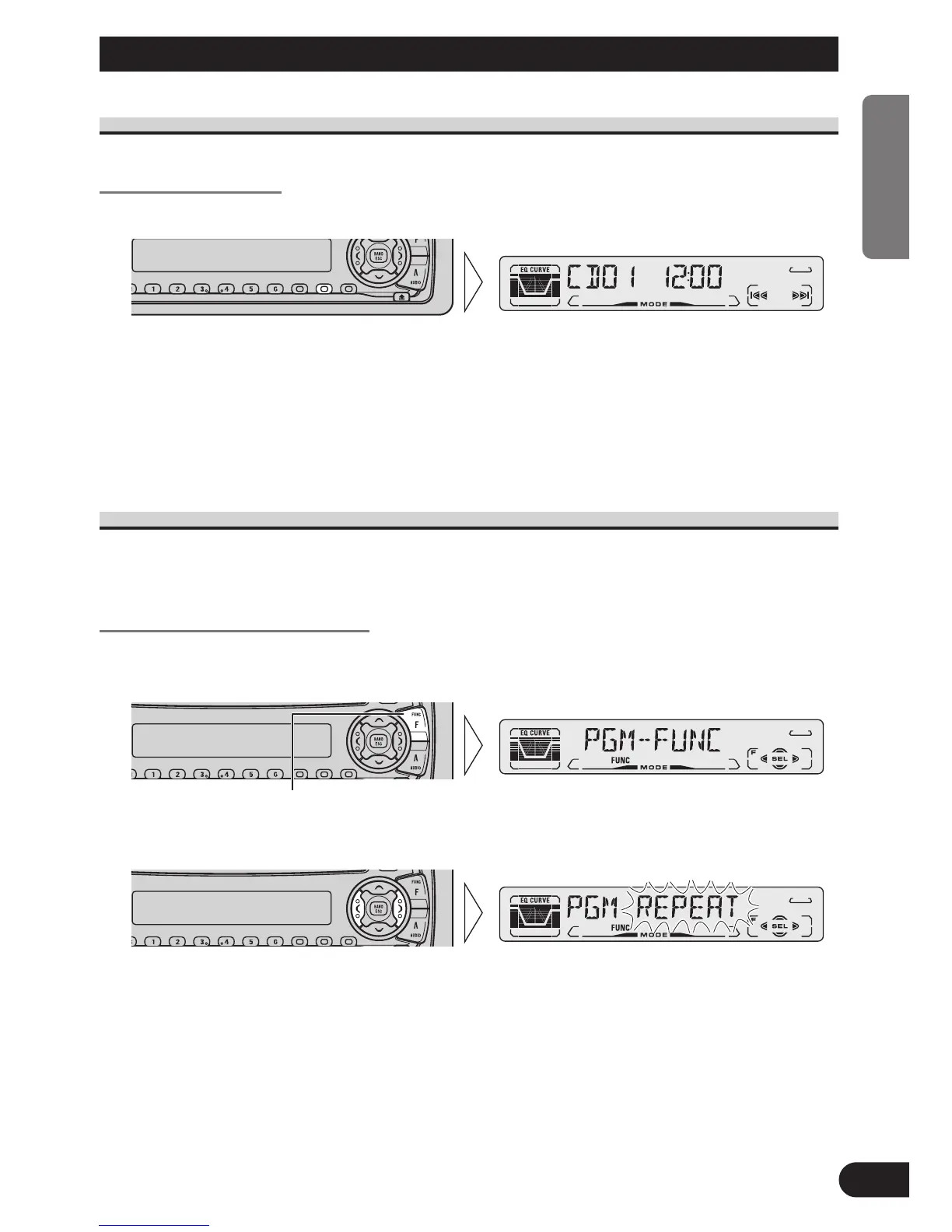
Displaying the Time
• To turn the time display ON.
The time display disappears temporarily when you perform another operation, but the time
indication returns to the display after 25 seconds.
Note:
• When the sources are OFF, the Time appears on the display.Pressing the CLOCK button switches
the Time display ON/OFF.
Using the PROGRAM Button (PGM-FUNC)
The PROGRAM button can memorize one of the functions in the Function Menu.
It is possible to memorize a different function for each source.
Setting the PROGRAM Button
1. Select the PROGRAM button’s setting mode (PGM-FUNC) in the Detailed
Setting Menu. (Refer to page 14.)
2. Select the function you want to memorize in the PROGRAM button.
Continued overleaf.
Hold for 2 seconds
40
ENGLISH ESPAÑOL DEUTSCH FRANÇAIS ITALIANO NEDERLANDS






 To Next Page