Other Functions
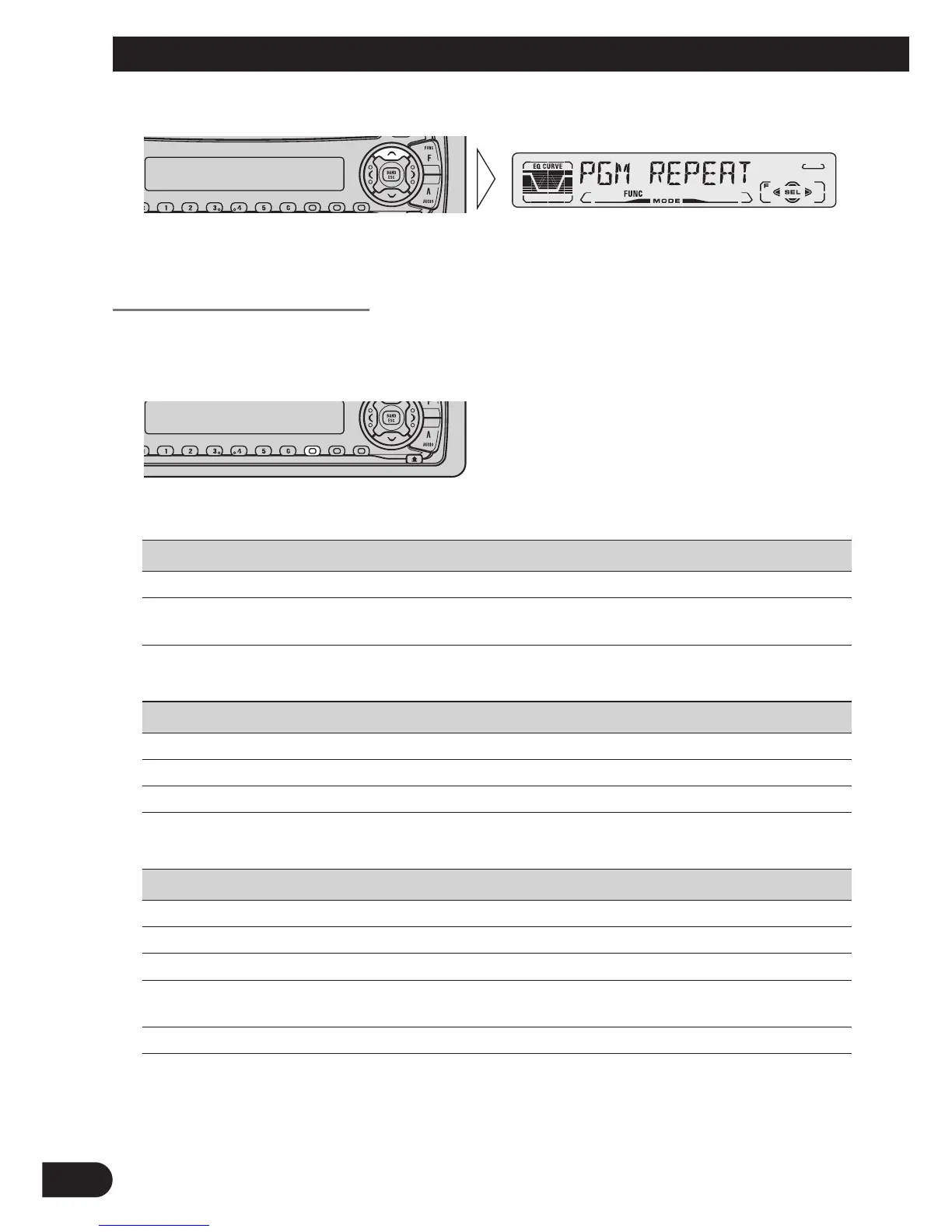
3. Memorize the function in PROGRAM button.
Pressing the BAND button cancels the Detailed Setting Menu.
Using the PROGRAM Button
The PROGRAM button operates in a different way depending on the function pro-
grammed (memorized).
• Use the PROGRAM button.
7 Tuner
Function Name (Display) Press Hold for 2 seconds
Best Stations Memory (BSM) OFF ON
Local Seek Tuning (LOCAL) ON/OFF Entering the Local Seek
Sensitivity mode
7 Built-in CD Player
Function Name (Display) Press Hold for 2 seconds
Pause (PAUSE) ON/OFF –––––
Repeat Play (REPEAT) ON/OFF –––––
Random Play (RANDOM) ON/OFF –––––
7 Multi-CD Player
Function Name (Display) Press Hold for 2 seconds
Pause (PAUSE) ON/OFF –––––
Repeat Play (REPEAT) Selecting the Play range –––––
Random Play (RANDOM) ON/OFF –––––
Selecting Discs by Disc Title List Enter the LIST mode –––––
(TITLE LIST)
ITS ITS Programming ON/OFF
41






 To Next Page