EasyManua.ls Logo

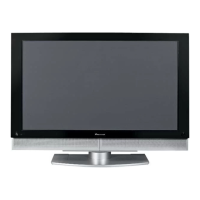
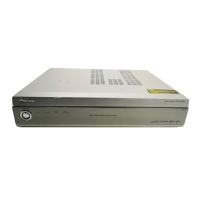
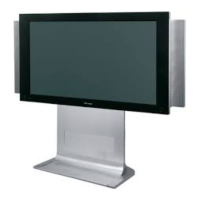
Pioneer PDP-4340HD - User Manual

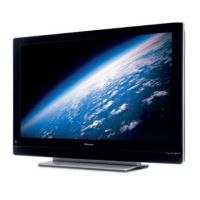
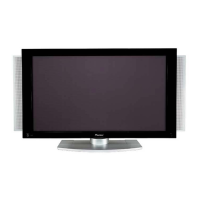
Pioneer PDP-4340HD
118 pages
Print Icon
To Next Page IconTo Next Page
Loading...
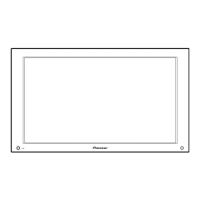
PLASMA DISPLAY SYSTEM
SYSTEME D’ÉCRAN PLASMA
SISTEMA DE PANTALLA DE PLASMA
PDP-5040HD
PDP-4340HD
Operating Instructions
Mode d’emploi
Manual de instrucciones
Register Your Product on
www.pioneerelectronics.com
PDP5040HD-Eng (Cover) 7/24/03, 1:56 PM1

Table of Contents

Other manuals for Pioneer PDP-4340HD

Questions and Answers

  • T
    Teresa JacksonAug 11, 2025
    What to do if my Pioneer Monitor has no power and no picture?
    • S
      Stephanie JordanAug 11, 2025
      First, ensure that both the Plasma Display and Media Receiver's power cables are securely connected to the power outlet. Then, make sure to switch on the power by pressing the POWER buttons on both the Plasma Display and Media Receiver. Also, check the system cable connection.
  • N
    Nathaniel SnowAug 25, 2025
    Why is my Pioneer PDP-4340HD not turning on and the indicators are flashing?
    • C
      Charles HunterAug 25, 2025
      The unit's protection circuitry might be activated. To resolve this, switch off the power to both the Plasma Display and Media Receiver using the POWER button. Wait for at least one minute, and then switch the power back on.

Pioneer PDP-4340HD Specifications

General IconGeneral
Screen Size43 inches
Display TypePlasma
Resolution1024 x 768
Aspect Ratio16:9
Brightness1000 cd/m²
HDTV CompatibilityYes
Viewing Angle160 degrees
InputsHDMI, Component, Composite, S-Video
Weight (kg)29.3 kg

Related product manuals