USER MANUAL Page 42 of 69
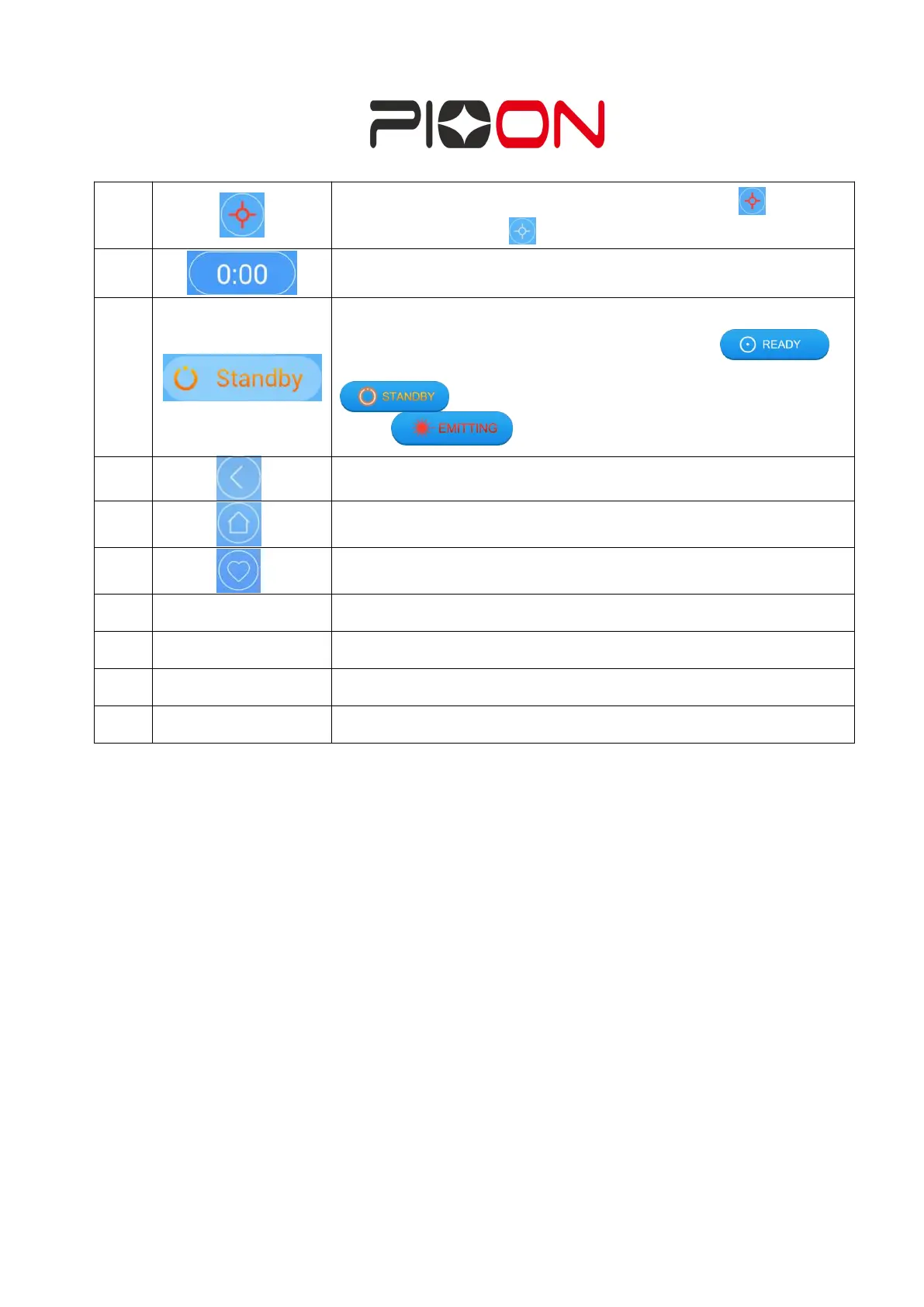
Indicator light: When the indicator light shows
Shows the time duration of the treatment, can be also set as a
count- down mode.
Laser emitting Indicator:
Parameters can be set at the standby mode,
parameters can’t be changed at the ready mode,
depress the footswitch, enter the emitting
mode
Return to the previous page
Emitting mode can be selected here
Current power: slidable setting;
A. Emitting mode select: CW mode, PULSE mode, SINGLE PULSE mode available.


 To Next Page