USER MANUAL Page 50 of 69
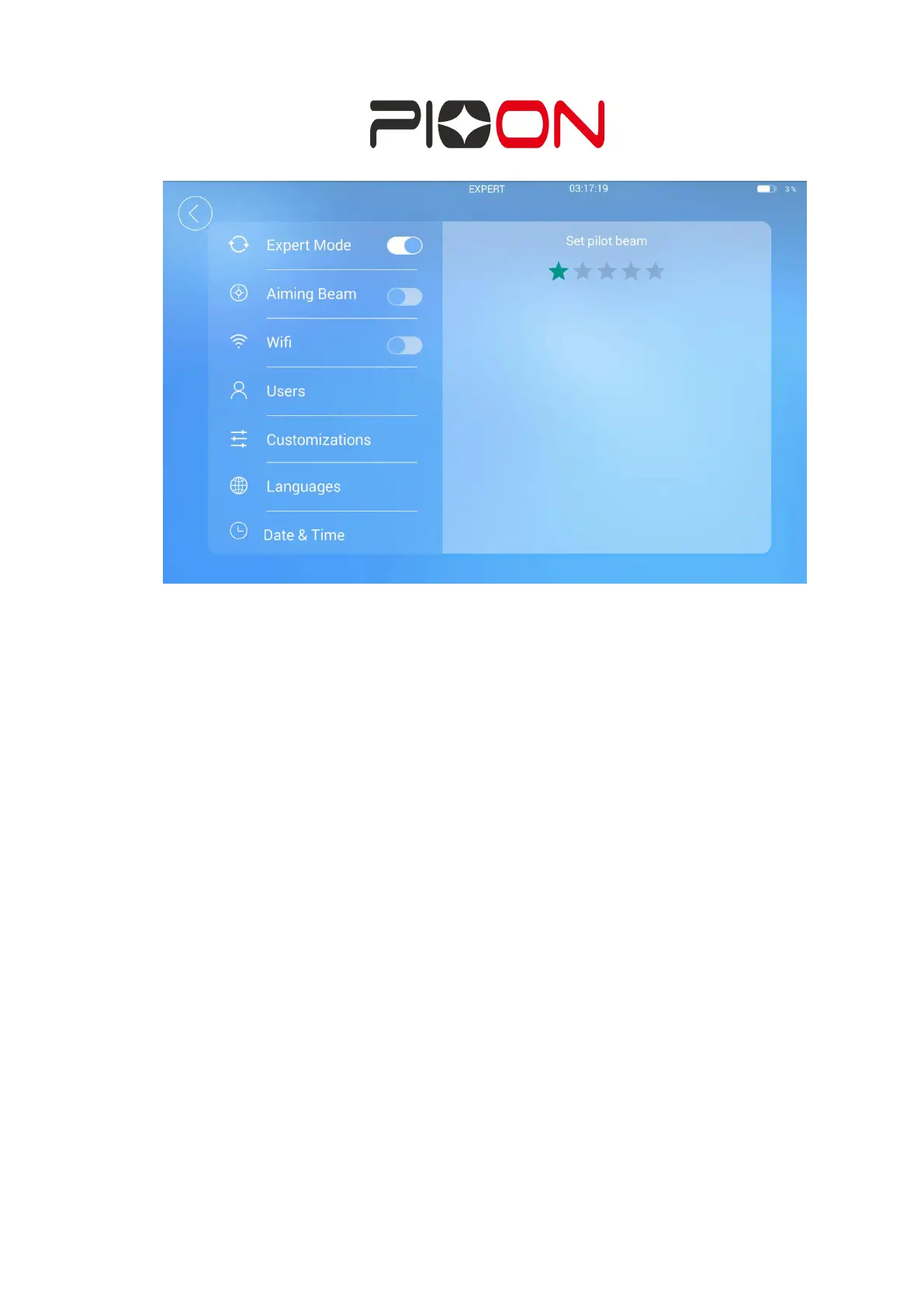
Figure 30 adjust the indicating light brightness interface
Page of connecting Wifi
;
click “Wifi”
,
click “ON” can connect to a wireless network.
After opening Wifi, you can search the surrounding wifi, click to enter the password.
If the password is correct, wifi will connect to the wireless network. Long press to
forget the wifi password, after forgetting, you can enter the password input interface
again. (Figure 31)


 To Next Page