L22-393 R0 Page 72
22 ReplacingtheElement
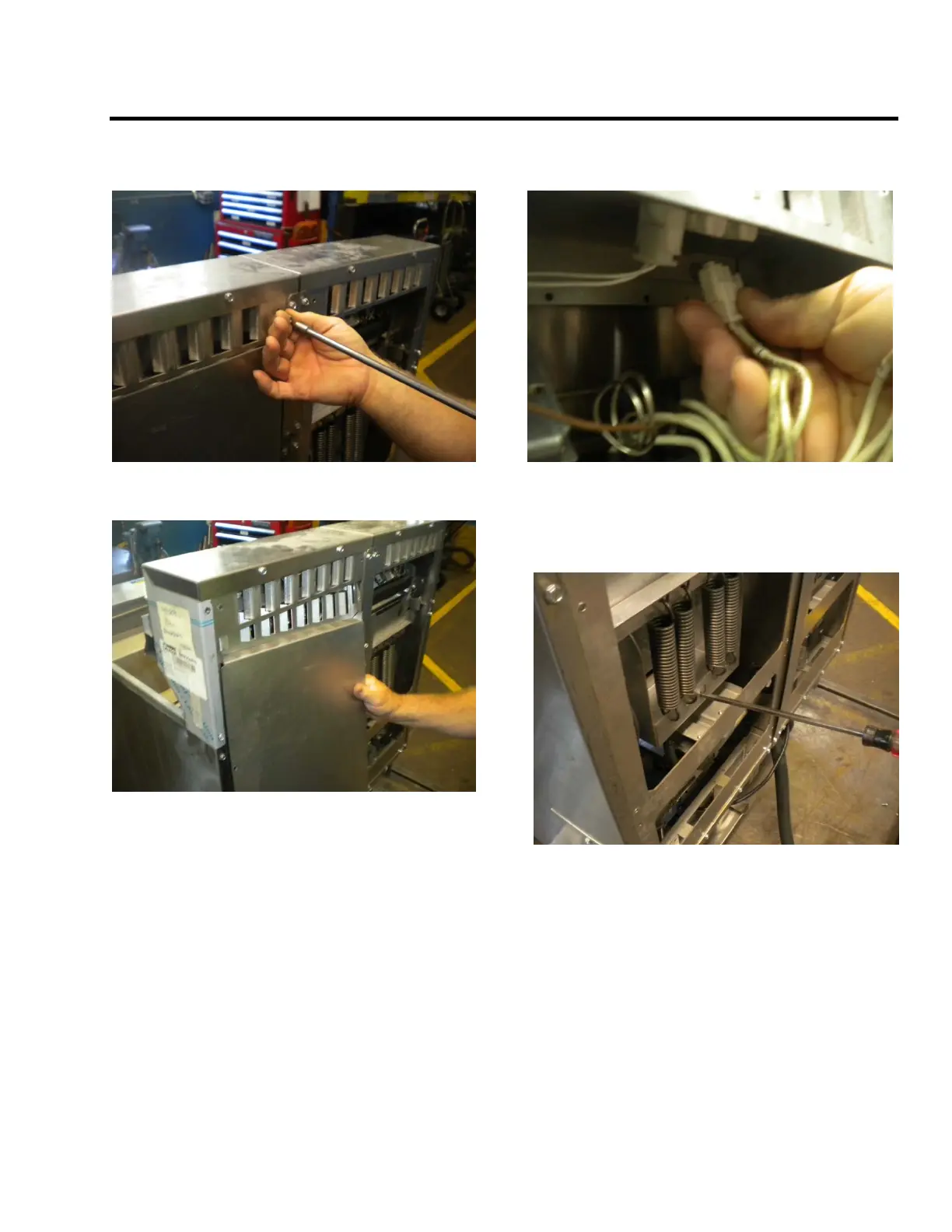
1. Lift the element to the upright position. Using
a 5/16 inch nut driver remove eight (8) screws
on back of unit.
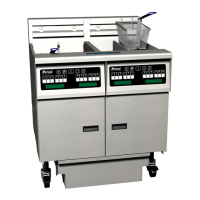
2. Remove back cover, set aside.
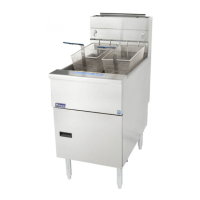
3. Unplug Molex connector (element
connection).
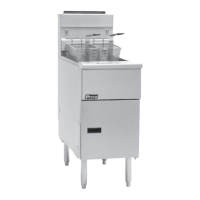
4.Insert screw driver to hold spring assembly.
Screw driver will release the tension of the
spring (after releasing the spring tension the
elements will go down


 To Next Page