Advanced Programming Guide
Copyright © 2023 Pixel Technologies Pty. Ltd
1.9 Alarm Log LED Indicator
The EM-181 system registers all alarm calls made from any of the intercom stations. After an alarm call
has been made, the Yellow LED will stay illuminated.
1.9.1 Forced Alarm Reset
NOTE: Available in firmware version x.x.2128.0 or greater. The EM-181 system is shipped to comply to
EN81-28; therefore, this feature is disabled by default.
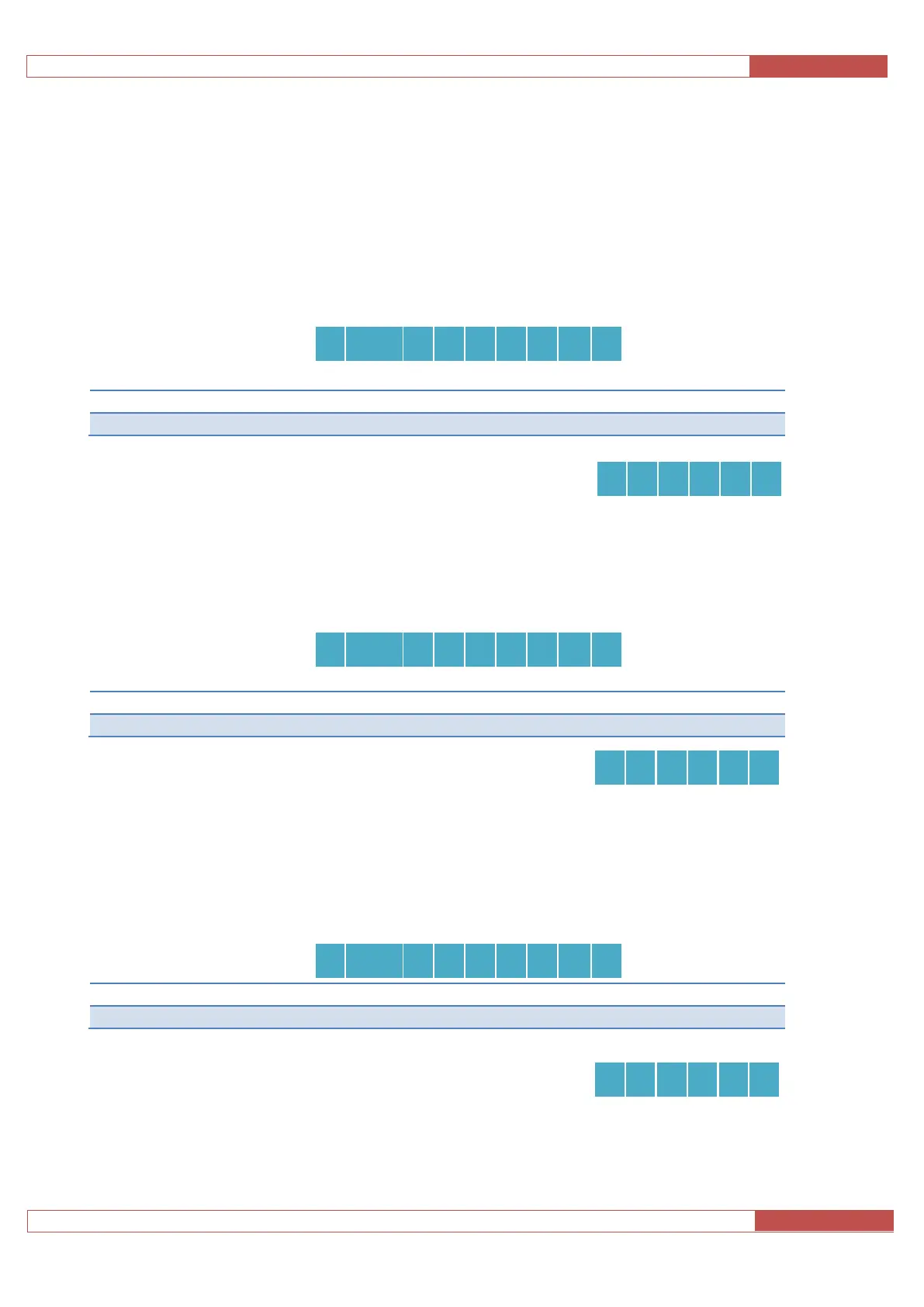
To program the settings, enter the following sequences:
Table 6 – Forced Alarm Reset
To playback these settings, enter the following sequence:
1.9.2 Alarm Log LED Indicator
NOTE: Available in firmware version x.x.2147.0 or greater. The EM-181 system is shipped to comply to
EN81-28, therefore this feature is enabled by default.
To program the settings, enter the following sequences:
To playback these settings, enter the following sequence:
1.9.3 Alarm Log RPMS Sync
NOTE: Available in firmware version x.x.2147.2 or greater. The EM-181 system is shipped to comply to
EN81-28, therefore this feature is enabled by default.
To program the settings, enter the following sequences:
To playback these settings, enter the following sequence:



 To Next Page