25B4.10 Audio
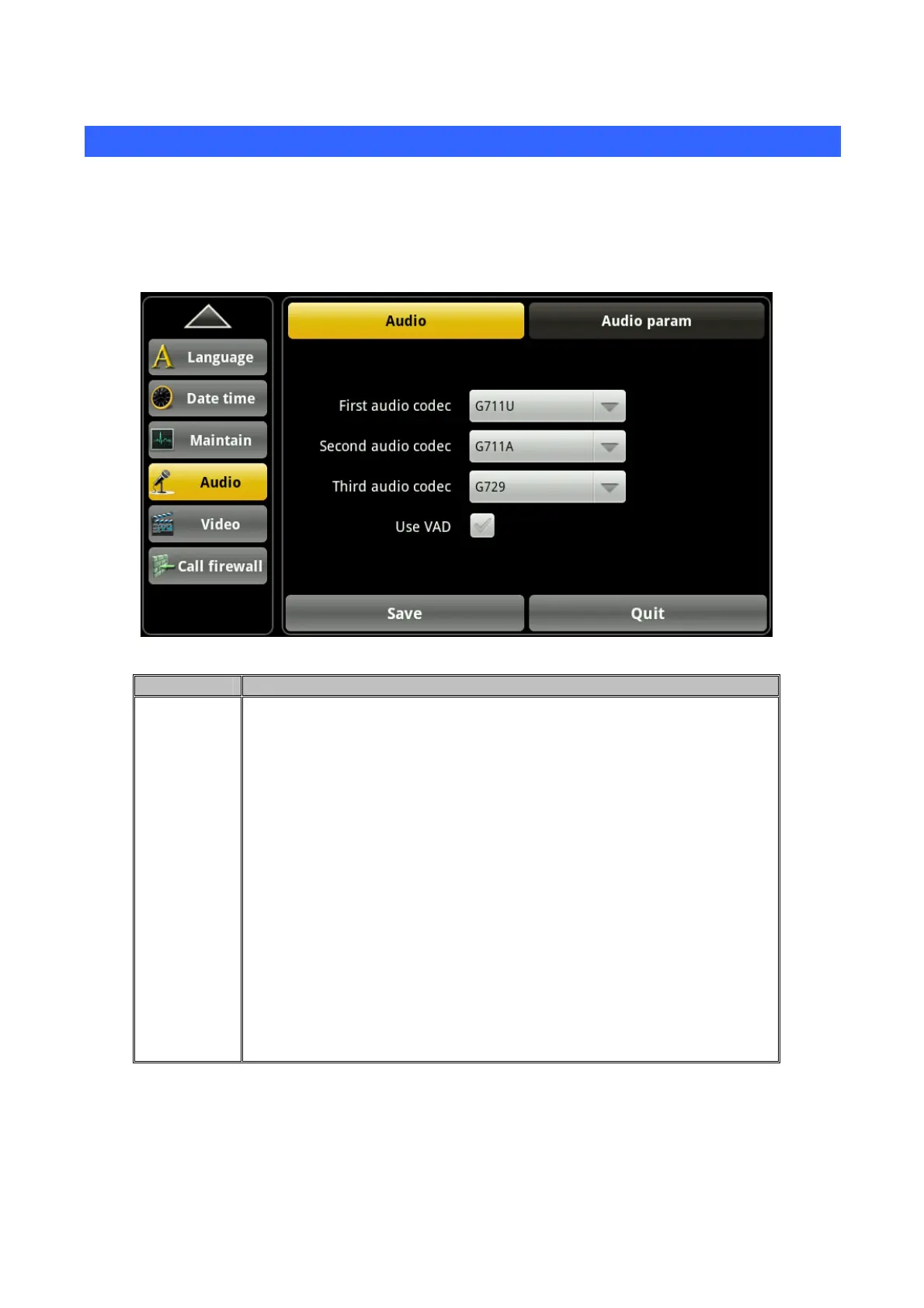
Touch “Phone” --> “Audio”, enter the detailed screen.
4.10.1 Audio
Touch “Audio”--> “Audio”, enter audio settings screen. After configuration, click the "Save" button to
save successfully.
Item Description
Audio Voice encoding: Set voice encoding type in the process of the
communication. There are first, second and third voice encoding. You
can choose "G711A", "G711U", "G722", "G723", "G729", "ILBC",
"AMR", "ARM-WB" eight kinds of voice encoding options.
First audio codec: Set the first priority using voice coding during a
voice call.
Second audio codec: Set the second priority using voice coding
during a voice call.
Third audio codec: Set the third priority using voice coding during a
voice call.
Use VAD: Configure whether to enable VAD. Silence detection; If you
enable VAD, then, G.729 payload length cannot be set greater than
20ms
46



 To Next Page