64-Channel Windows-based Network Video Recorder with 8-bay Hard Disks
NVR-E6480
49
6.2.3 Send Audio Signal
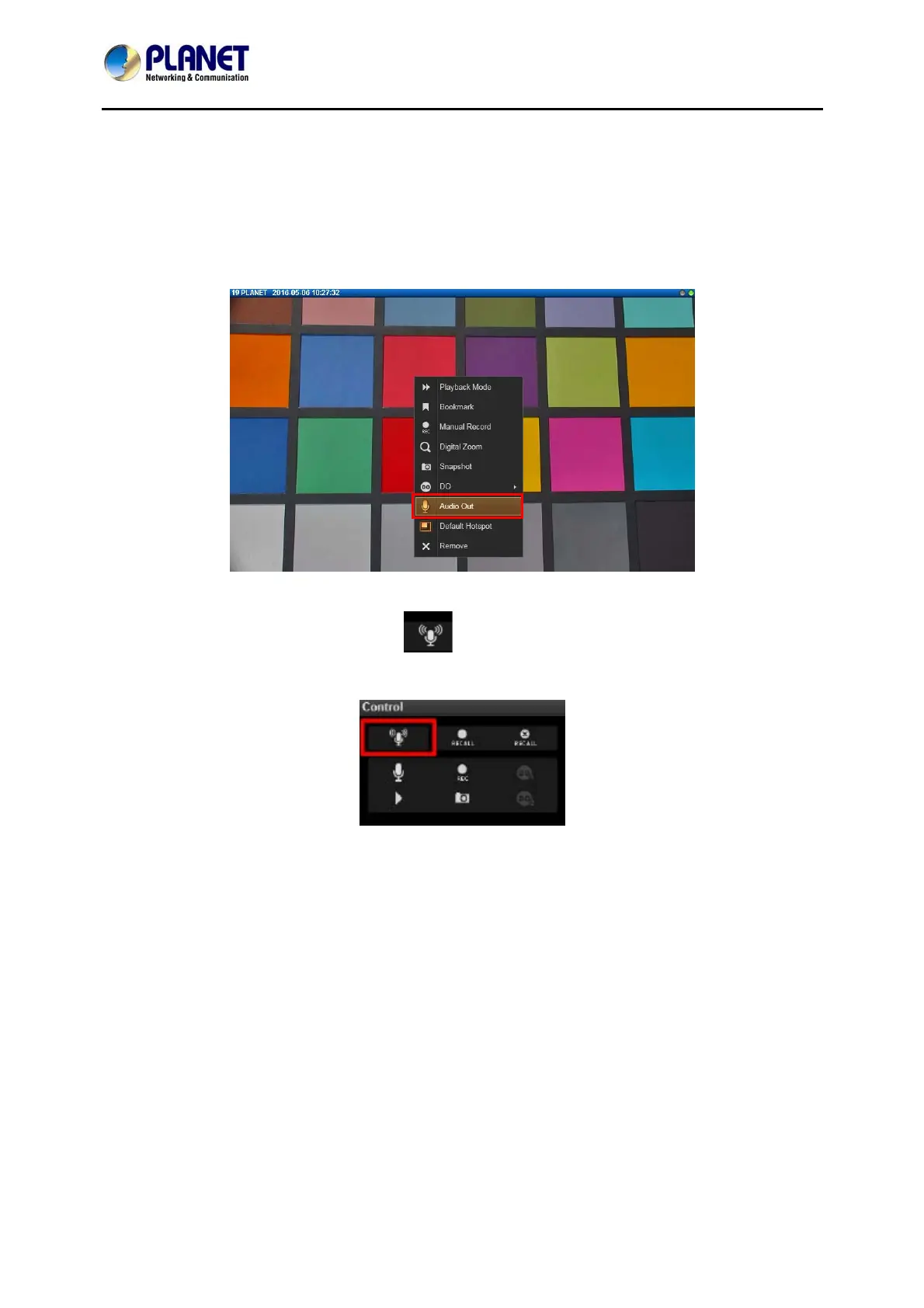
To talk to the audience through speaker connected to one camera, right-click on a channel to
bring up the quick menu, and select “Audio Out”. When this icon appears in orange, your
audio-out function is activated, every sound you make through the microphone on your client
computer will be sent out to this camera only.
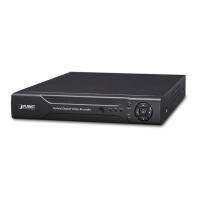
To broadcast to multiple cameras, click on Live View Control panel. Your audio will be
sent to all the channels connected to a speaker in current View.
6.2.4 Trigger Digital-out Device
If a camera is connected with a digital-out device such as a door contact or an alarm, you may
trigger it via NVR server on Live View screen. Do either of the following:



 To Next Page