High Definition PoE IP Phone (1-Line)
VIP-1010PT
- 75 -
6 Appendix
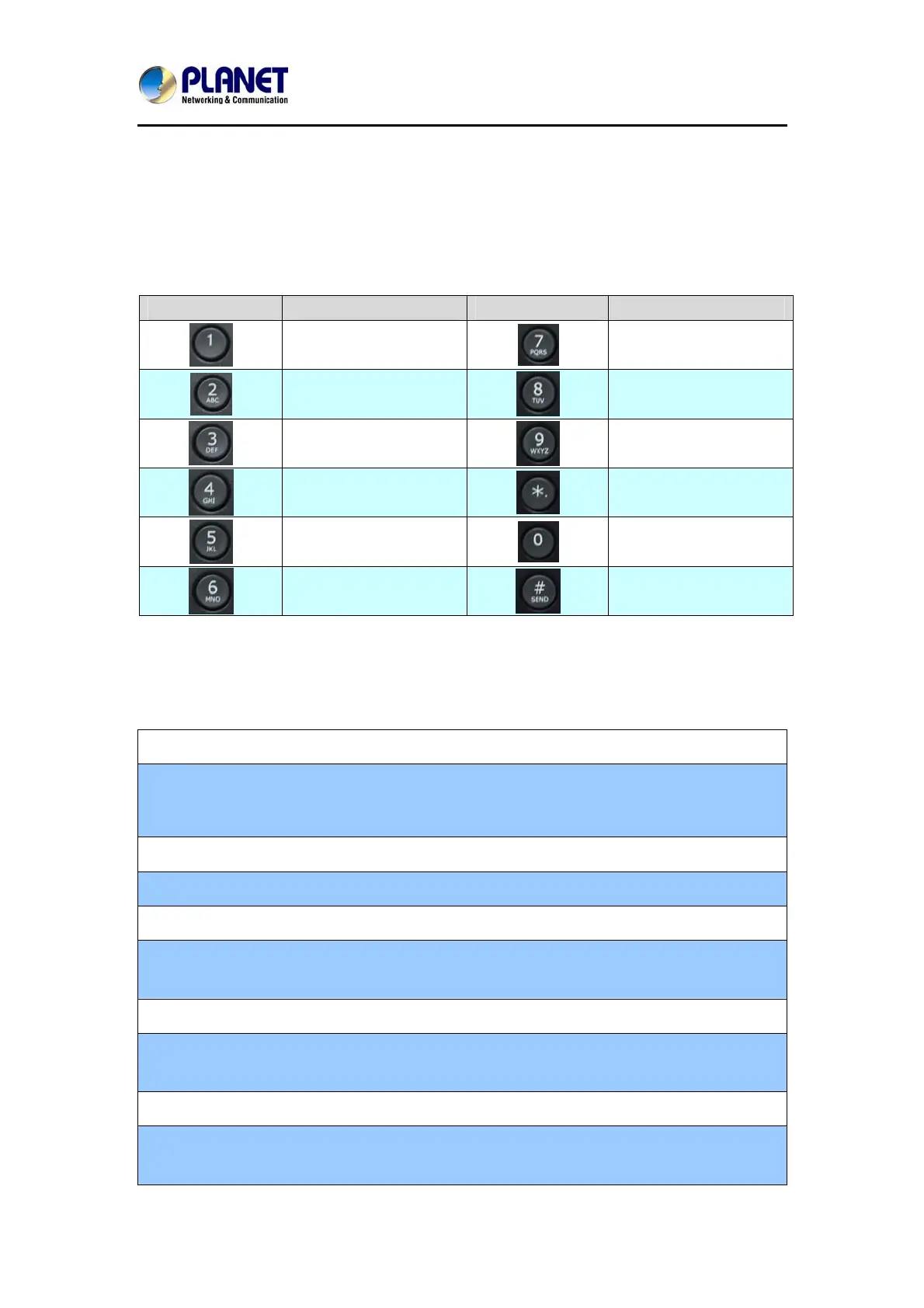
6.1 Digit-character Map Table
Keypad Character Keypad Character
1 @
7 P Q R S p q r s
2 A B C a b c
8 T U V t u v
3 D E F d e f
9 W X Y Z w x y z
4 G H I g h i
*/.
5 J K L j k l
0
6 M N O m n o
#/SEND
6.2 Frequently Asked Questions List
Q1: No operation after power on?
A1: Check if the power adapter is properly connected.
If applicable, check if the PoE (Power over Ethernet) switch behind the IP phone
is set correctly.
Q2: No dial tone?
A2: Check if the handset cord is properly connected.
Q3: Cannot make a call?
A3: Check the status of User SIP registration status or contact user administrator,
supplier, or ITSP for more information or assistance.
Q4: Cannot receive any phone call?
A4 : Check the status of user SIP registration status, or contact user administrator,
supplier, or ITSP for more information or assistance
Q5: No voice during an active call?
A5: Check if the servers support the current audio codec type, or contact user
administrator, supplier, or ITSP for more information or assistance.



 To Next Page