WSW-2401A Web Management Interface
4.4 System
4.4.1 IP Configuration
The switch can be managed by the Web/Telnet/SNMP interfaces. Administrators can access the
management interface via the IP address of the switch. The default IP address of the switch is
192.168.0.100. You can change the IP address to be in the same IP segment as your LAN network for
convinence.
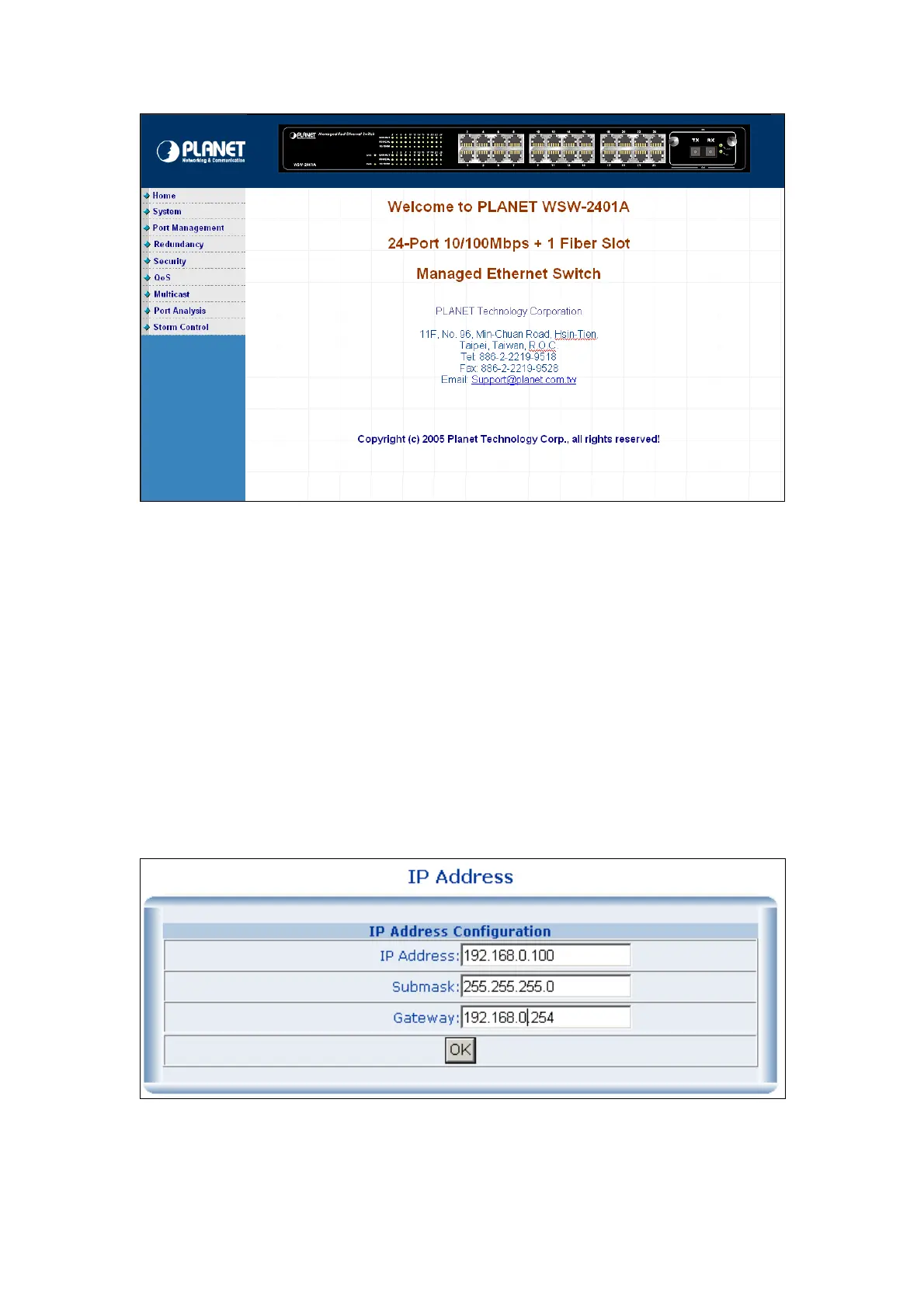
To change the IP address, click on the System/IP Address menu button. The IP address configuration
screen then shows in the main page on the web. Enter the new IP address, Submask and Gateway then
click on the OK button to change.
IP Address Configuration



 To Next Page
 Loading...








