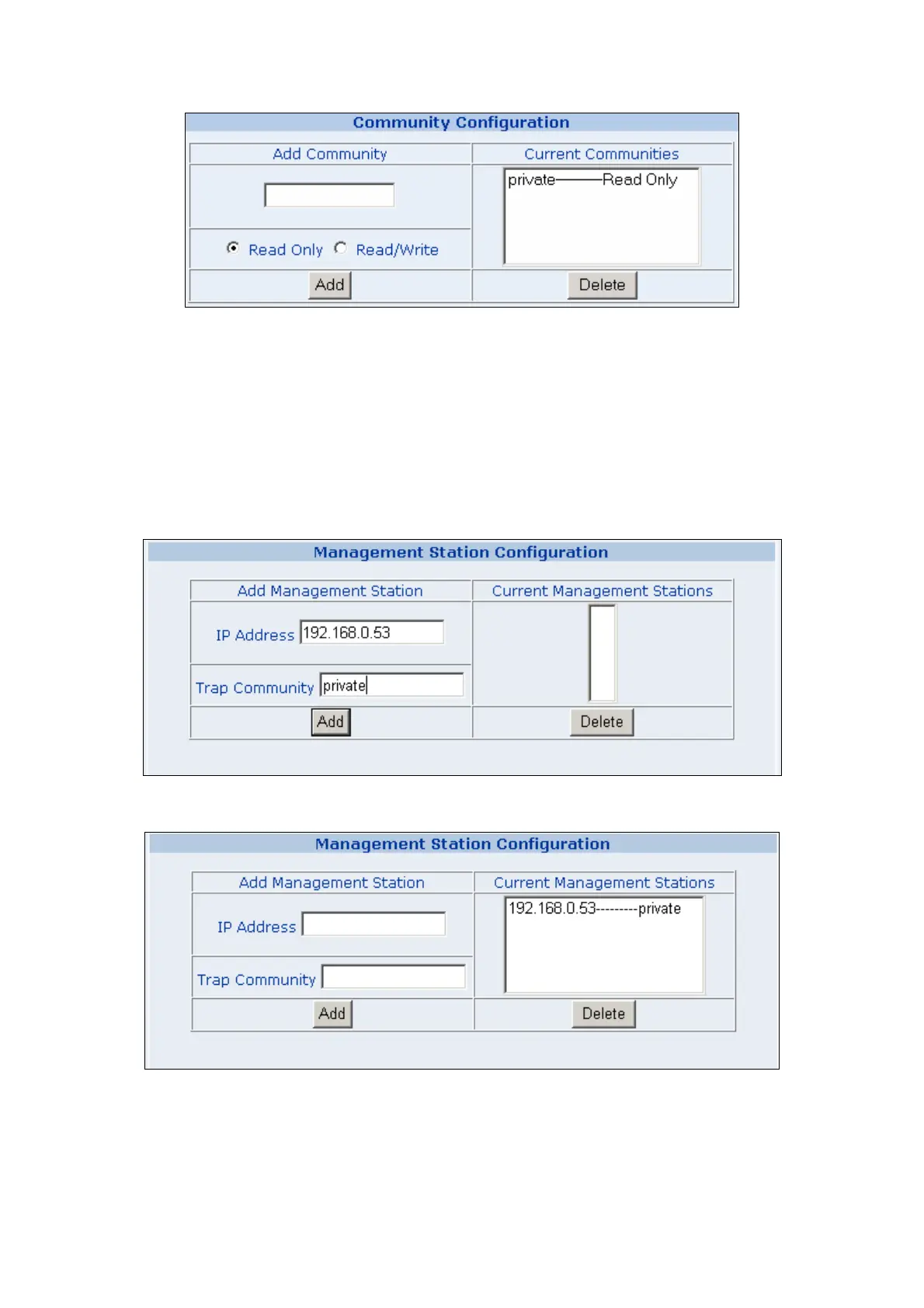
4. Management Station Configuration
A trap manager is a management station (SNMP application) that receives traps (the system alerts
generated by the switch). If no trap manager is defined, no traps are issued. Create a trap manager by
entering the IP address of the station and a community string.
。 Enter Network management stations IP address: 192.168.0.53 (for example)
。 Trap Community: must be the same string as “Add community”
Then click on “Add” button.
The “Current Management Stations” field shows the trap list.



 To Next Page
 Loading...








