10
Mini100/Mini2
9
Mini100/Mini2
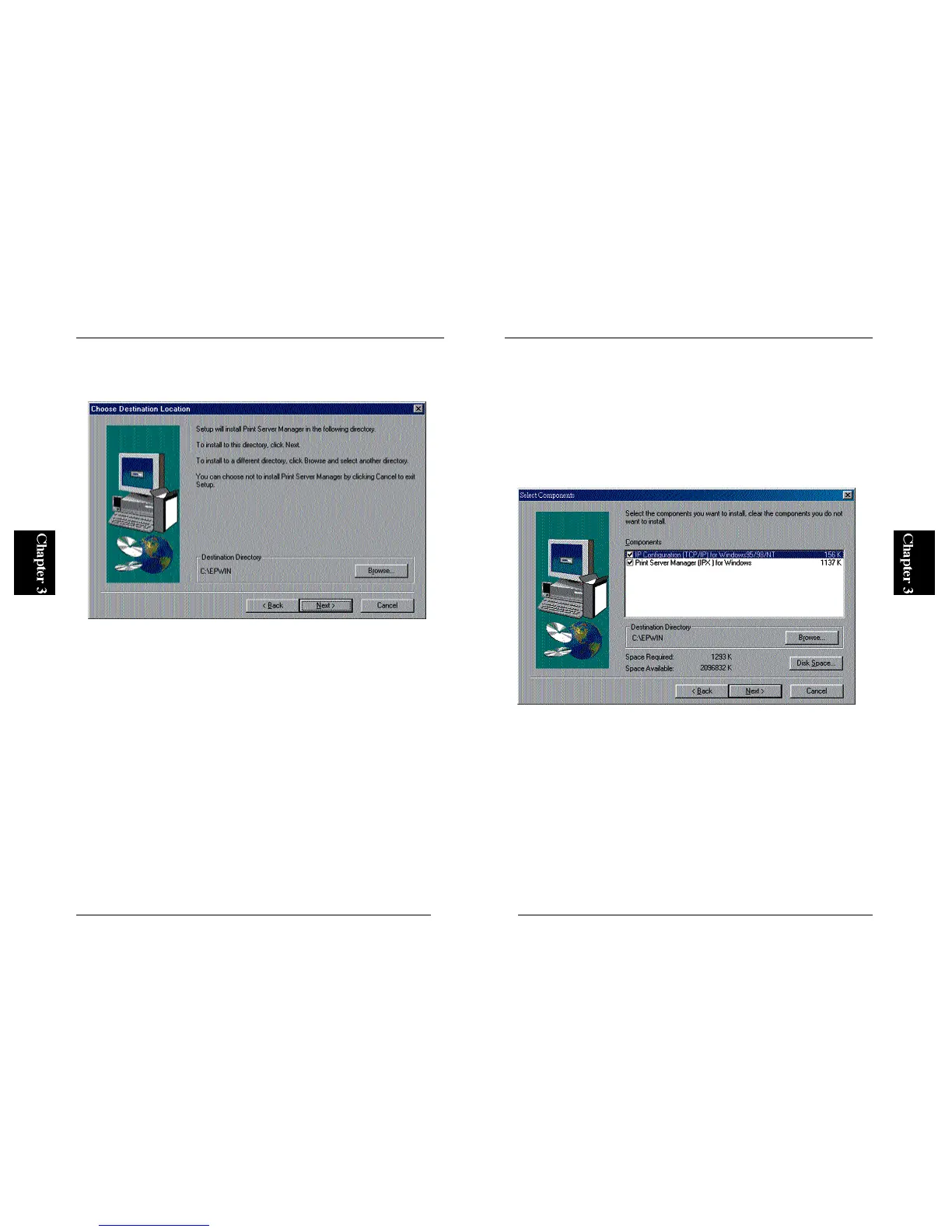
4. In the next screen, you can change the target directory. If the default path
is okay, simply click on the Next button to continue.
5. The next screen allows you to decide which utility to install. Install “PS
Port” to your PC if you plan to print without using a WindowsNT or
N e t Ware server. “Smart Print Manager 2” is used to configure the
Mini100/Mini2, and is not used to print documents. Install this utility
only to the PC from which you plan to configure the print server. After
you have selected the utility (or utilities) install, click on the Next button
to initiate software installation.



 To Next Page