89 90
Mini100/Mini2
Mini100/Mini2
11. Click on the “Test” button in the window. The configuration of the
printer is over if the test page is printed normally.
※If the test page is not printed properly, see Appendix A for
troubleshooting information.5-2 Printing from a WindowsNT PC
Proceed to one of the four sections that matches your networking protocol
and printing mode.
●Using NetBEUI Protocol to Print: see Section 5-2-a
●Using IPX Protocol to Print: see Section 5-2-b
●Using TCP/IP Protocol to Print: see Section 5-2-c
●Using TCP/IP and LPR port to Print: see Section 5-2-d
● 5-2-a Using NetBEUI Protocol to Print
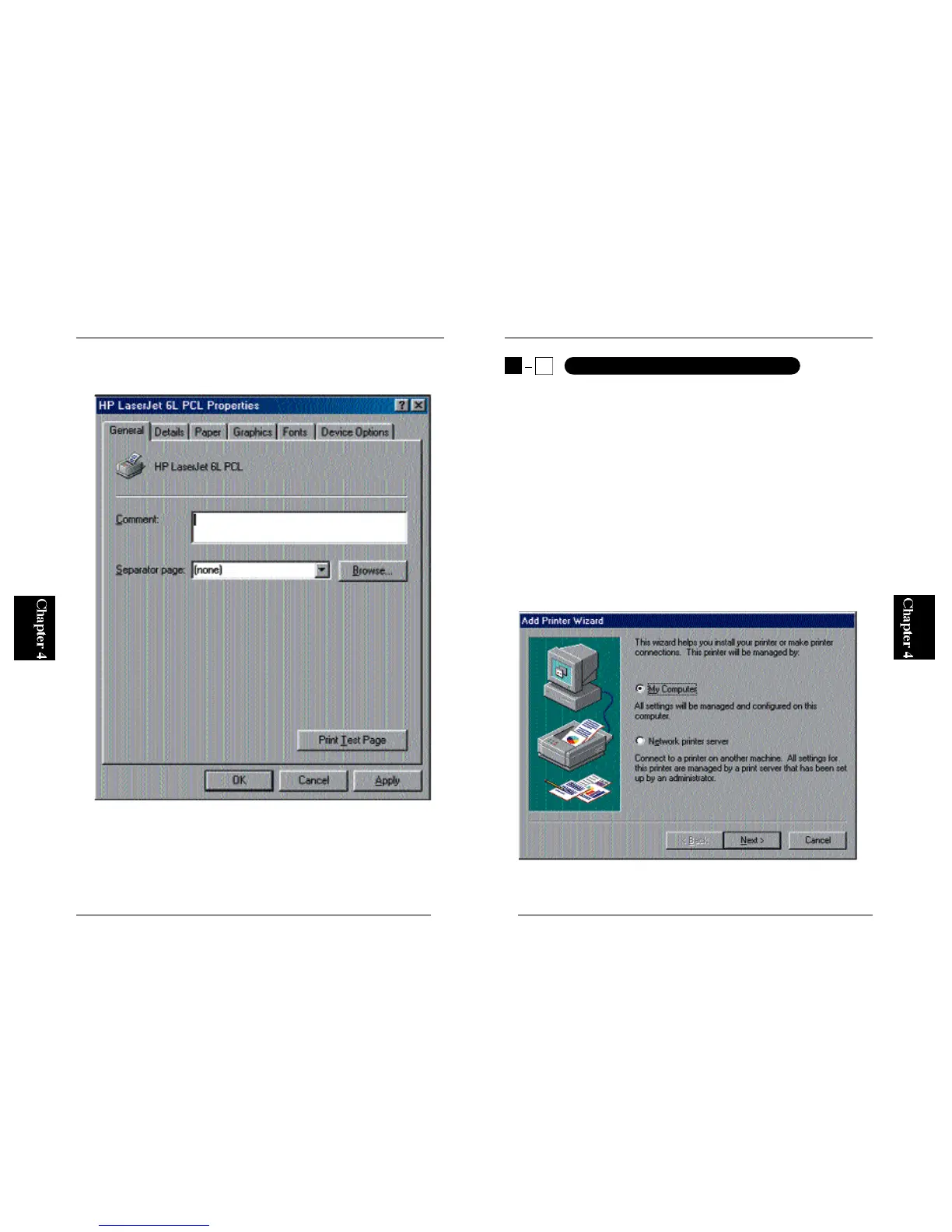
1. From the Start button, select Settings and then Printers. Double-click on
the Add Printer icon. Now, select My Computer and click on the Next
button.
5
2
Printing from a WindowsNT PC



 To Next Page