Two utilities are supplied with the Mini100/ Mini2 print server. Read the
following notes and install the required utility.
PS Port :
This utility is required if you wish to print documents directly from a PC
(without using a WindowsNT or NetWare server). Note that this application
is not necessary if you are using LPR port of WindowsNT.
Smart Print Manager 2
Install this utility if you plan to use the print server under TCP/IP and/or
N e t Ware. The utility needs to be installed to one of the PCs on your
network. To run Smart Print Manager 2, IPX/SPX protocol is required
(refer to Chapter 4 for more details). This utility is not necessary if you
plan to configure the print server via a Web browser.
※PS Port is not required if you are printing from a Macintosh. Please see
Section 5-5 in Chapter 5.
1. Set the supplied floppy diskette with “Setup Disk” label to the floppy
drive of your PC.
8
Mini100/Mini2
7
Chapter 3
Software Installation
3
1
Installation under Windows95/98
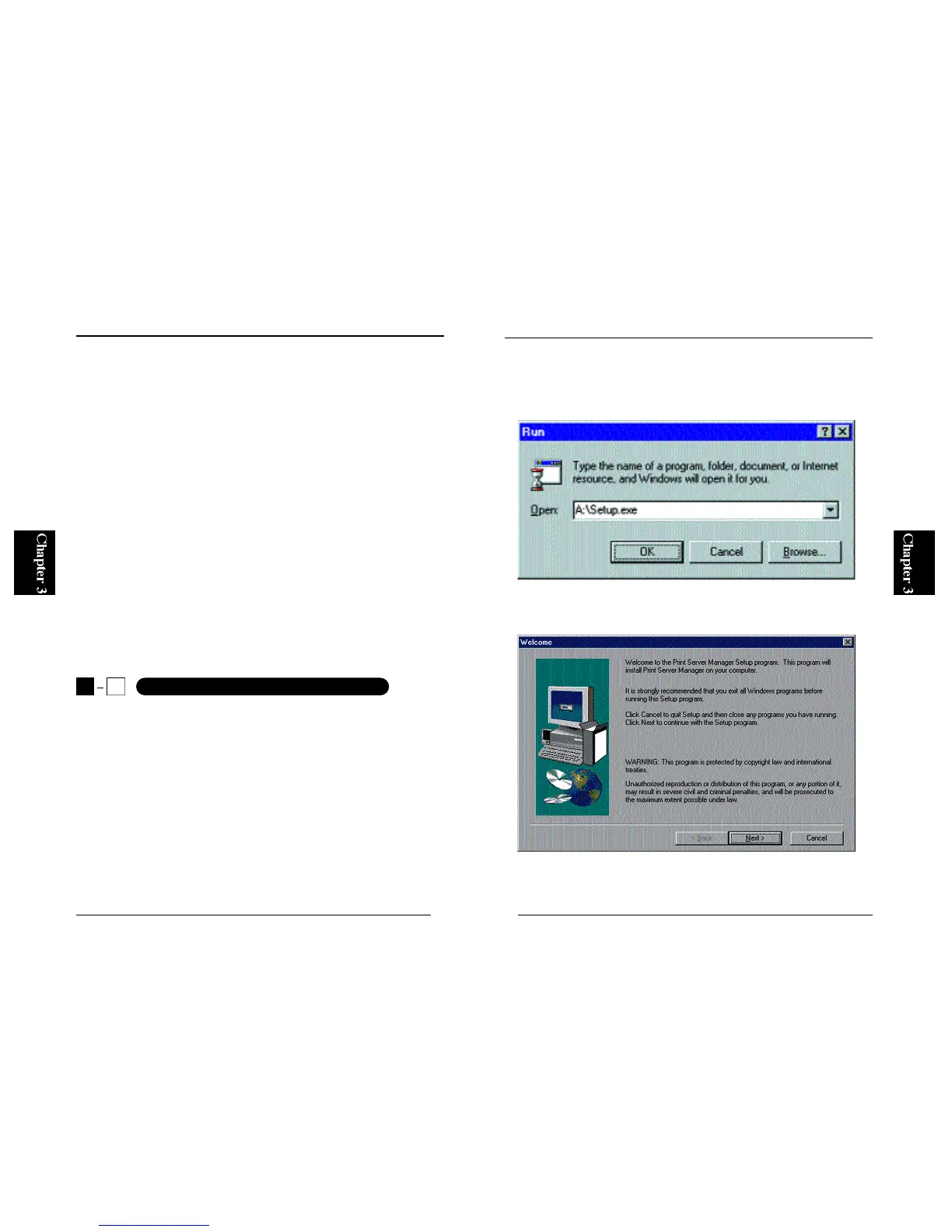
2. From the Start button on the desktop, select “Run” and enter “A:\SETUP”
(if your floppy drive is Drive A) in the displayed field. Click on the OK
button.
3. The following screen will be displayed. Click on the Next button.



 To Next Page