32
Mini100/Mini2
31
Mini100/Mini2
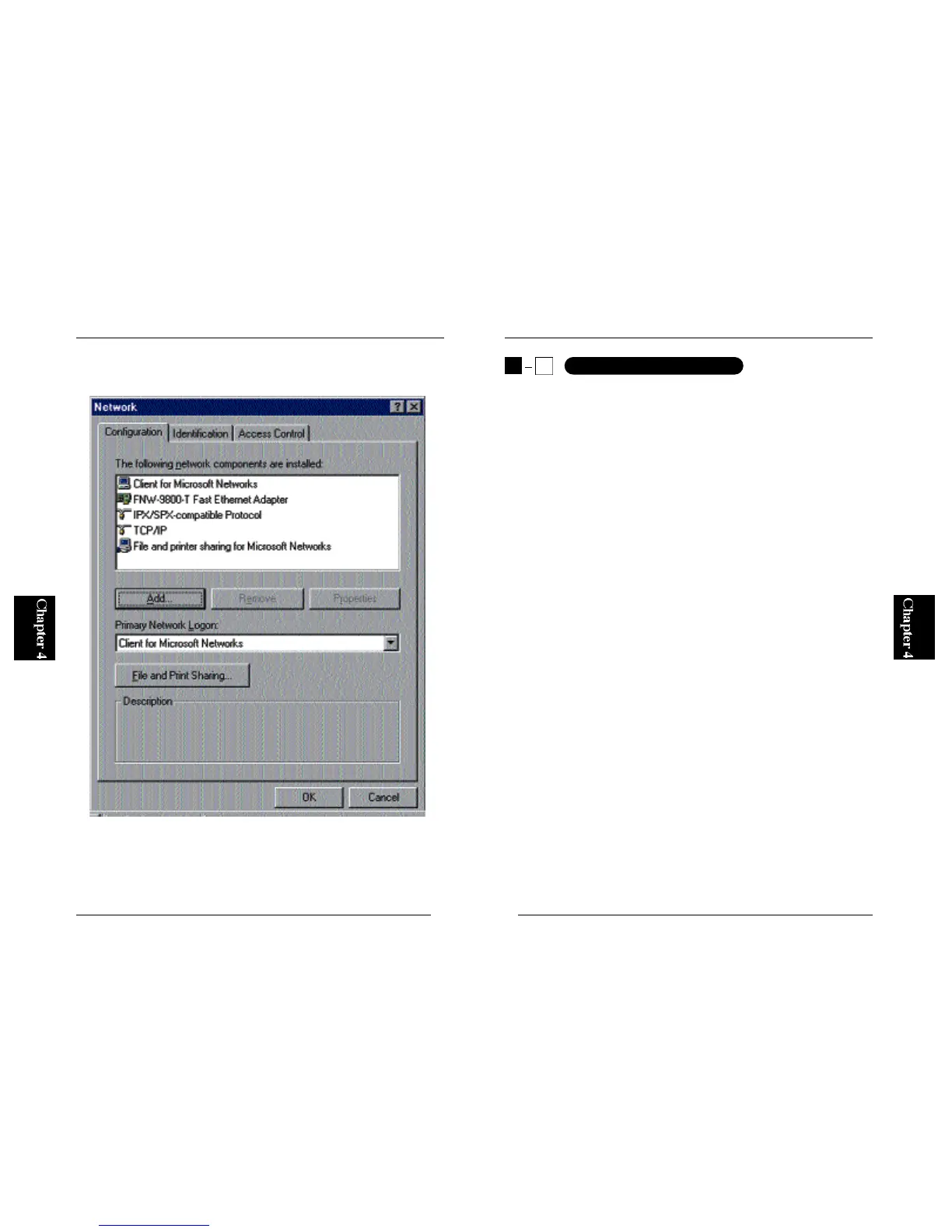
4. TCP/IP protocol will be added to the system. Note that an item labeled
“TCP/IP” has been added in the following screen.
※For more details on setting up networks, please refer to Appendix C.
●How to add NetBEUI protocol: see Section 4-2-a
●How to add IPX/SPX protocol: see Section 4-2-b
●How to add TCP/IP protocol: see Section 4-2-c
※See Section 4-3 to learn how to assign an IP address to the print server.
4
2
WindowsNT Networks



 To Next Page