30
Mini100/Mini2
29
Mini100/Mini2
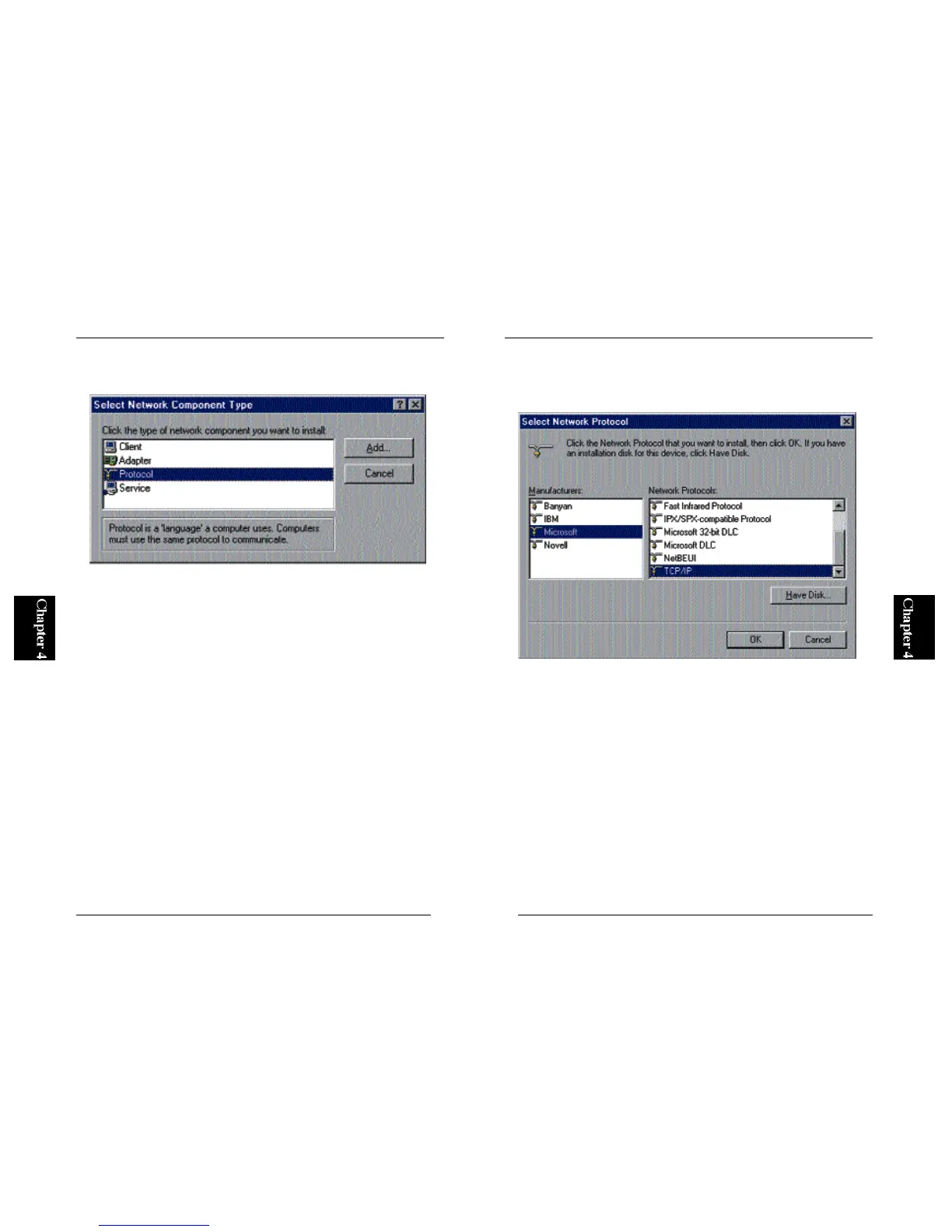
2. Click on the “Add” button. The following screen will be displayed.
Now, select “Protocol” and then click on the Add button.
3. A screen titled “Select a Networking Protocol” will be displayed.
Select “Microsoft” as manufacturer, and choose “TCP/IP” in the
protocol list. Click on the OK button to continue.



 To Next Page