28
Mini100/Mini2
27
Mini100/Mini2
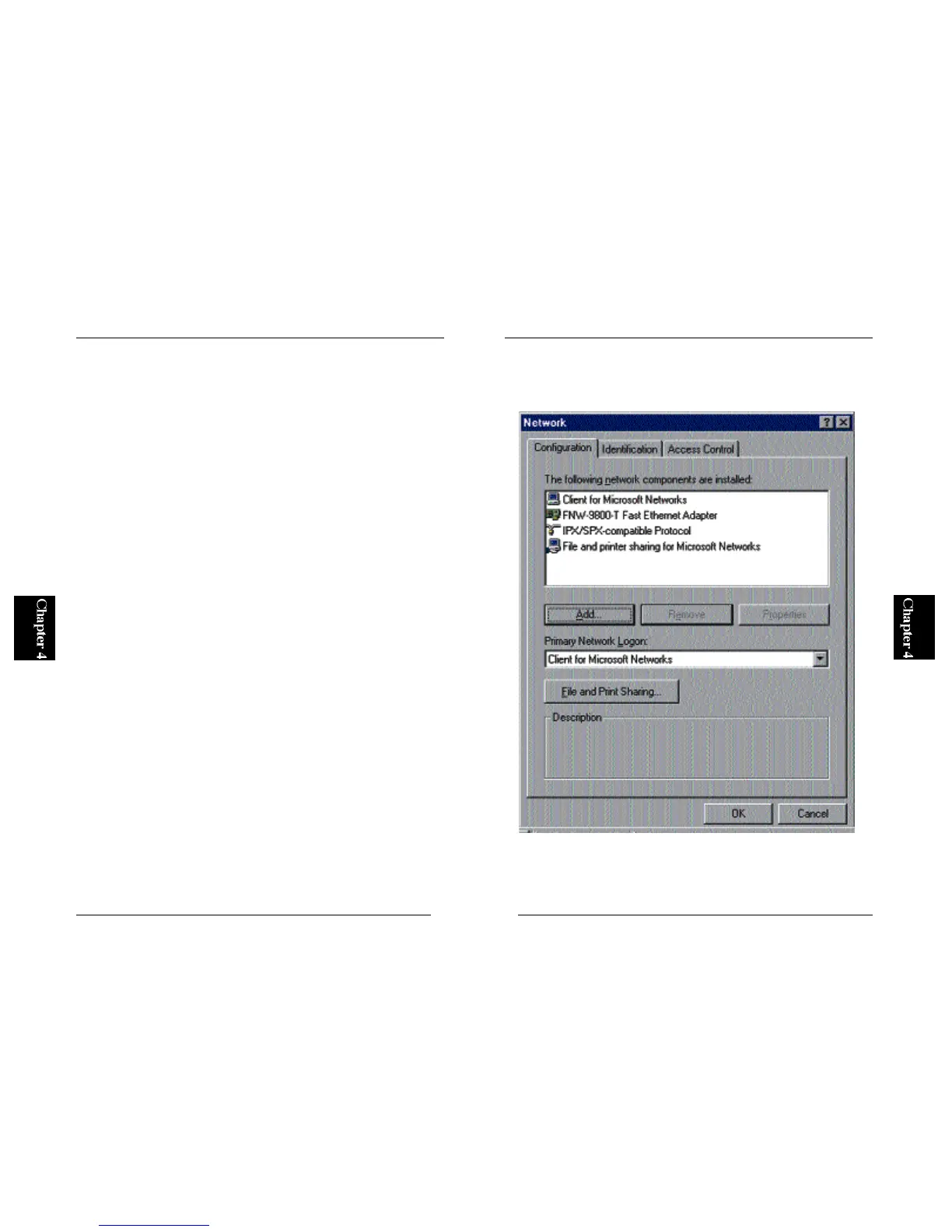
※Sometimes, PCs with only IPX/SPX protocol fail to detect the Mini100/
Mini2 print servers. If this is the case, add “NetWare Network Client”.
To add this client, simply double-click on the Network icon in Control
Panel and click on the “Add” button. In the next screen, select “Client”
and click on the Add button. Finally, select “Microsoft” as manufacturer
and “Netware Network Client” in the list on the right. Click on the OK
button to confirm your selections.
● 4-1-c Adding TCP/IP Protocol
1. From the Start button, select Settings and then Control Panel. Double-
click on the Network icon.



 To Next Page