26
Mini100/Mini2
25
Mini100/Mini2
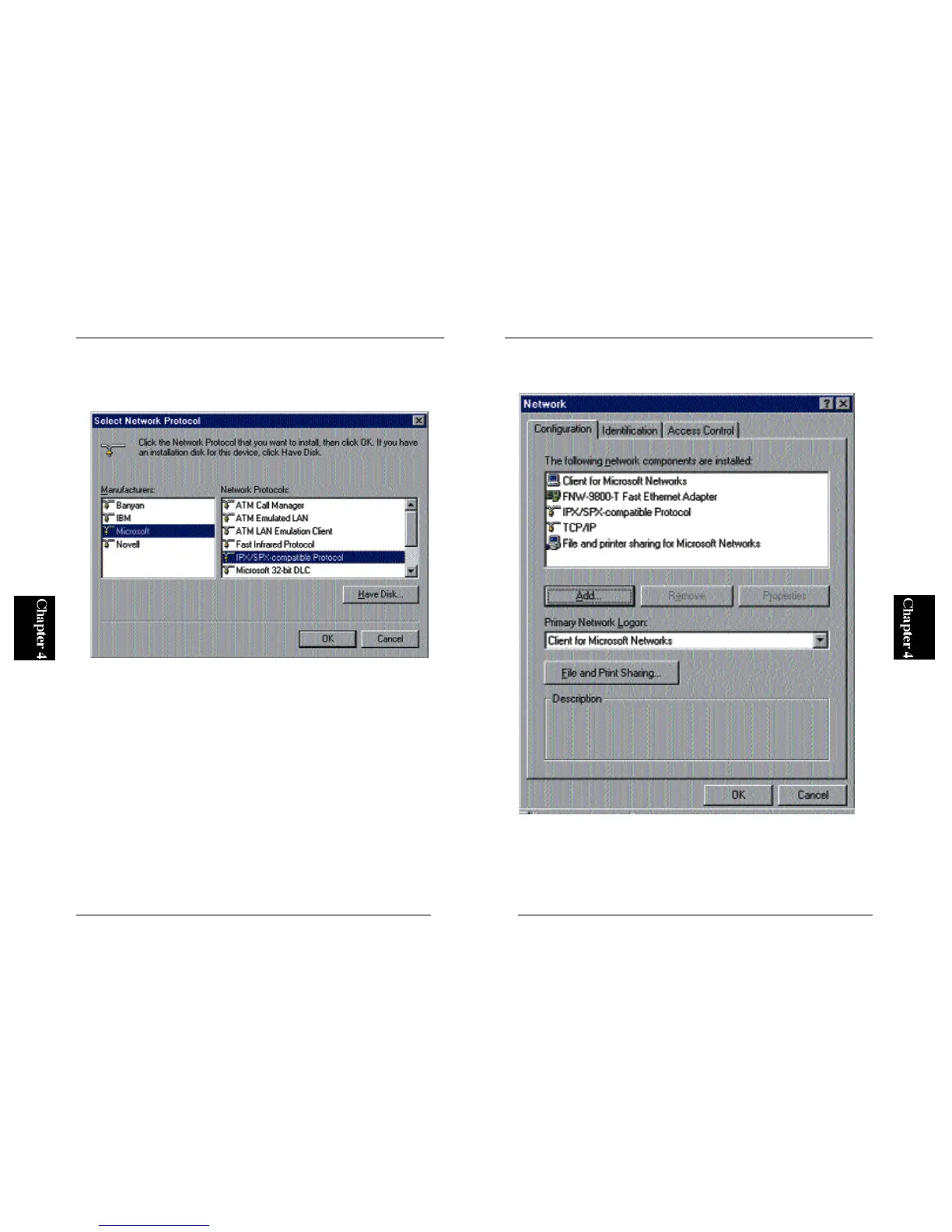
3. A screen titled “Select a Networking Protocol” will appear. Select
“Microsoft” as Manufacturer, and choose “IPX/SPX Compatible
Protocol” in the networking protocol list.
4. IPX/SPX protocol will be added to the system. Note that an item labeled
“IPX/SPX compatible protocol” has been added in the screen below.



 To Next Page