16
Mini100/Mini2
15
Mini100/Mini2
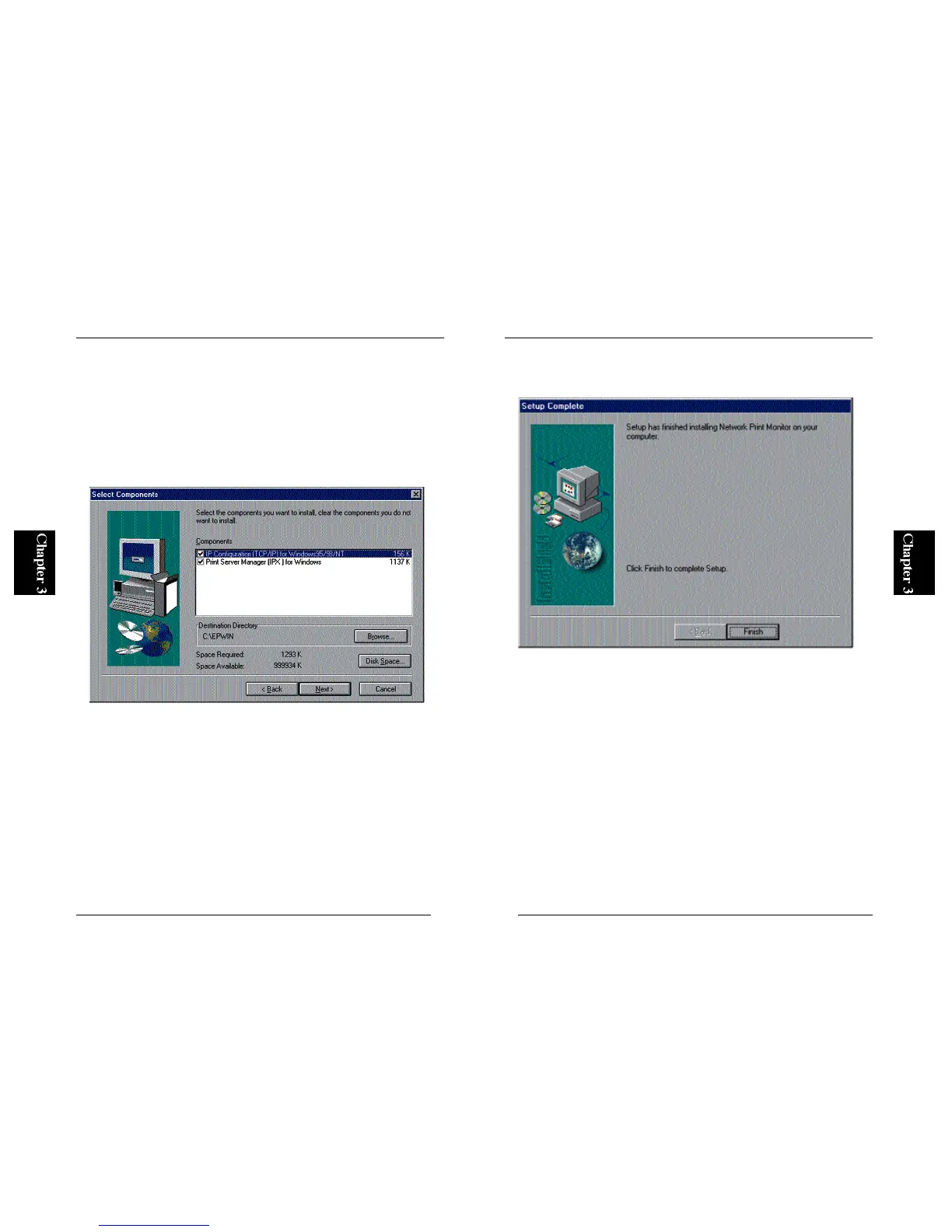
5. The next screen allows you to specify a utility you wish to install. Install
“PS Port” to your PC if you plan to print without using a WindowsNT or
N e t Ware server. “Smart Print Manager 2” is used to configure the
Mini100/Mini2, and is not used to print documents. Install this utility
only to the PC from which you plan to configure the print server. After
you have selected which utilities to install, click on the Next button to
initiate software installation.
※ If you are using LPR port to print via TCP/IP, you do not need to install
“PS Port”.
6. After the software has been installed, the following screen will be
displayed. Click on the Finish button to exit the installation wizard.
■Uninstalling the Utilities
To uninstall the utilities, first click on the Start button and select Settings
and then Control Panel. Click on an item labeled “Planex Print Server for
WindowsNT” and then click on the “Add / Remove” button. The
Mini100/Mini2 utility (utilities) will be uninstalled from the system.
※ To use Smart Print Manager 2, IPX protocol is required. If you are using
Wi n d o w s N T, add “NWLink IPX/SPX compatible transport”. For more
details, refer to the section on adding IPX/SPX protocol in Chapter 4.



 To Next Page