44
Mini100/Mini2
43
Mini100/Mini2
10. The Network screen will be displayed again. Click on the “Close”
button. Now, the system asks you whether you wish to restart the PC.
Select “Yes” to restart the system.
● 4-2-c Adding TCP/IP Protocol
To configure the print server via TCP/IP, first you need to adjust your
network settings to enable TCP/IP. See Appendix C and check whether
your network has been properly configured for TCP/IP.
1. From My Computer, select and double-click Control Panel and then
Network icons.
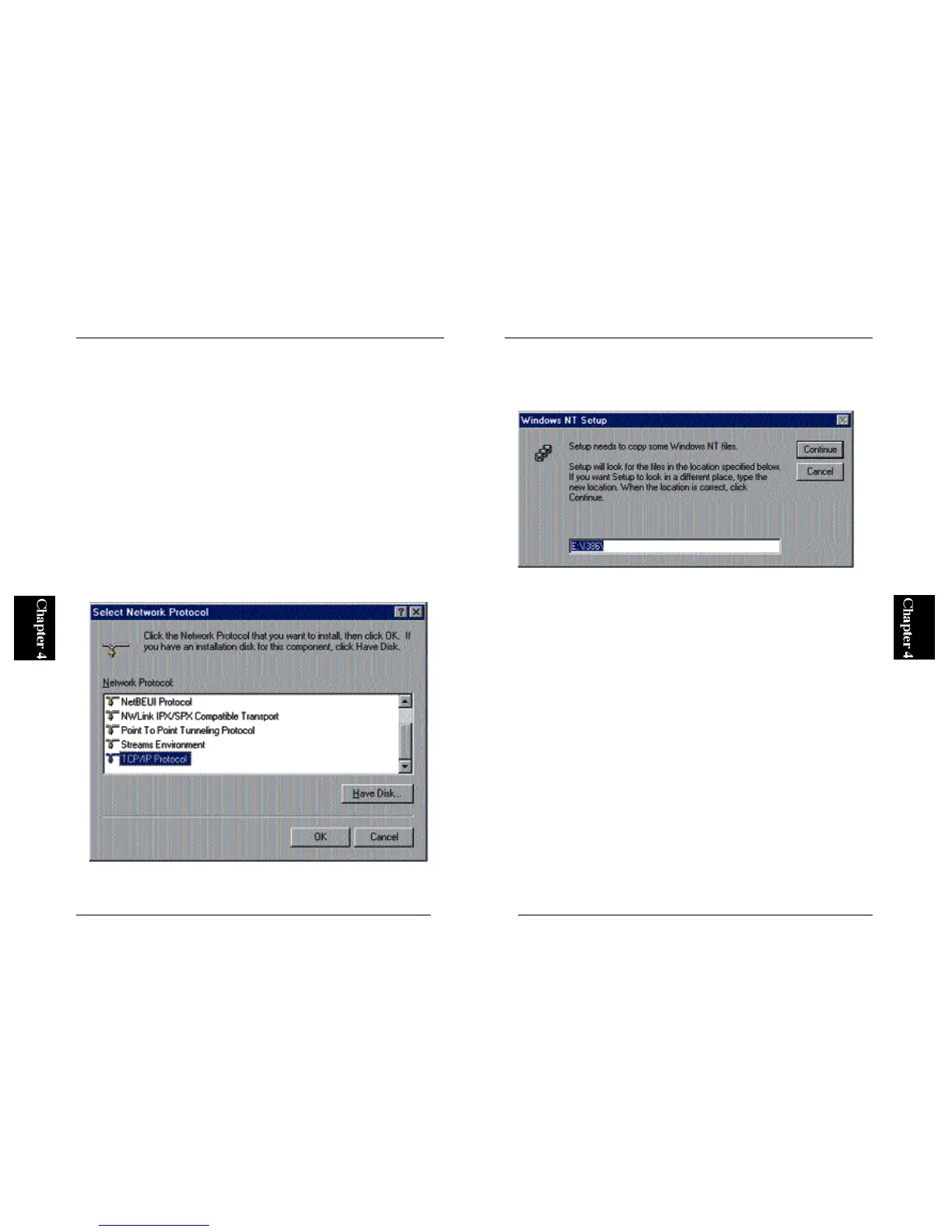
2. Click on the “Protocol” tab, and see whether “TCP/IP” has been installed.
If this item is not visible, click on the Add button. In the next screen,
select “TCP/IP Protocol” and click on the OK button.
3. The system now attempts to copy files. Set your WindowsNT CD-ROM
to the CD-ROM drive, and enter its path (if the CD-ROM drive is Drive
D, enter “D:\I386”).



 To Next Page