52
Mini100/Mini2
51
Mini100/Mini2
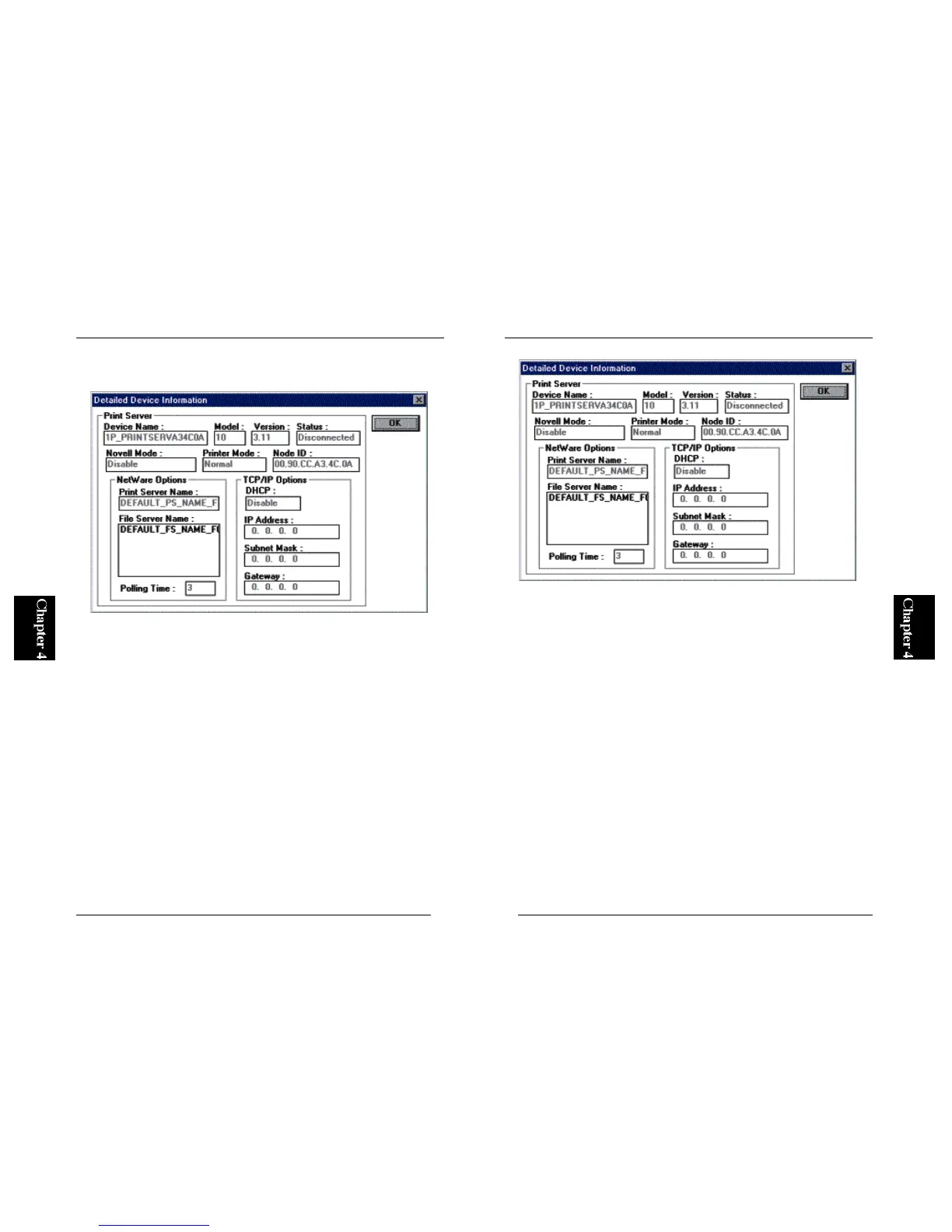
2. All the configurable parameters are grouped into three categories, namely
“General”, “Netware” and “TCP/IP”.
General: allows the user to modify the basic configuration of the Mini100/
Mini2 print server.
Device Name: Specifies the name of the print server that is displayed
throughout the network. If you change this parameter, the
utility displays the new device name when it detects the print
server at system start-up.
Print Speed: Specifies the speed of the printer port. Set this parameter to
“Normal” or “Slow” if the printer prints out corrupted
(meaningless) characters.
Netware: Parameters pertinent to NetWare can be modified in this screen.
Print Server Name: Your NetWare server uses this name to identify the print
server.
Netware Mode: Set this parameter to “Enable” to use the print server in a
NetWare network.
File Server: Lists all the NetWare servers on your network.



 To Next Page