110
Mini100/Mini2
4. In the “Name or address of server providing lpd” field, enter the IP
address assigned to the print server. In the “Name of printer or print
queue on that server” field, enter “lp1” in lower case. Click on the OK
button to continue.
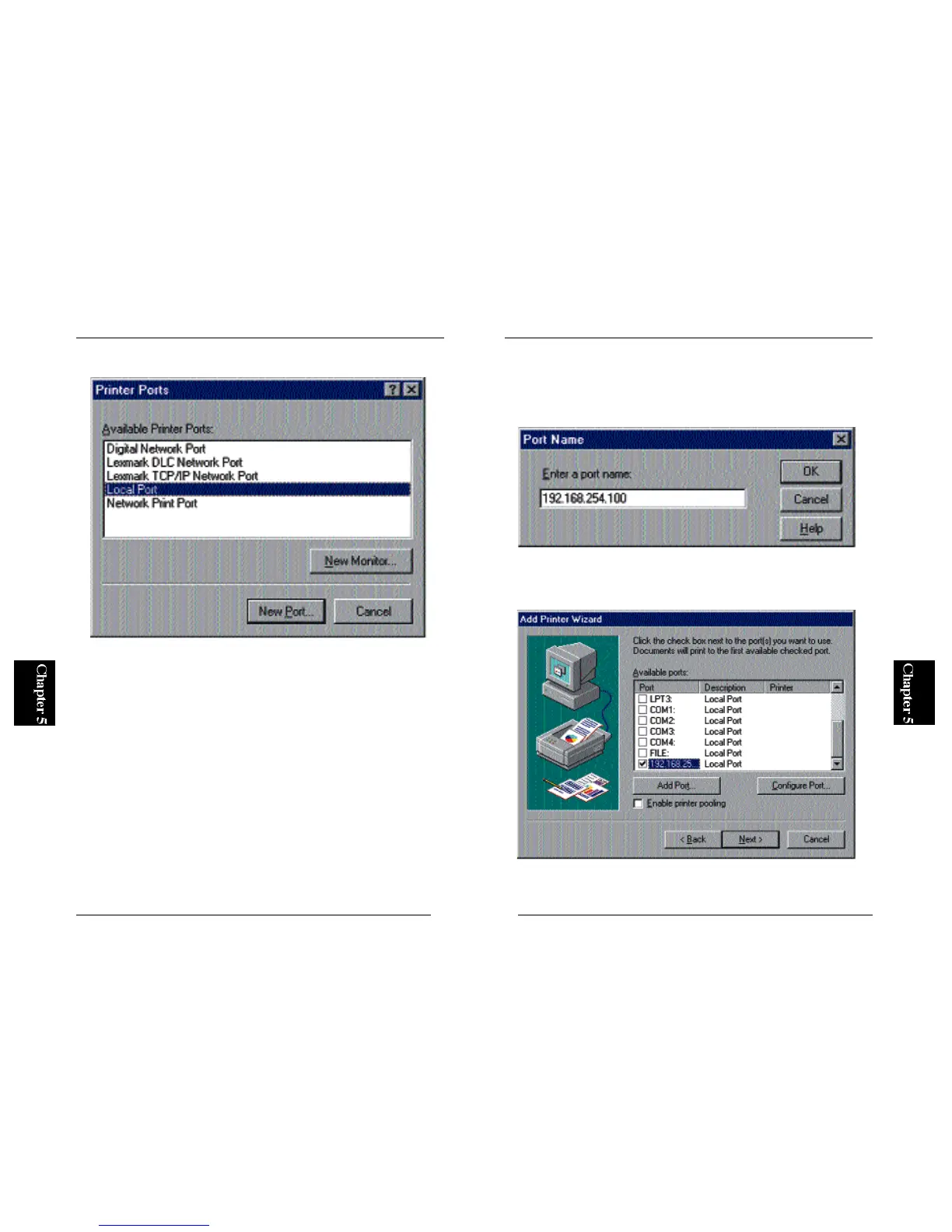
5. The new port should be now visible in the Available Ports list (see
below). Click on the Next button.
109
Mini100/Mini2
3. Select “LPR Port” and click on the New Port button.
※ LPR Port item will not be shown if the utility is not installed properly.
Refer to Section 4-2-c in Chapter 4 and add “Microsoft TCP/IP Printing”
service



 To Next Page