11 Printing
CAUTION
Before starting to print, make sure you have enough material in the basin.
CAUTION
Do not block the slots and openings on the printer provided for ventilation.
NOTE
The printer can pause and resume, but if there is a power failure or the
printer switches off for any other reason, printing suspends and cannot
resume. Clean out resin and printed material and start again.
11.1 Starting Planmeca Creo C5 studio software
Planmeca Creo C5 Studio supports the Windows operating systems 7, 8 and
10.
Planmeca Creo C5 Studio is a software created specifically to be used with
the Planmeca Creo C5 3D printer.
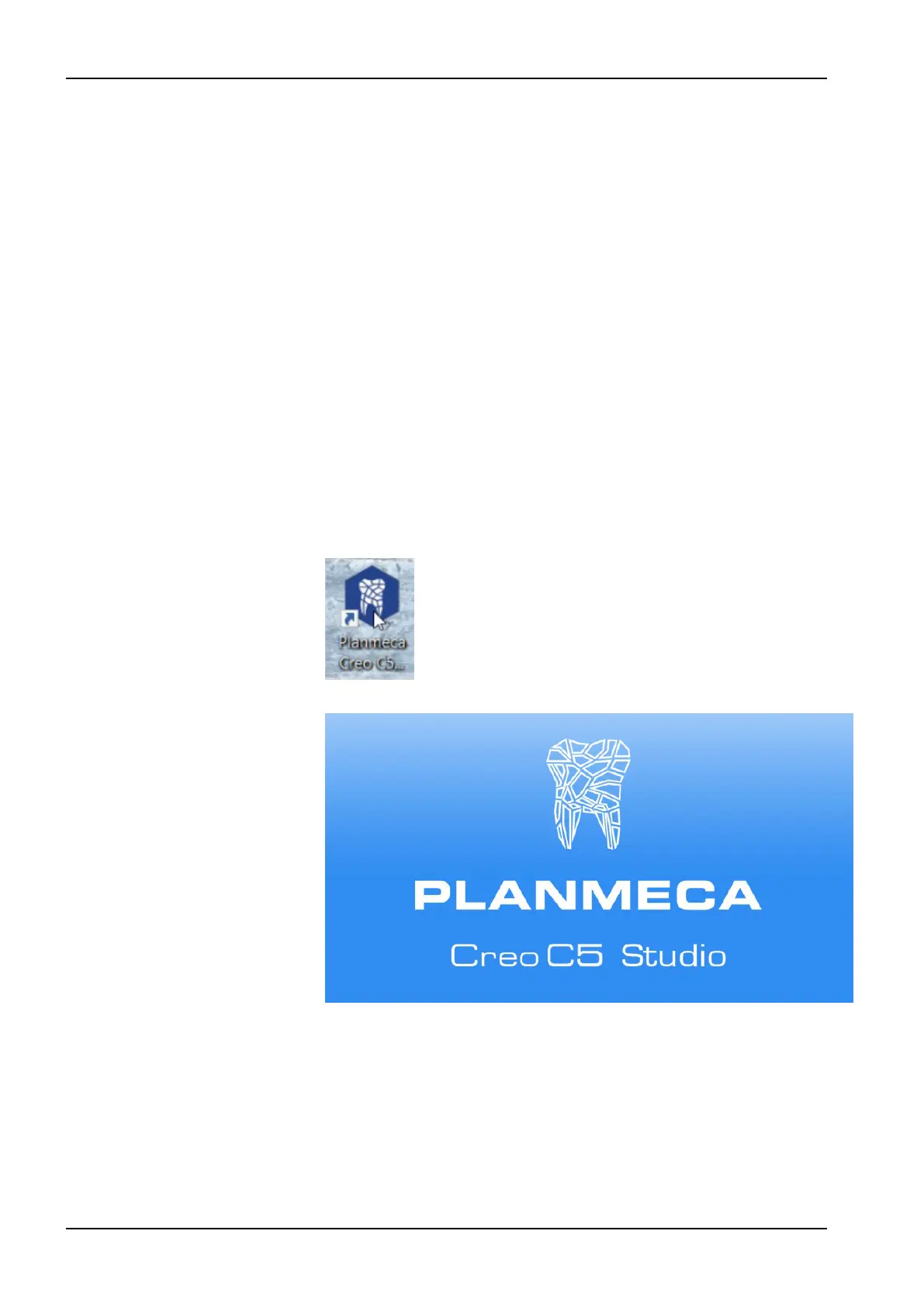
1. Open Planmeca Creo C5 Studio software by double-clicking the
Planmeca Creo C5 icon on your desktop.
The Planmeca Creo C5 Studio starts.
11 Printing
26 Planmeca Creo C5 User's manual



 To Next Page