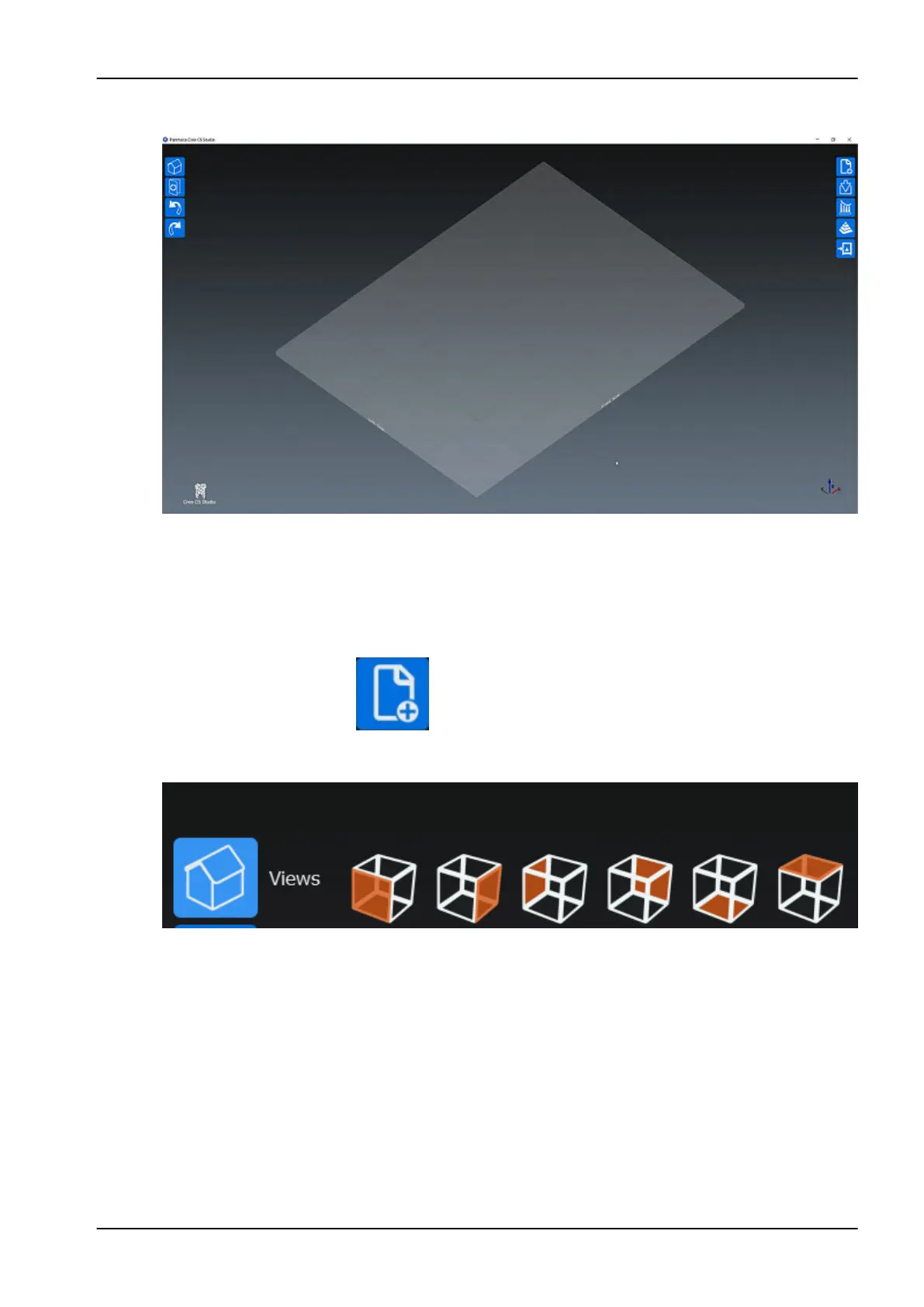
The main window opens.
You can continue to printing, see section "Printing new projects" on page
27.
11.2 Printing new projects
1. Start a new project by tapping this icon on the main screen on the upper
right corner.
By clicking the view buttons you can change the direction from which you
are viewing the platform.
11 Printing
User's manual Planmeca Creo C5 27



 To Next Page