Page 9
Using Your Headset with Your Handset
Tip: When using your handset and headset, the headset must be within
33 feet of the handset, and the handset must be within 300 feet of the
charging base. You can also place calls from the headset or speakerphone
when the handset is in the charging base.
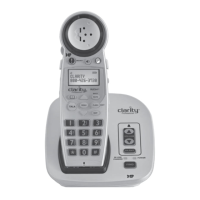
Note: Your headset is paired with the Calisto handset by default, so you can
use them together right away.
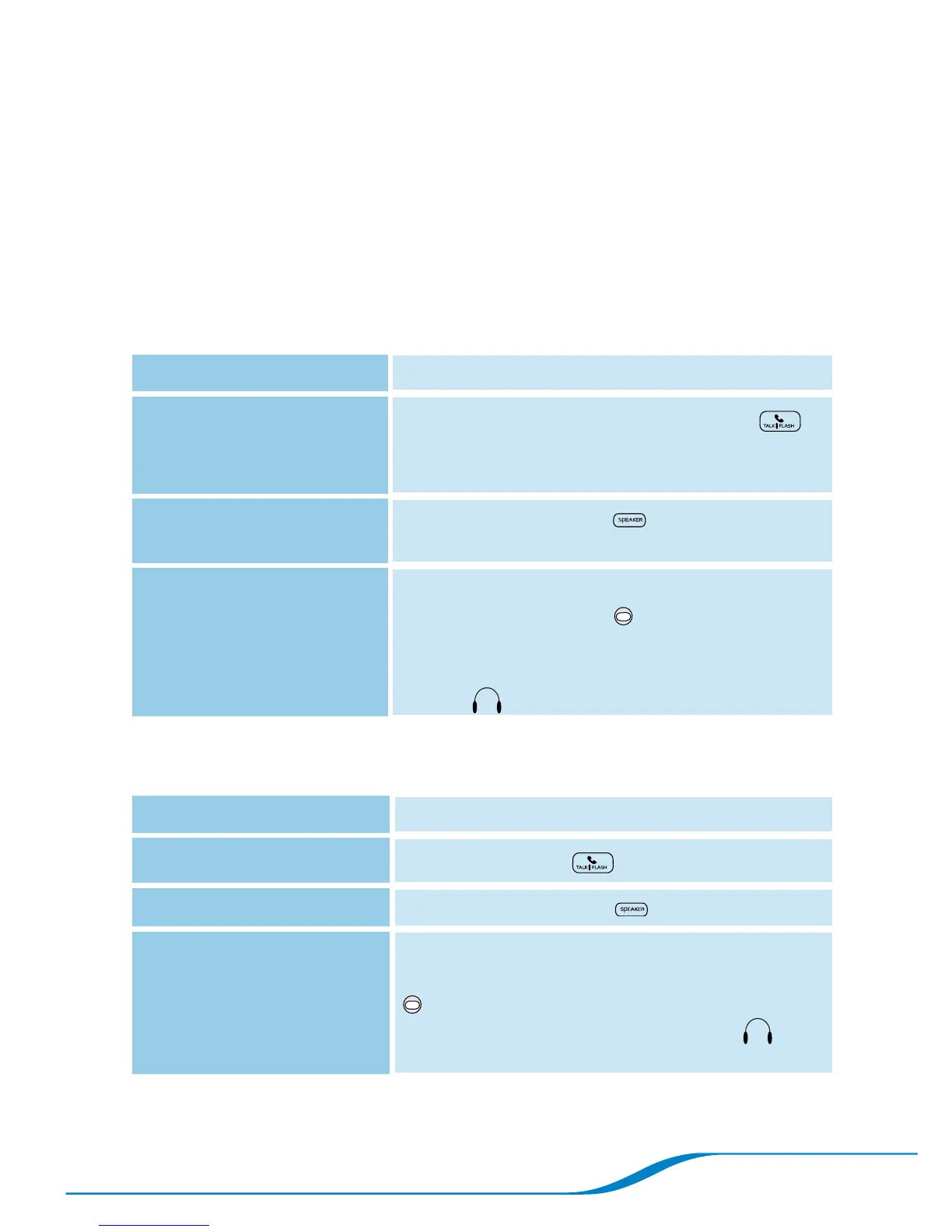
Placing calls
To call using: Do the following:
Handset
Dial the number and press Talk/Flash .
Tip: You can also press Talk/Flash first and
then dial the number.
Speakerphone
Press Speakerphone . When you hear
the dial tone, dial the number.
Headset Dial the number on handset.
Press the Headset button for under
1 second to switch to the headset.*
Tip: When you’re on a call using the headset,
an icon appears on the handset screen.
1.
2.
*There may be a 1-2 second delay between pressing the button and hearing the sound in the headset.
Receiving calls
To answer a call using: Do the following:
Handset
Press Talk/Flash on the handset.
Speakerphone
Press Speakerphone on the handset.
Headset When you’re using the headset, a triple beep
signals an incoming call. Press the Headset
button for under 1 second or until you
hear a single high beep. The headset icon
appears on the screen.
Tip: To answer a second incoming call, see “Receiving a second incoming
call” on page 22.




 To Next Page