Page 40
Using the Handset with the Charging
Base
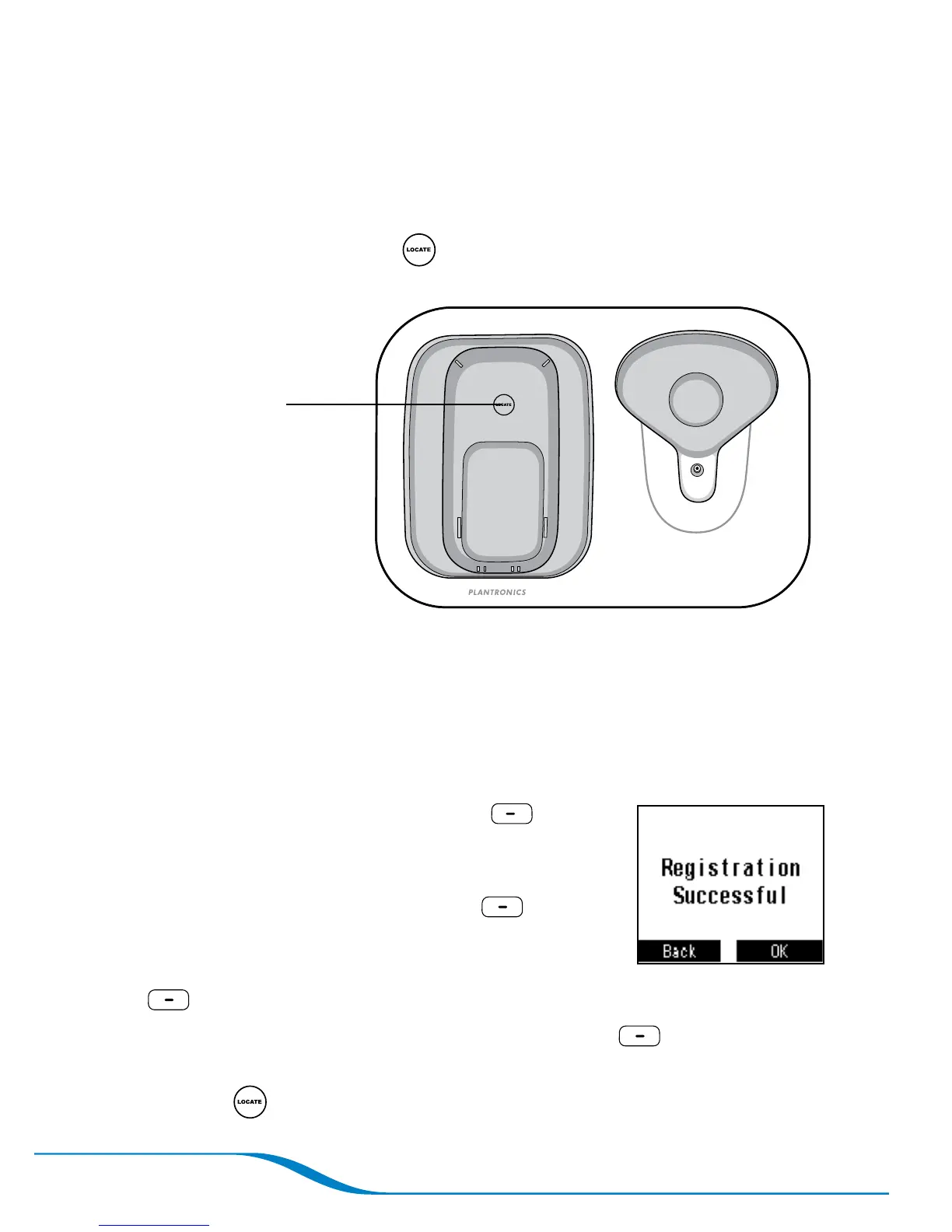
Locating the handset from the charging base
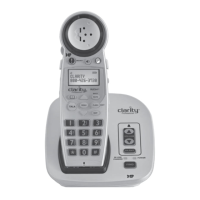
Press the handset locator button on the charging base. The
handset rings. After you have located the handset, press any button
to stop the ringing.
Registering your handset with the charging base
Your handset comes pre-registered with the base. If the handset screen
displays “Searching for base” even when the handset is on the base
and the AC power adapter and phone cord are properly connected,
follow these steps to re-register the handset with the base.
On the main screen, press Menu
(left soft key).
Use the navigator to scroll down and highlight
Initial Setup, and press Select (right
soft key).
Highlight Headset/Base, and press Select
(right soft key).
Highlight Register to Base, and press Select (right soft key).
While the handset is in registration mode, press the handset
locator button on the charging base until the screen shows
registration is successful.
1.
2.
3.
4.
5.
Note: The handset will
not ring if it is out of
range or if the battery
has run out of charge.
Press here








 To Next Page