Page 20
Calling Features: Basics
Caller ID
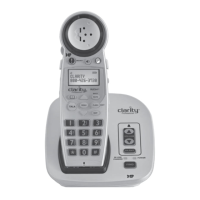
If your home phone calling plan includes the caller ID feature, this
feature is supported on your Calisto handset. Incoming caller
numbers appear on the handset screen.
Speakerphone
Press Speakerphone once to answer a call with the built-in
speakerphone, or to transfer a call from the handset or headset to the
speakerphone.
Last number redial
Handset Headset
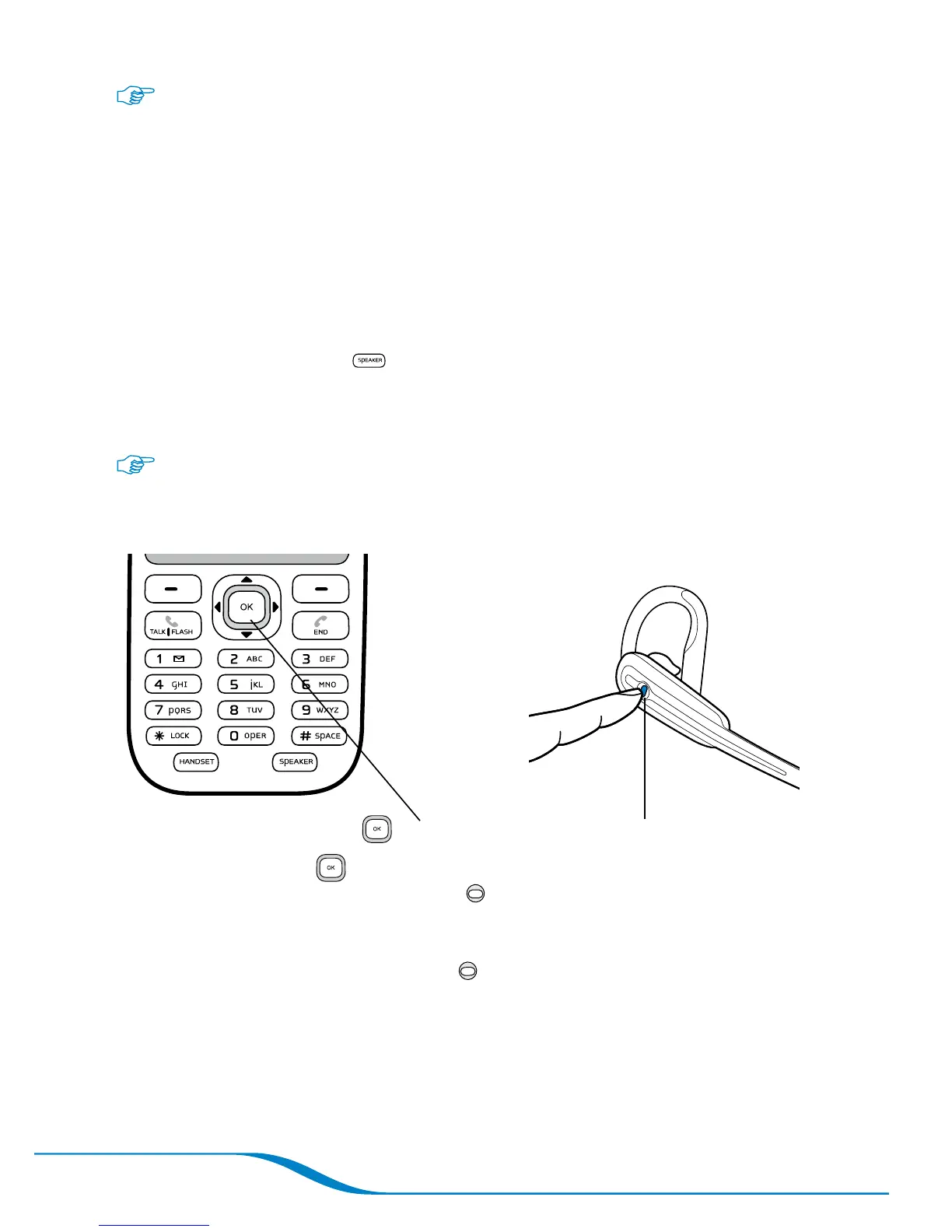
Press OK twice.
Press twice, with each press under 1 second.
Tip: Pressing the OK button twice on the handset redials the last landline
number dialed. Pressing the Headset button twice also dials the last
landline number dialed, unless the handset is out of range of the headset.
When the handset is out of range and the headset is connected to your
mobile phone, pressing the Headset button twice redials the last number
called on your mobile phone.




 To Next Page