1*++.1()+2"&*-/"9-%$'3*1B",">)/.$.''"1*+(/*$$./"
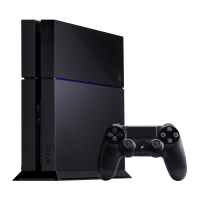
Out of the box, the PlayStation 4 will not recognize inputs from the DUALSHOCK 4 wireless
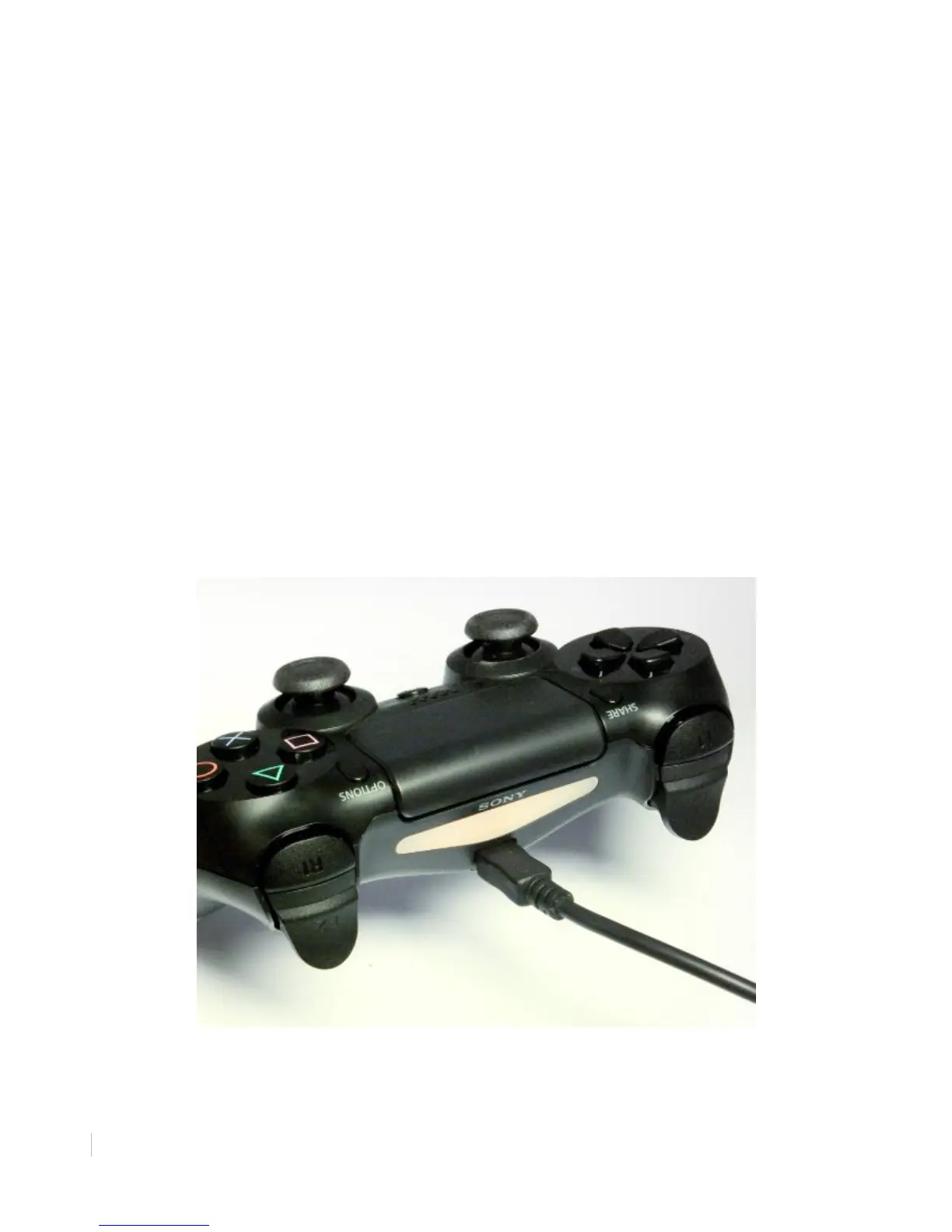
controller. The DUALSHOCK 4 wireless controller must first be connected via USB cable to pair
the device with the PlayStation 4 system.
(*"1*++.1("&*-/"9',"
1. Insert the USB end of the micro-USB charging cable into one of the USB ports found on
the front of the PlayStation 4, to the right of the disc slot.
2. Insert the other end of the micro-USB charging cable into the USB Port found on the top of
the DUALSHOCK 4 wireless controller.
Your PlayStation 4 now recognizes your DS4 as a paired device. Your PS4 is now ready to be
powered on.
• It is recommended you leave the controller plugged in until fully charged.
"
Figure 6: Connecting the DUALSHOCK 4 Wireless Controller via micro-USB


 To Next Page