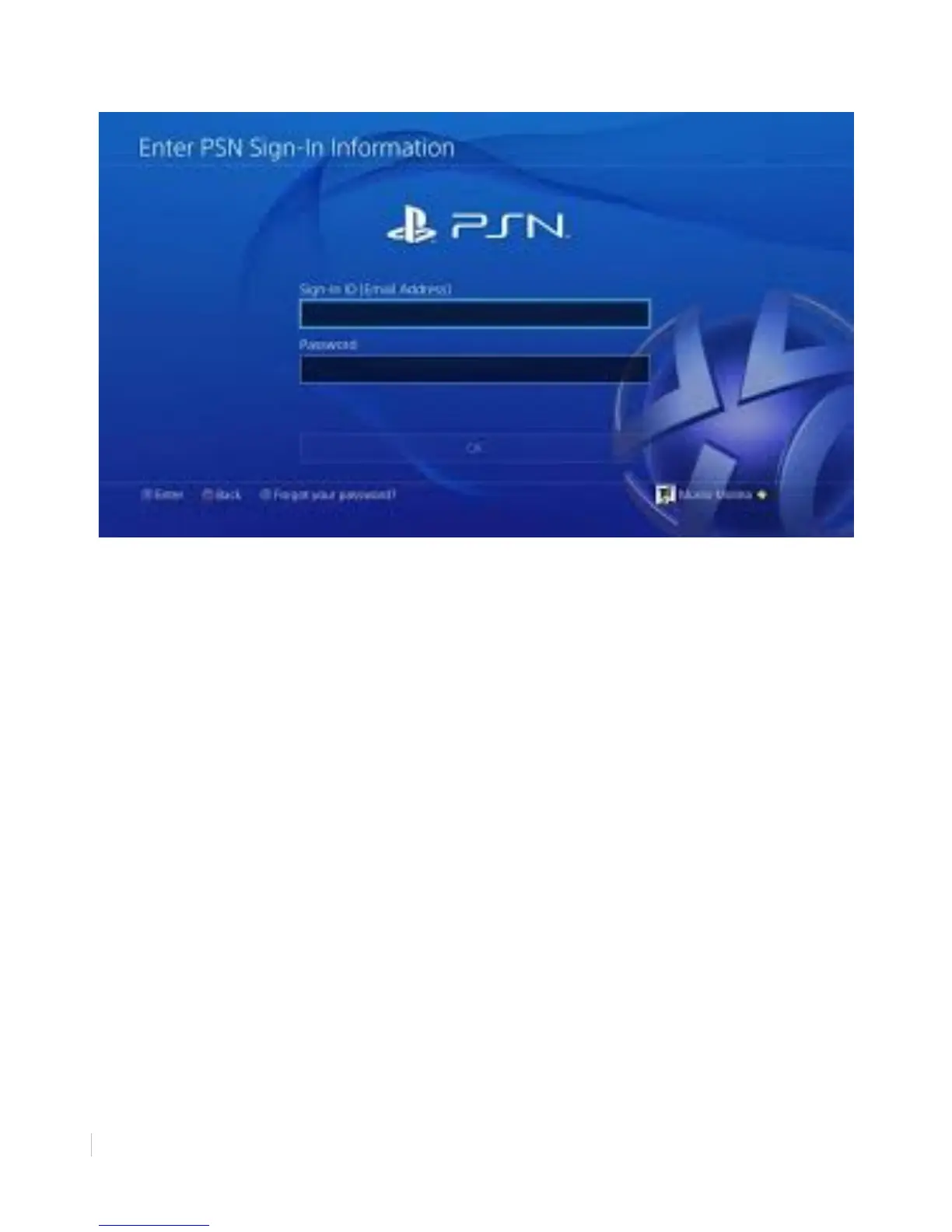
Figure 13: Signing into PlayStation Network with an existing account
-')+2"%+".C)'()+2"%11*-+("
Previous PlayStation users, such as those with a PlayStation 3, may already have a PSN account.
Using an existing account is as easy as entering your old email address and password. The PSN
account will retain your previous username.
(*"-'."%+".C)'()+2"%11*-+("
1. Select [Sign-In ID (Email Address)] and press X to continue.
2. Using the onscreen keyboard, enter your Email address.
3. Select [Password] and press X to continue.
4. Using the onscreen keyboard, enter your password.
5. Select [Sign In] and press X to continue.
PlayStation Network sign in is complete. You now have access to PlayStation Network’s
features.
"



 To Next Page