13%#(./"A<"'&'(.0"'*5(>%/."-#9%( .'"
To access PlayStation 4’s network features, including PlayStation Network, a system software
update will be required. Users must connect to the Internet in order to download the update.
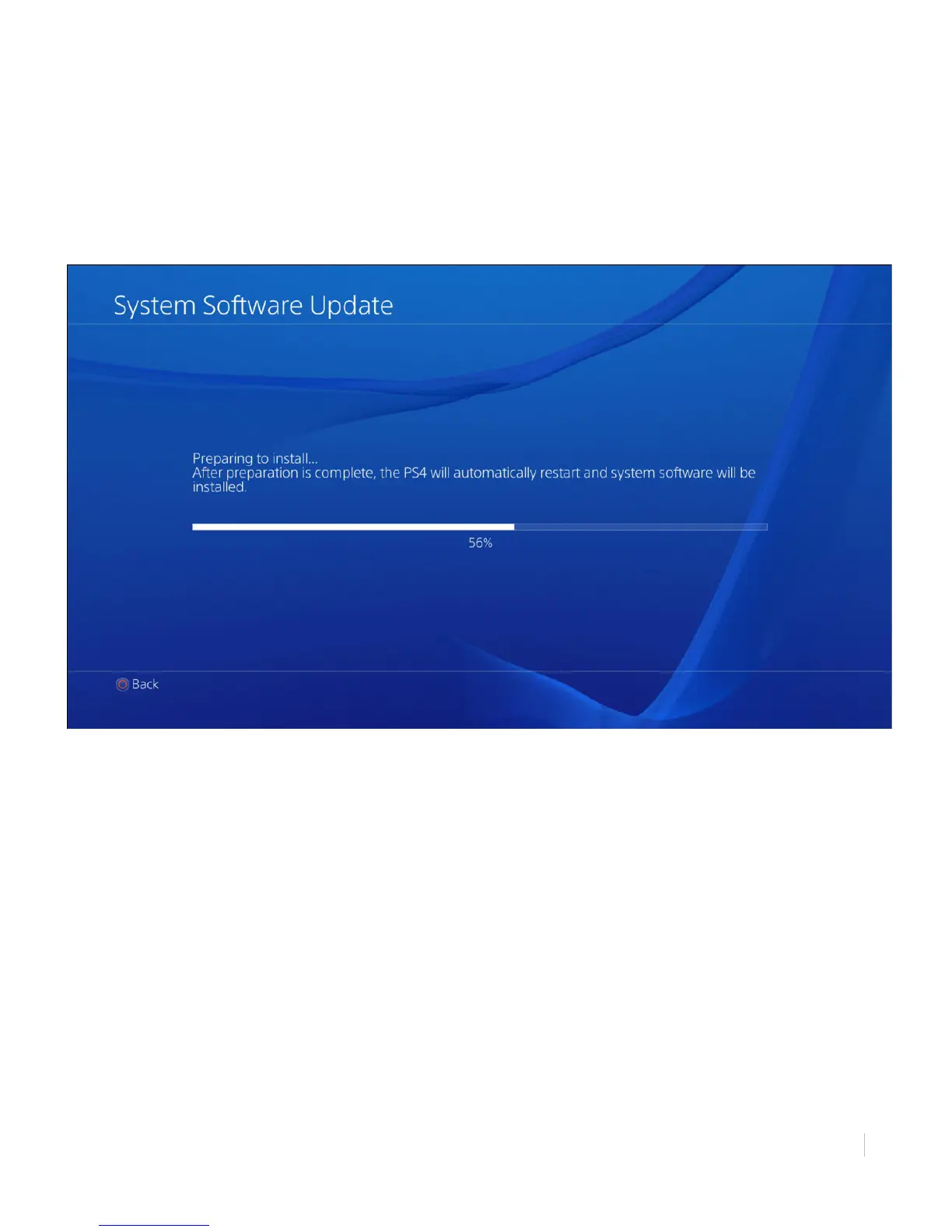
Figure 11: Preparing to Install System Software Update
(*"9*>+$*%9"(3."'&'(.0"'*5(>%/."-#9%(."
1. To begin downloading the update, select [Update Now] and press X to continue.
2. PlayStation 4 will inform you of the new software version to update. Select [Next] and press
X to continue.
3. Select [Update] and press X to continue.
4. Wait for the update file to download. As the empty download bar fills, it will become white.
The percentage below the bar will increase from 0% to 100% completion.
5. On the System Software License Agreement page, select [Agree] and press X to continue.
Your PS4 will inform you the new update is ready to install. The PS4 is now ready to prepare for
installation.



 To Next Page