Section 1: Getting Started
PX-760 Installation and Users Manual 3
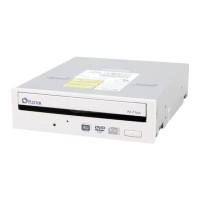
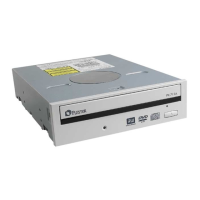
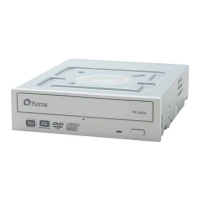
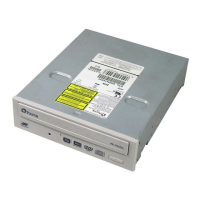
Features of the PX-760
• Choice of interfaces:
ATAPI interface: The PX-760A easily installs in virtually any
PC with an E-IDE ATAPI interface.
Serial ATA interface: The PX-760SA takes advantage of the
benefits of the Serial Advanced Technology Attachment
interface, with its smaller, more flexible cables and faster
interface speed.
• High speed transfers:
The PX-760A supports data transfers via Ultra DMA66, DMA
Mode 2, and PIO Mode 4.
The PX-760SA supports next-generation high speed transfers via
the Serial ATA 1.0 interface.
• AUTOSTRATEGY: Writing technology for unknown media. When a
writable disc isn’t listed in the drive’s internal media catalog,
AUTOSTRATEGY automatically checks the disc and develops a
write strategy for it.
• PoweRec for CD-R, DVD+R, DVD-R, DVD+R DL, and
DVD-R DL media: Plextor Optimized Writing Error Reduction
Control (PoweRec) adjusts laser power and writing speed so they’re
at the optimum settings for that particular disc.
• Replaceable front panel: For mounting in any PC, you can change
the front-panel bezel and tray door from beige to black in a few
moments.
• VariRec: Lets you change the write strategy to record at highest
quality on different types of discs. Also provides user adjustment of
the recording power above or below a default level. This adjustment
lets you customize the optimum laser power to your own needs.
• Silent Mode: Unique technology that sets the drive for super-silent
operation. By controlling access speed, read/write speed, and tray
opening and closing speed, you reduce drive noise to a whisper.


 To Next Page