Section 2. Installing the PX-760A Internal ATAPI Drive
PX-760 Installation and Users Manual 33
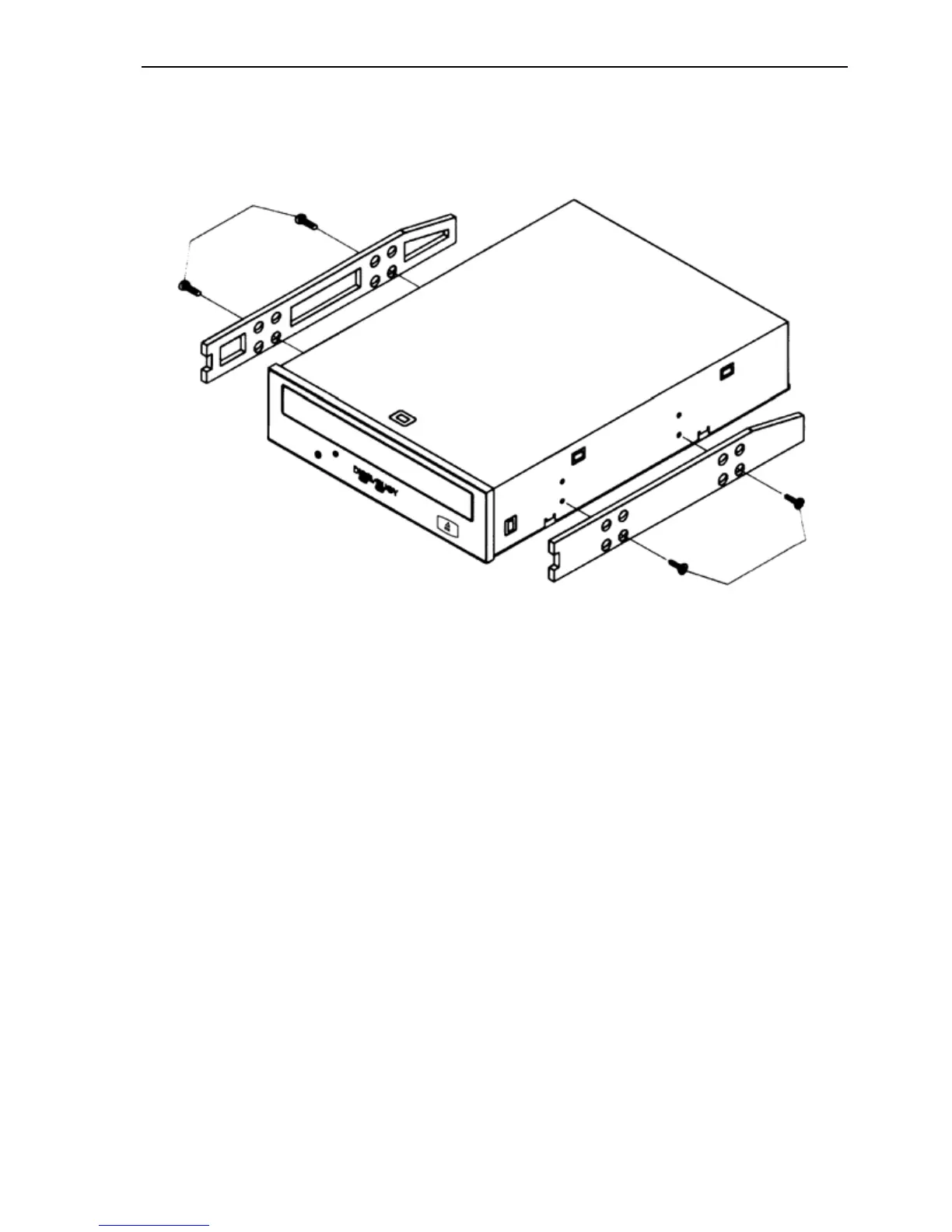
CAUTION: Be sure not to mistake the inner and outer face of the rail
when attaching. Typically, the smooth side of the rail faces away from
the drive’s chassis.
Figure 15: Installing mounting rails (if needed)
6. Plug one connector of the 80-conductor IDE/ATA cable into the IDE
connector on the rear panel of the drive before you insert the drive
into your computer. Then thread the cable through the front of the
open bay and back toward the motherboard. The drive should slide
smoothly into the bay. If it does not, check for obstructions in the
bay and ensure the side rails are attached properly.
7. If not already connected, attach the other end of the IDE ribbon cable
to the connector on the motherboard.



 To Next Page