Section 5. Maintenance and Troubleshooting
PX-760 Installation and Users Manual 59
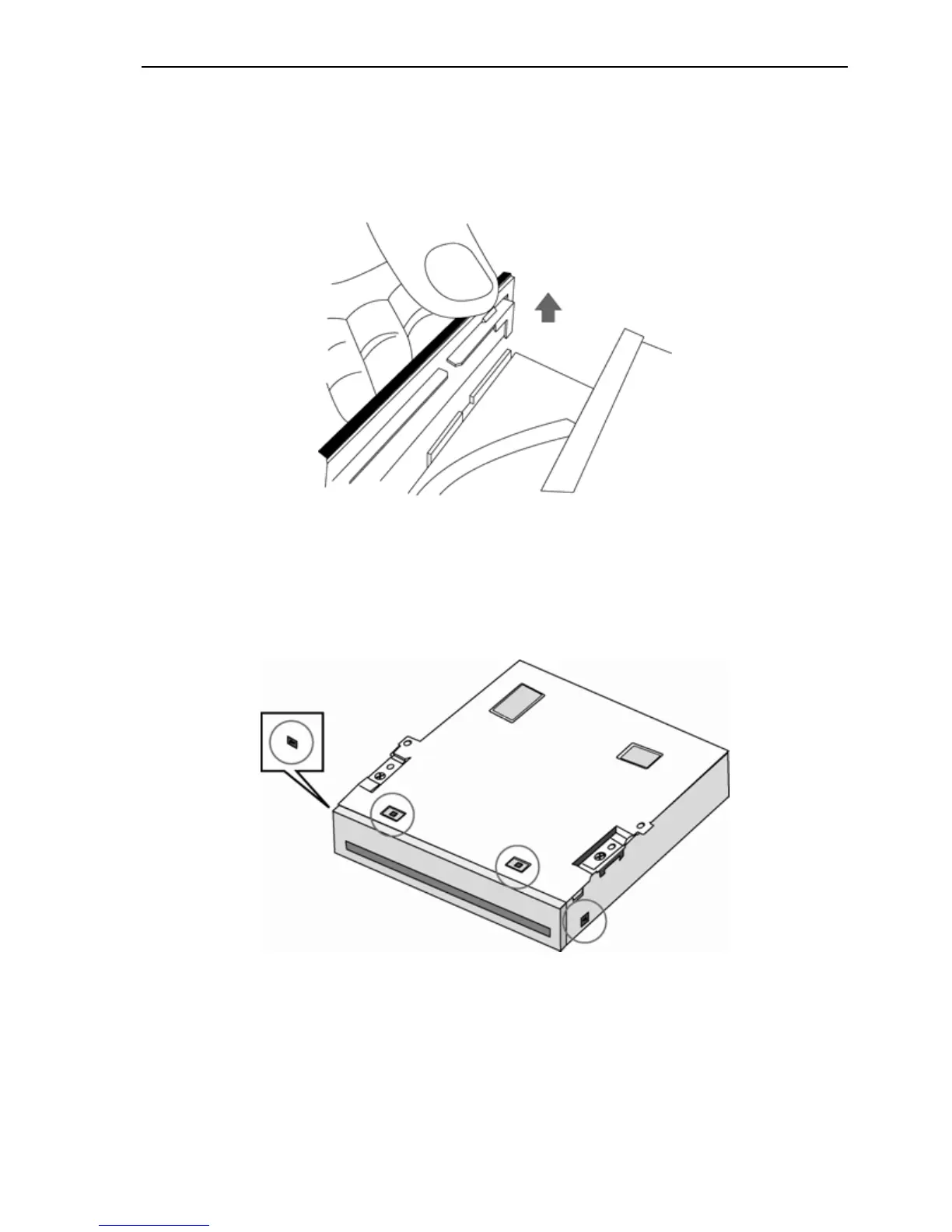
5. Hold the disc tray securely and gently push the tray face plate
slightly to release it from the hooks. Pry a hook away from the tray
and press down. When both hooks are released, remove the mask by
pressing it off the disc tray.
Figure 31: Unhook the tray mask and push to release it
6. Locate the four bezel hooks. Two are on the bottom of the drive, and
one is on each side.
Figure 32: Locate the four bezel hooks



 To Next Page