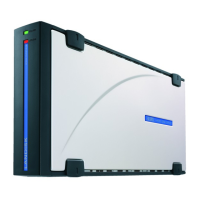
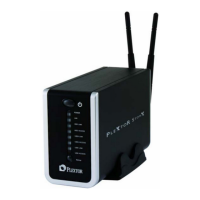
Connecting Plextor StorX to a Static IP Address Router, Hub/Switch
Plextor StorX has a default IP address of 192.168.16.1.In order to change this IP
address to one within the range of your static IP address router, hub/switch, you
must first connect the Plextor StorX to a PC via LAN connection
(please disable any wireless connection on your PC before you attach Plextor StorX.
Once finished setting up the static IP address you can re-enable the wireless
connection).
1: Connect Plextor StorX directly to your PC via LAN cable
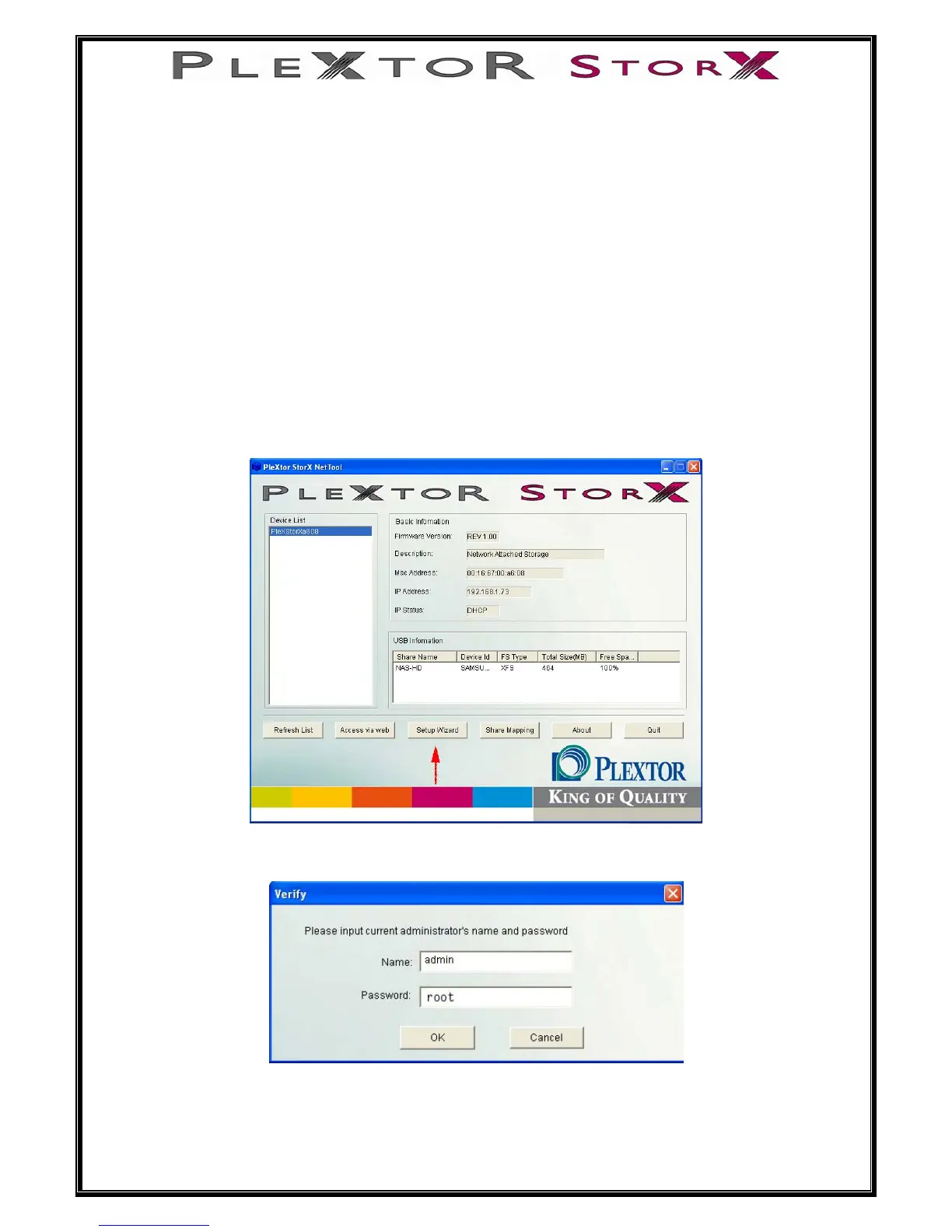
2: Open Plextor StorX NET-Tool on PC
3: Select device (PlexStorXxxxx)
4: Select Setup Wizard
5: Enter default user name (admin) and password (root)
10 of 46
6: Click, OK


 To Next Page