Quick Installation and set up and guide
By following this simple Quick Setup Guide, you will soon be enjoying your new high
speed NAS.
This section shows you how to setup connections and format the hard drive of your
Plextor StorX.
To set-up users, folders and groups please read the User Manual section.
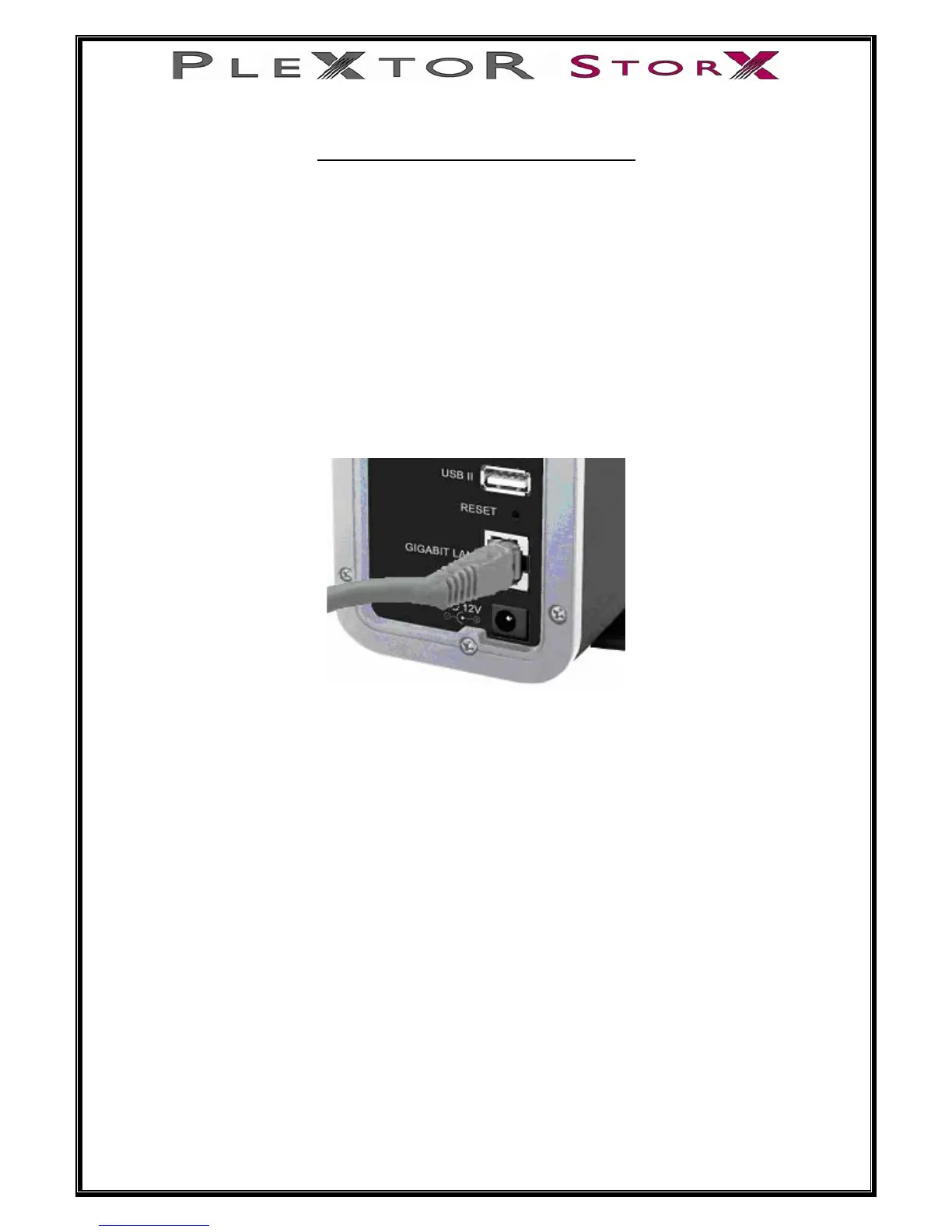
1. Connect one end of the RJ-45 cable (supplied) to the LAN port on your Plextor
StorX
7 of 46


 To Next Page