Section 3: System
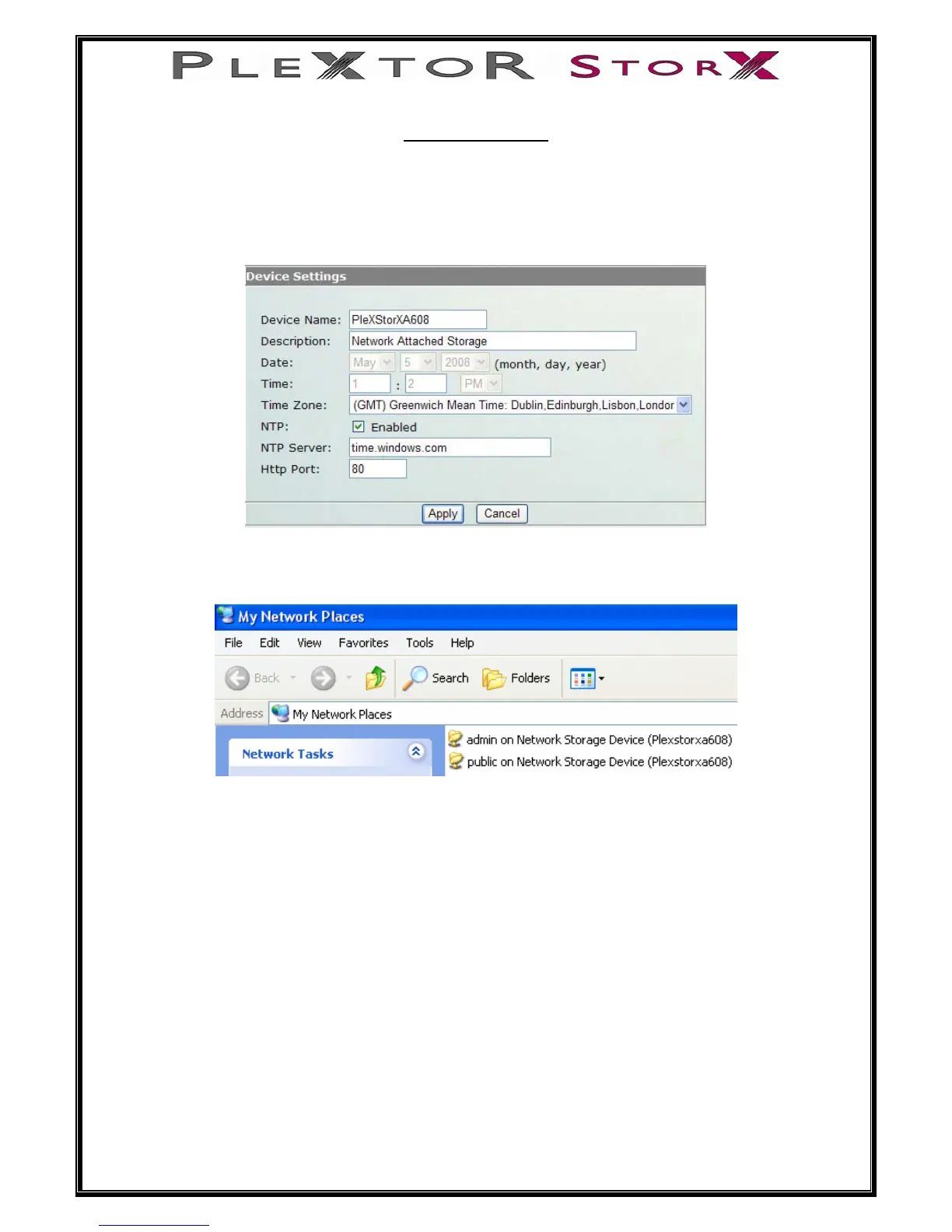
Some basic device settings of your Plextor StorX can be changed here. Including
“Device Name”, “Description”, “Date”, “Time Zone”. Additionally, the “NTP server”
can be enabling or disabled.
When you first open System under Administrator, you will see this window.
Notice the device name is PlexStorX and Description is Network Attached Storage.
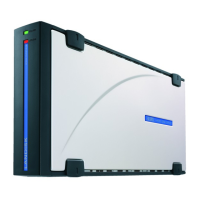
If you go to My Network Places you will see
NOTE: Make sure your firewall program is set to allow the discovery and
sharing of your Plextor StorX
18 of 46


 To Next Page