Method 2
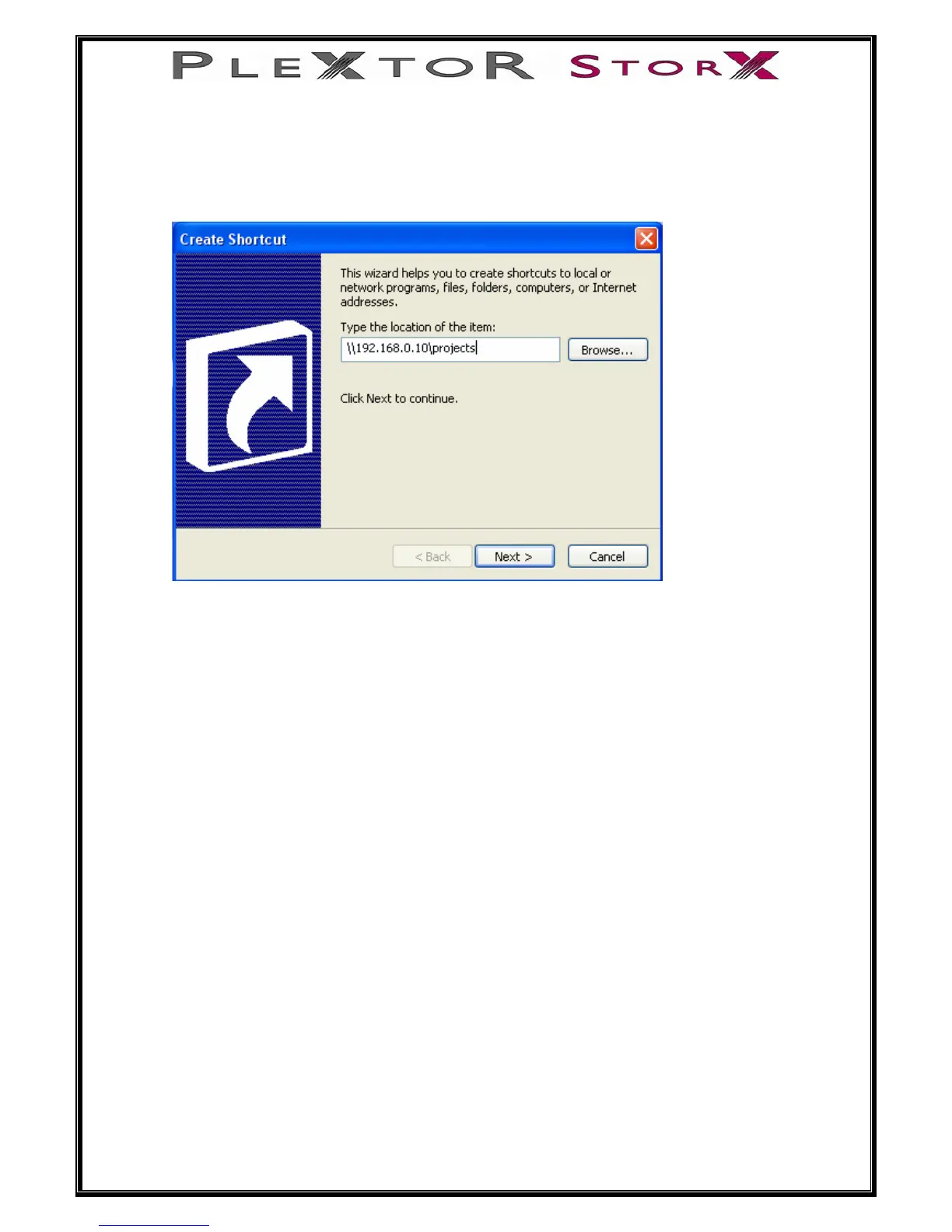
Right click on your desktop and select new, then shortcut. This will bring up this
window.
Enter the IP address of your NAS and specify the folder you wish to connect to (e.g.
projects). Please note you must have permission to access the folder, which can be
setup via the NAS GUI.
41 of 46
Click next, and type a name for the shortcut, then click finish. This will create a
desktop shortcut to the projects folder.


 To Next Page